Manual for SQ-Am

Manual for SQ-Am

Brand: Zenza

Category: Cameras

Document Type:

Language: EN
Uploaded: Aug. 9, 2025, 11:44 p.m.

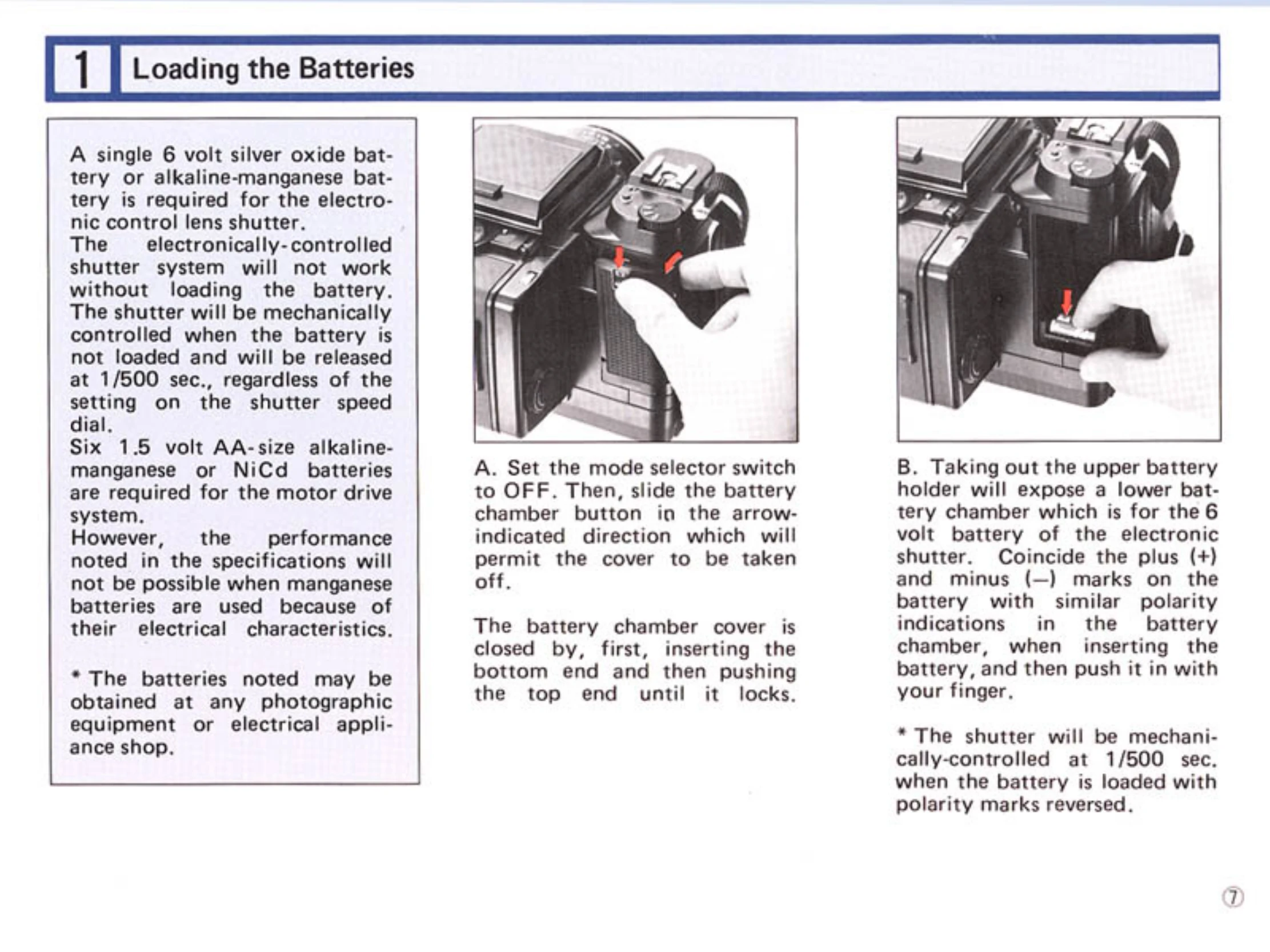
Loading Batteries: Install a 6-volt silver oxide or alkaline-manganese battery for the electronic shutter and six AA batteries for the motor drive system. Ensure correct polarity.
Battery Checking: Set the mode selector to 'Sm' or 'Cm' and press the battery check button. A red LED indicates sufficient power for the electronic shutter. Check motor drive by pressing the drive button.
Exchanging Lenses: Ensure both the camera body and lens are in the 'cocked' condition. Align the orange dot on the body with the red dot on the lens, insert, and rotate counter-clockwise until it clicks to attach. Press the lens release button and rotate clockwise to detach.
Film Loading: Open the back cover by squeezing release buttons. Remove the film holder. Insert the film spool, aligning the starting mark with the triangular mark. Close the back cover and advance the film to the first frame using the drive button.
Setting Shutter Speed: View the shutter speed scale in the window of the shutter speed dial. Numbers indicate shutter speeds from 8 seconds to 1/500 second. Orange numbers are for 1 second and longer, white for 1/2 to 1/500 second.

Troubleshooting and error codes

Problem Possible Cause Remedy
Shutter not released Dark slide inserted Withdraw dark slide
Lens not attached properly Re-attach lens correctly
Lens release button depressed Release lens release button
Film not advanced Advance film
Insufficient battery power for motor drive Replace batteries
Shutter release warning LED lights up Dark slide inserted Withdraw dark slide
Lens not attached properly Re-attach lens correctly
Film not advanced Advance film
Insufficient battery power for motor drive Replace batteries
Motor stops during film winding Abnormal overload Set mode selector to OFF, check and rectify cause of overload, then set to Sm or Cm
Privacy Policy