Brand: Zenza
Category: Cameras
Document Type:
Language: EN
Brand: Zenza
Category: Cameras
Document Type:
Language: EN
Uploaded: Aug. 9, 2025, 11:44 p.m.
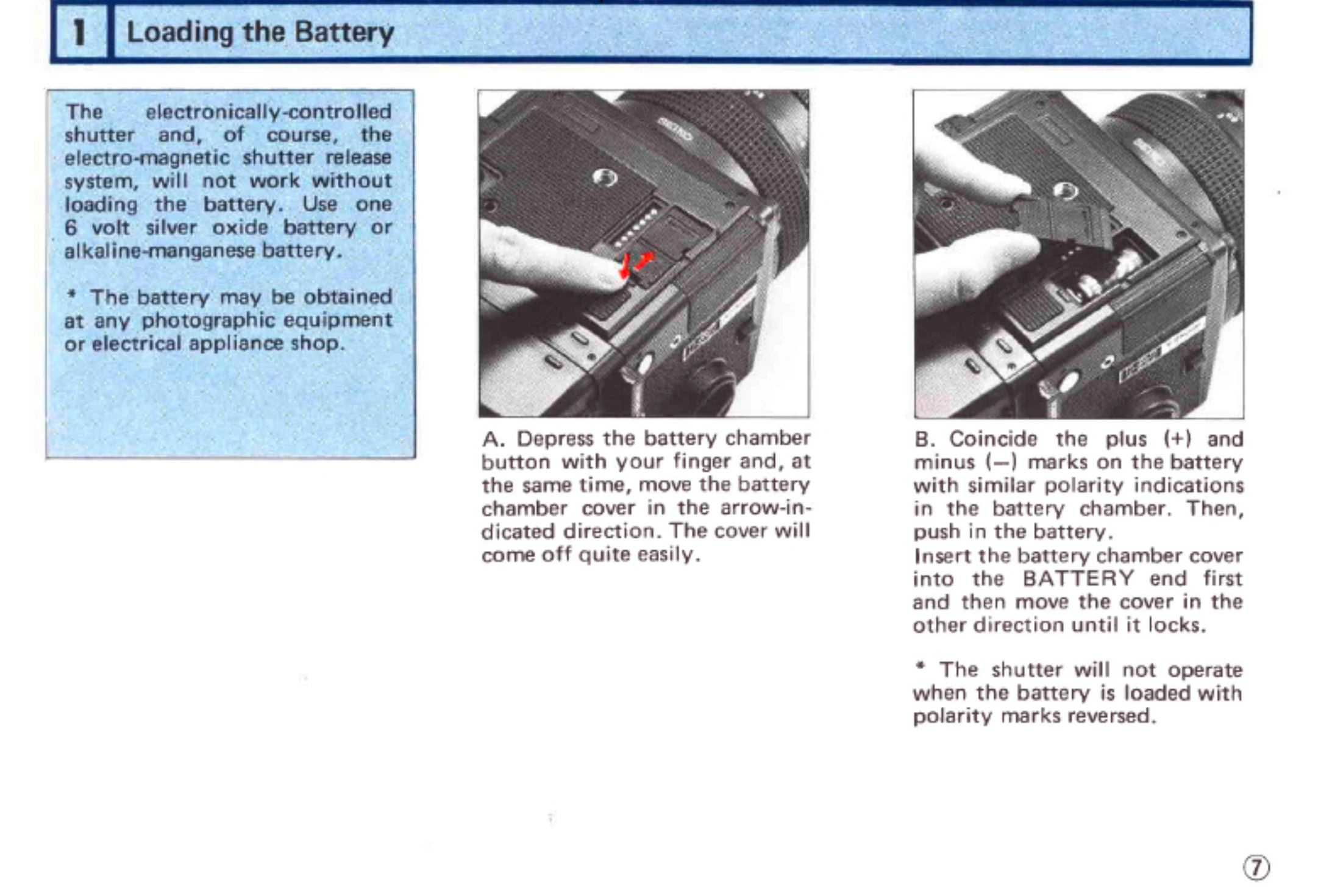
Loading the Battery: Depress the battery chamber button and slide the cover open. Coincide the battery's polarity with the chamber's and insert. Close the cover securely.
Main Switch: Located on the upper left of the body. Push down to turn ON. No power consumption when OFF.
Finder Display & Battery Check: Turn the main switch ON. Half-press the shutter release. A steady or flickering LED display indicates sufficient battery power.
Attaching/Removing Film Backs: Insert latches at the top of the film back into the main body's openings and press the bottom until it locks. To remove, depress the film back release button and lift the back.
Film Loading: Open the back cover by squeezing release buttons. Take out the film holder. Load fresh film, ensuring the black surface of the leader faces out. Draw out the film and secure it to the take-up spool. Advance film using the crank until the first frame is ready.
Setting Film Speed & Exposure Compensation: Use the dials on the film back when using finders with built-in meters. Adjust for film sensitivity and exposure compensation as needed.
Shutter Operation: Half-press the shutter release to illuminate the display. Fully press to take the picture. Avoid rotating the film winding crank before the shutter closes, especially at slow speeds.