Manual for TDS 382 W

Manual for TDS 382 W

Brand: ZANUSSI

Category: Tumble Dryer

Document Type: Manual

Language: EN
Uploaded: Nov. 21, 2025, 7:10 p.m.

Warranty Information

Zanussi undertakes to repair or replace any defective part free of charge within 12 months of purchase.

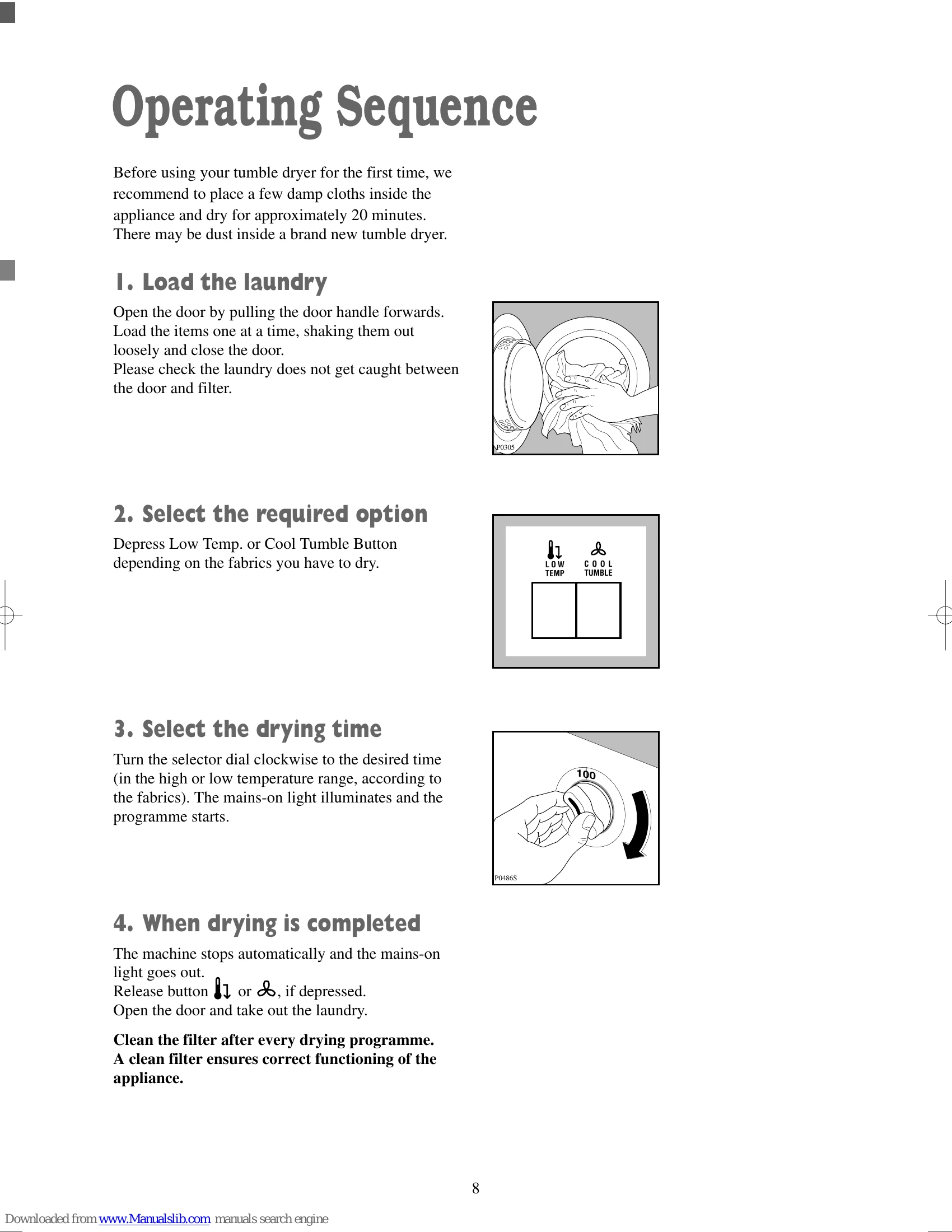
Operating Sequence

  1. Load the laundry: Open the door, load items one at a time, shake them out loosely, and close the door, ensuring no laundry is caught between the door and filter.
  2. Select the required option: Depress the 'Low Temp.' or 'Cool Tumble' button as needed for the fabric type.
  3. Select the drying time: Turn the selector dial clockwise to the desired time. The mains-on light will illuminate, and the programme will start.
  4. When drying is completed: The machine stops automatically, the mains-on light goes out. Release any depressed buttons, open the door, and remove the laundry. Clean the filter after every drying programme.

Troubleshooting and error codes

Symptom Possible causes
The tumble dryer does not start
  • The door has not been closed.
  • The plug is not properly inserted in the power socket.
  • There is no current at the socket.
  • The main fuse or the fuse in the plug has blown.
  • A drying time has not been selected.
Drying takes too long or laundry is not dry enough.
  • The laundry has not been spun properly.
  • The filter is clogged up.
  • The room temperature is too high.
  • The selected time or cycle was not suitable for the laundry.
  • There is too much laundry inside the appliance.
  • The dryer is not correctly installed.
  • The Low Temperature or Cool Tumble Button has been depressed.
Privacy Policy