Brand: TOSHIBA
Category: Telephone
Document Type: Manual
Language: EN
Brand: TOSHIBA
Category: Telephone
Document Type: Manual
Language: EN
Uploaded: Nov. 21, 2025, 6:45 p.m.
Manual Publish Date: 2006-07-01
The limited warranty covers 24 months for defects in material and workmanship.
This section covers operating controls and features of the cordless digital telephones. It details how to use the handset controls, including volume adjustment, mute functions, and vibrate mode. Information is provided on making and answering calls (internal and external), placing calls on hold, transferring calls, redialing numbers, retrieving messages, and setting up conference calls. Specific procedures for using the Strata CTX system for conference calls are also outlined.
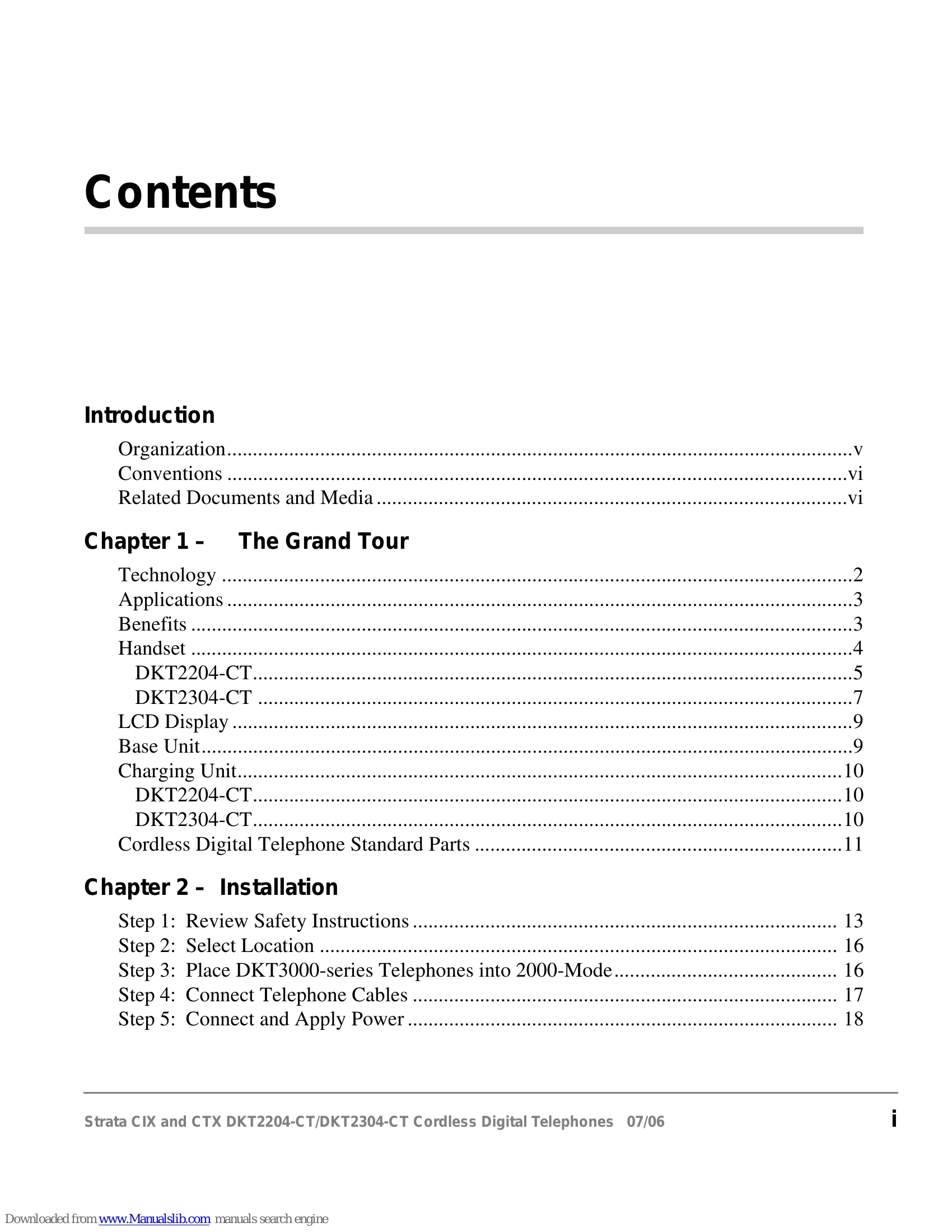
This section provides step-by-step instructions for installing the cordless digital telephones. It includes reviewing safety instructions, selecting a location, preparing the telephones for 2000-Mode, connecting telephone cables, and applying power. It also covers optional wall installation for the base and charging units, raising the base unit antenna, installing the handset battery pack, charging batteries for the first time, and attaching optional accessories like a headset and belt clip.
| Condition | Suggestion |
|---|---|
| CHARGE LED does not light when handset is placed on charging unit. |
|
| Conversation is interrupted frequently. |
|
| Warning tone and NO SERVICE message. |
|
| Handset doesn't ring. |
|