Brand: SONY
Category: Other
Document Type: Manual
Language: EN
Brand: SONY
Category: Other
Document Type: Manual
Language: EN
Uploaded: Nov. 21, 2025, 7:57 p.m.
Manual Publish Date: 2000-01-01
SONY warrants the AIBO Wireless LAN card against defects for one year from the date of purchase.
This manual provides instructions for installing and configuring the SONY AIBO Wireless LAN card (ERA-201D1) for the AIBO ERS-210 robot.
Key Operations:
| Symptom | Cause/Remedy |
|---|---|
| The PC cannot communicate with AIBO. | The wireless LAN card is not inserted into AIBO correctly. → Check that the wireless LAN card is inserted correctly (page 8). The network settings are incorrect. → Make network settings again (page 13). |
| Data transmission is slow. | There is radio interference from another access point or a wireless LAN device. → Change the wireless channel setting. There are too many clients logging through the access point. → Try accessing later. |
| You have forgotten the WEP key. | There is no way to find out the current WEP key. → Make the network settings again (page 13). |
| No communication occurs even when the access point (or the personal computer with the wireless LAN card) is located within 50 meters (165 feet) of AIBO. | The effective communication distance depends on the location and the surrounding conditions. → Move AIBO and the personal computer closer to the access point (page 6). |
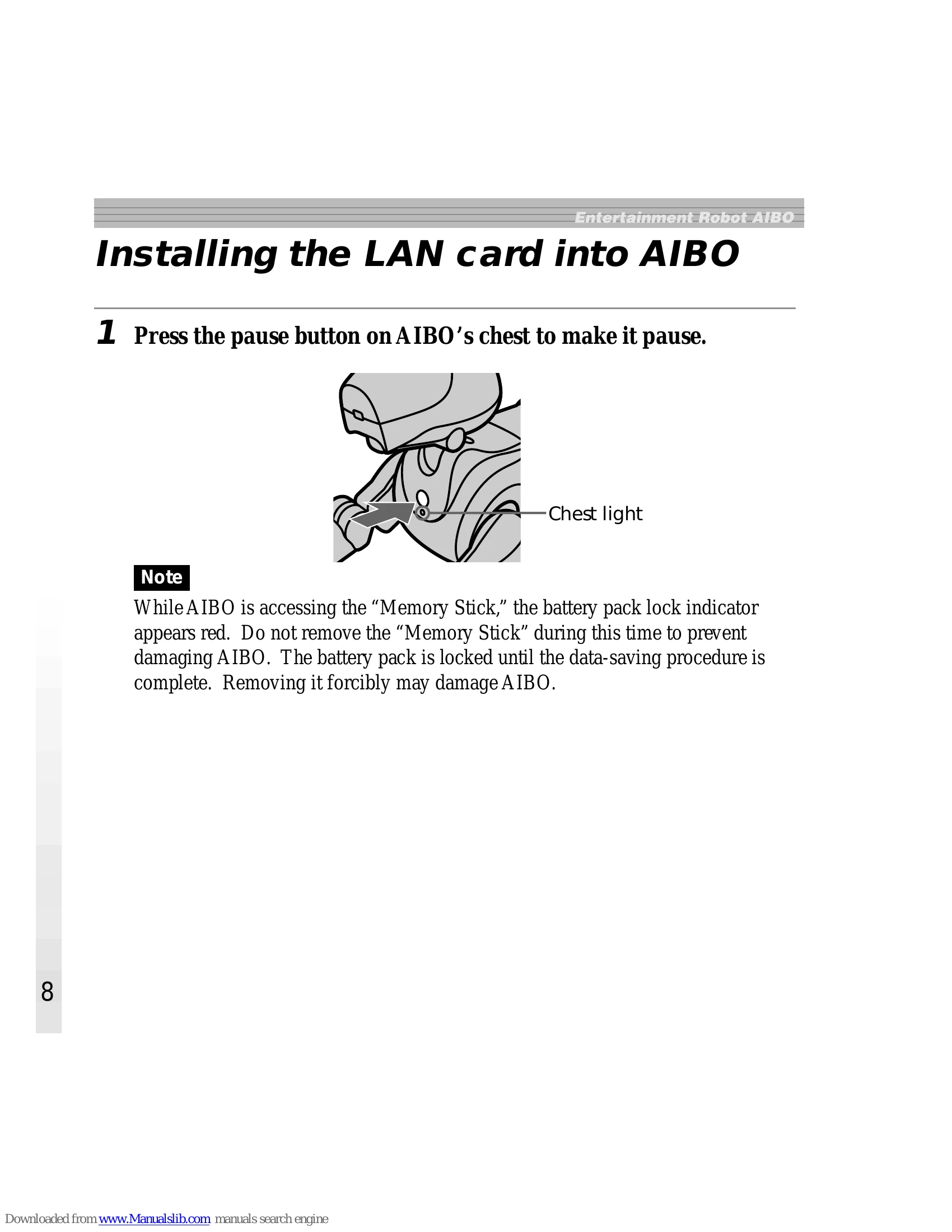
| AIBO does not turn on after you insert the wireless LAN card. | The wireless LAN card is not inserted into AIBO correctly. → Check that the LAN card is inserted correctly (page 8). |
| AIBO does not operate. | The wireless LAN card is not inserted into AIBO correctly. → Change the wireless channel setting (page 21). AIBO's internal battery pack is drained. → The inserted LAN card consumes certain amount of the power of AIBO's internal battery pack. Charge the battery pack. |