Getting Started
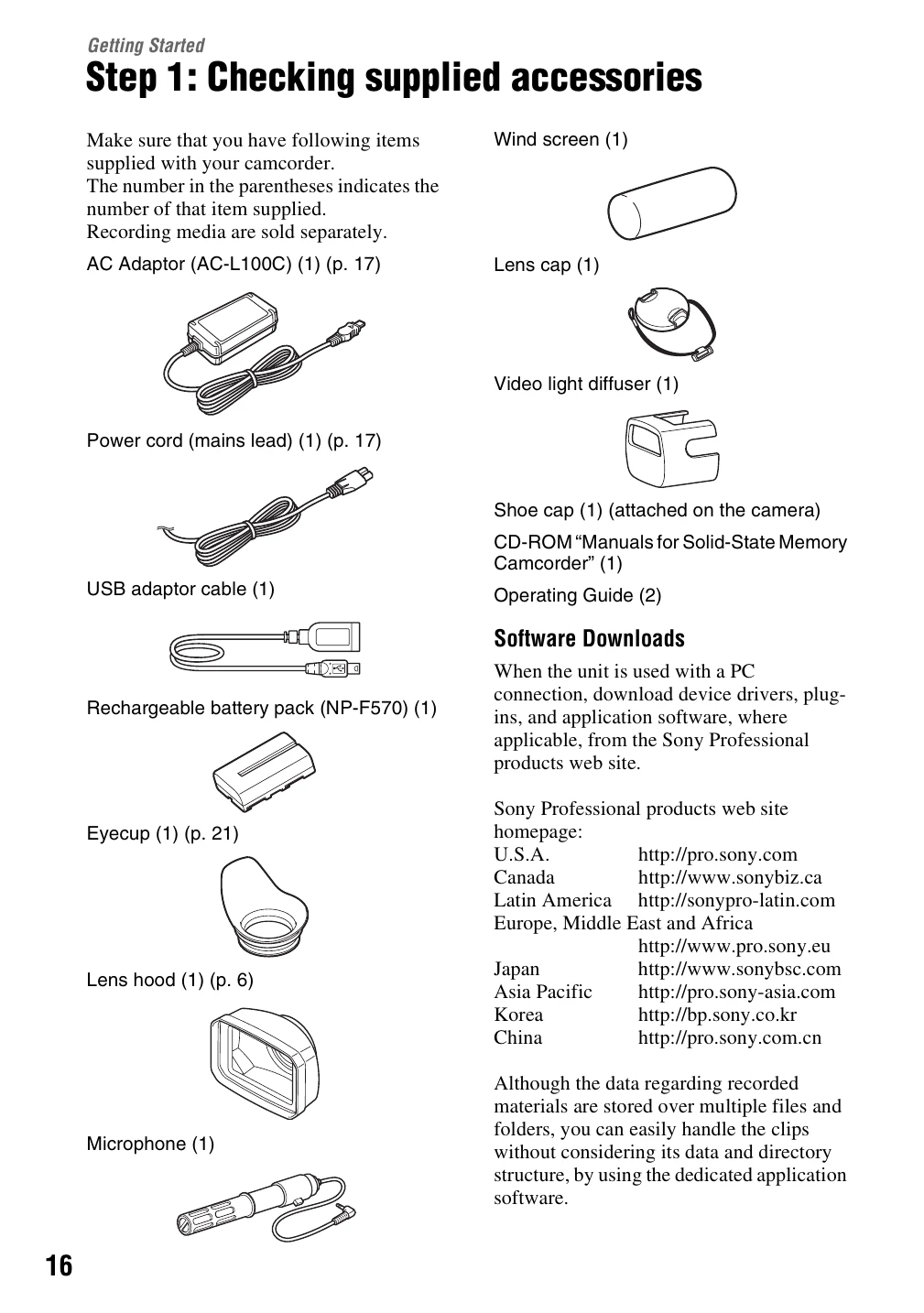
1. Check Supplied Accessories: Verify all items listed are present. Recording media is sold separately.
2. Charge Battery Pack: Connect the supplied AC Adaptor and power cord to charge the "InfoLITHIUM" battery pack. The CHG lamp indicates charging status.
3. Turn On & Set Date/Time: Slide the ON/STANDBY switch to ON. For first-time use, set the date, time, and area. If the camcorder is unused for 3 months, settings may clear.
4. Adjust Screen & Viewfinder: Rotate the LCD screen for better viewing angles. Adjust the viewfinder for sharpness. Use the eyecup in bright conditions.
5. Prepare Recording Media: Open the memory card slot cover and insert the memory card with the notched edge facing the correct direction until it clicks. Ensure the card is inserted correctly to avoid damage. To eject, push the card lightly.