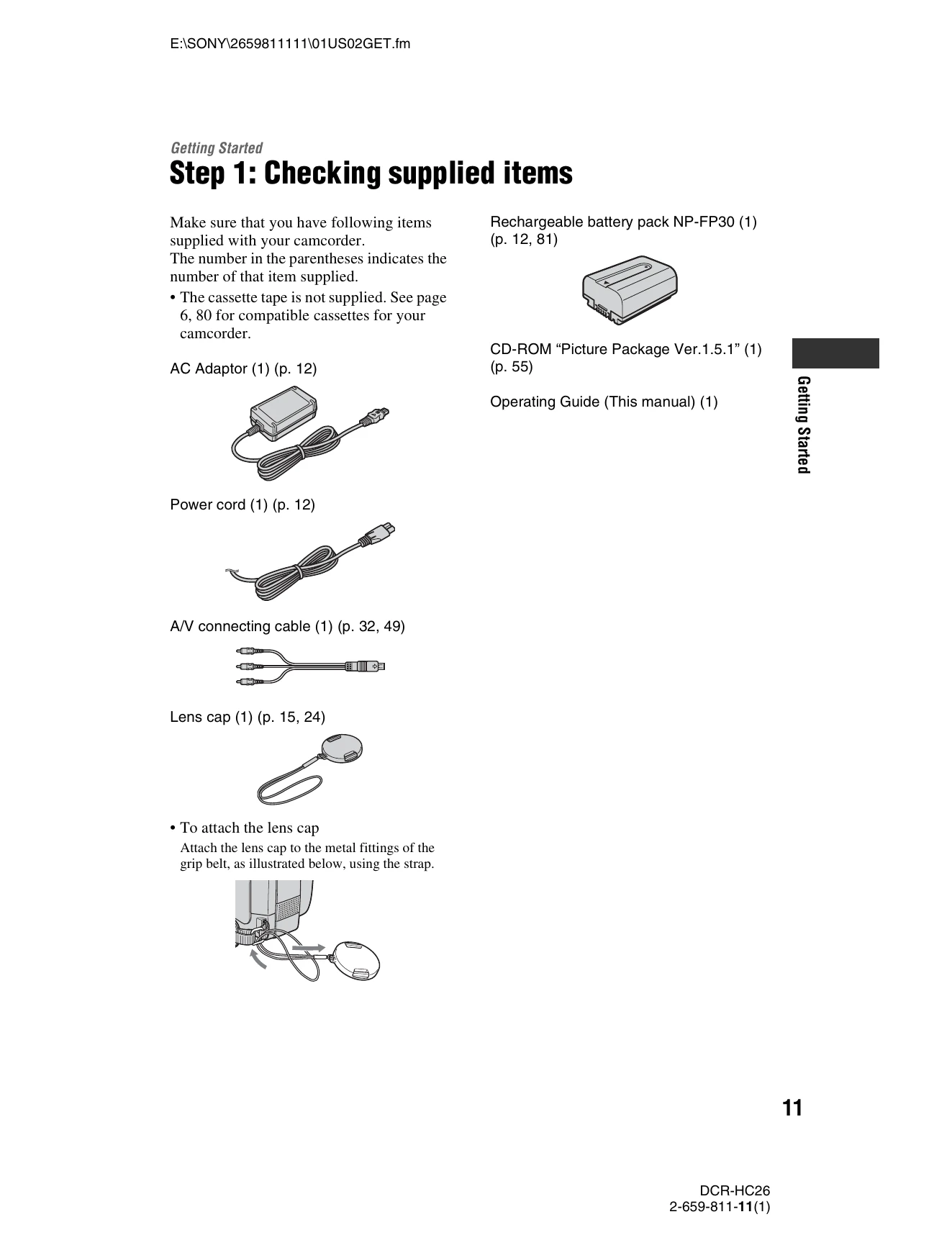
Getting Started: Ensure all supplied items are present, charge the battery pack, power on the camcorder, adjust the LCD panel and viewfinder, use the touch panel, set the date and time, and insert a cassette.
Easy Recording/Playback: Slide the POWER switch to turn on the CAMERA lamp, press EASY, and then press REC START/STOP to begin recording.