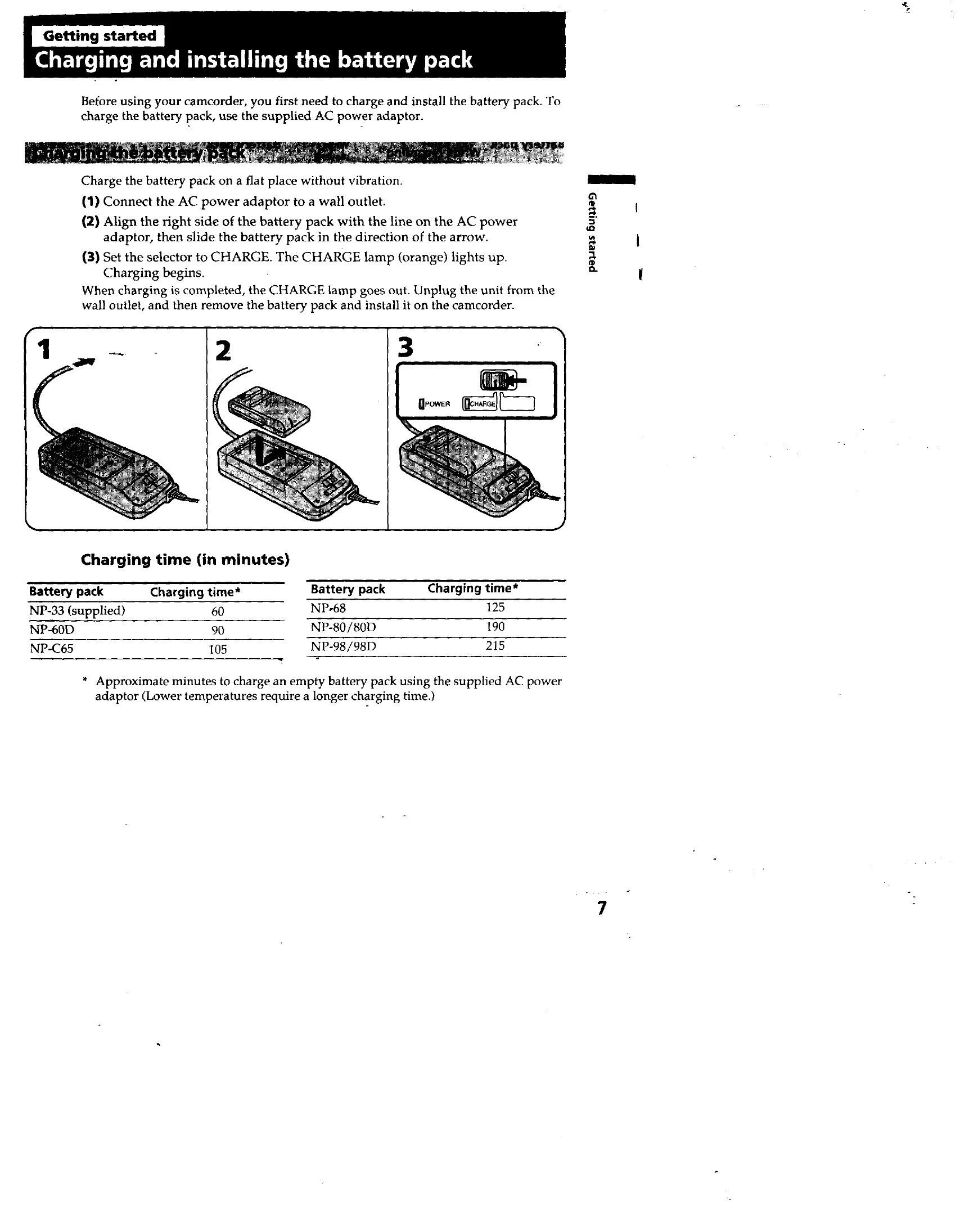
Charging and installing the battery pack: Connect the AC power adaptor to a wall outlet, align the battery pack with the adaptor, and set the selector to CHARGE. The CHARGE lamp (orange) indicates charging is in progress. Once complete, unplug the unit and install the battery pack on the camcorder.
Inserting a cassette: Ensure a power source is installed. Press the EJECT button to open the compartment, insert a cassette with the window facing out, and press the PUSH mark to close the compartment.
Basic Operations
Camera Recording: Set the POWER switch to CAMERA, turn STANDBY up, and press START/STOP to begin recording. Press START/STOP again to pause (STBY indicator) and press START/STOP again to stop recording. Turn STANDBY down and the POWER switch to OFF to finish.
Shooting with the LCD screen: Open the LCD panel and adjust its angle. You can record while looking at the LCD screen, but the viewfinder will turn off.
Playing back a tape: Set the POWER switch to PLAYER, insert the recorded tape, and press the playback button. Adjust volume using VOLUME +/-. You can also monitor playback on a TV.