Quick Start Guide for YY2964

Quick Start Guide for YY2964

Brand: SONY

Category: Audio

Document Type: Quick Start Guide

Language: EN
Uploaded: Nov. 21, 2025, 8:46 p.m.

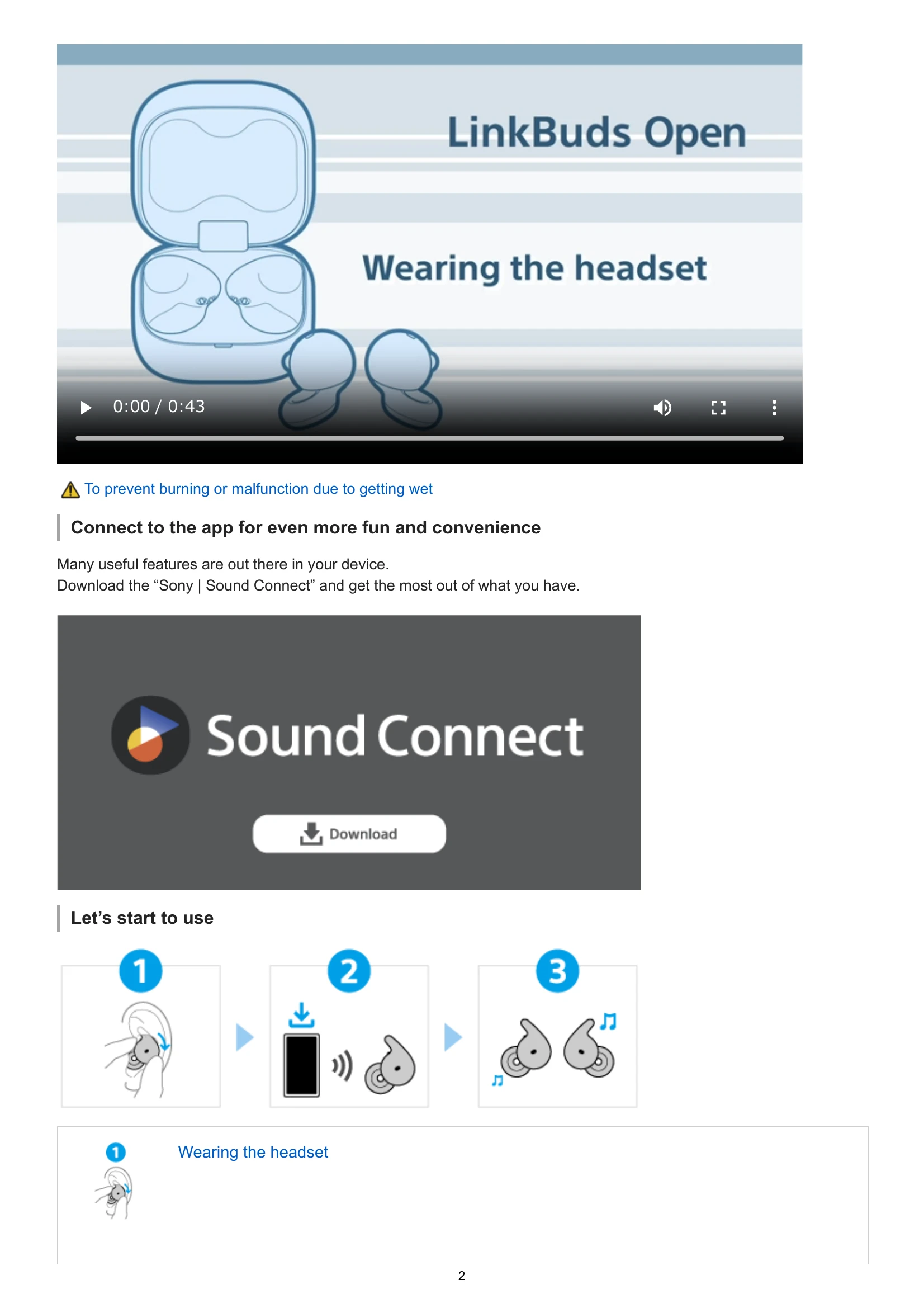
  • Wearing the headset: Insert the driver unit part into your ear opening, push the housing part into your ear groove, and fit the fitting supporter into the top of your ear groove.
  • Connecting to the app: Download the "Sony | Sound Connect" app for enhanced features.
  • Bluetooth connection: The headset turns on when removed from the charging case. Follow app instructions for connection.
  • Operating the headset: Use tap controls on the headset or near your ear for music playback, calls, and volume control.
  • Finding your fit: Ensure the fitting supporter is firmly in place to prevent the headset from falling off.

Troubleshooting and error codes

Problem Solution
Headset cannot be turned on or operated 1. Set headset units into charging case, close lid, remove units. 2. Restart connected device. 3. Use "Sony | Sound Connect" app or support site for solutions. 4. Reset headset. 5. Initialize headset. 6. Consult Sony dealer if problems persist.
Privacy Policy