Brand: SilverCrest
Category: Electronics
Document Type: Manual
Language: EN
Brand: SilverCrest
Category: Electronics
Document Type: Manual
Language: EN
Uploaded: Nov. 21, 2025, 7:57 p.m.
Manual Publish Date: 2010-11-23
A 36-month warranty from the date of purchase is provided, with a 12-month warranty for rechargeable batteries.
Charging the Battery:
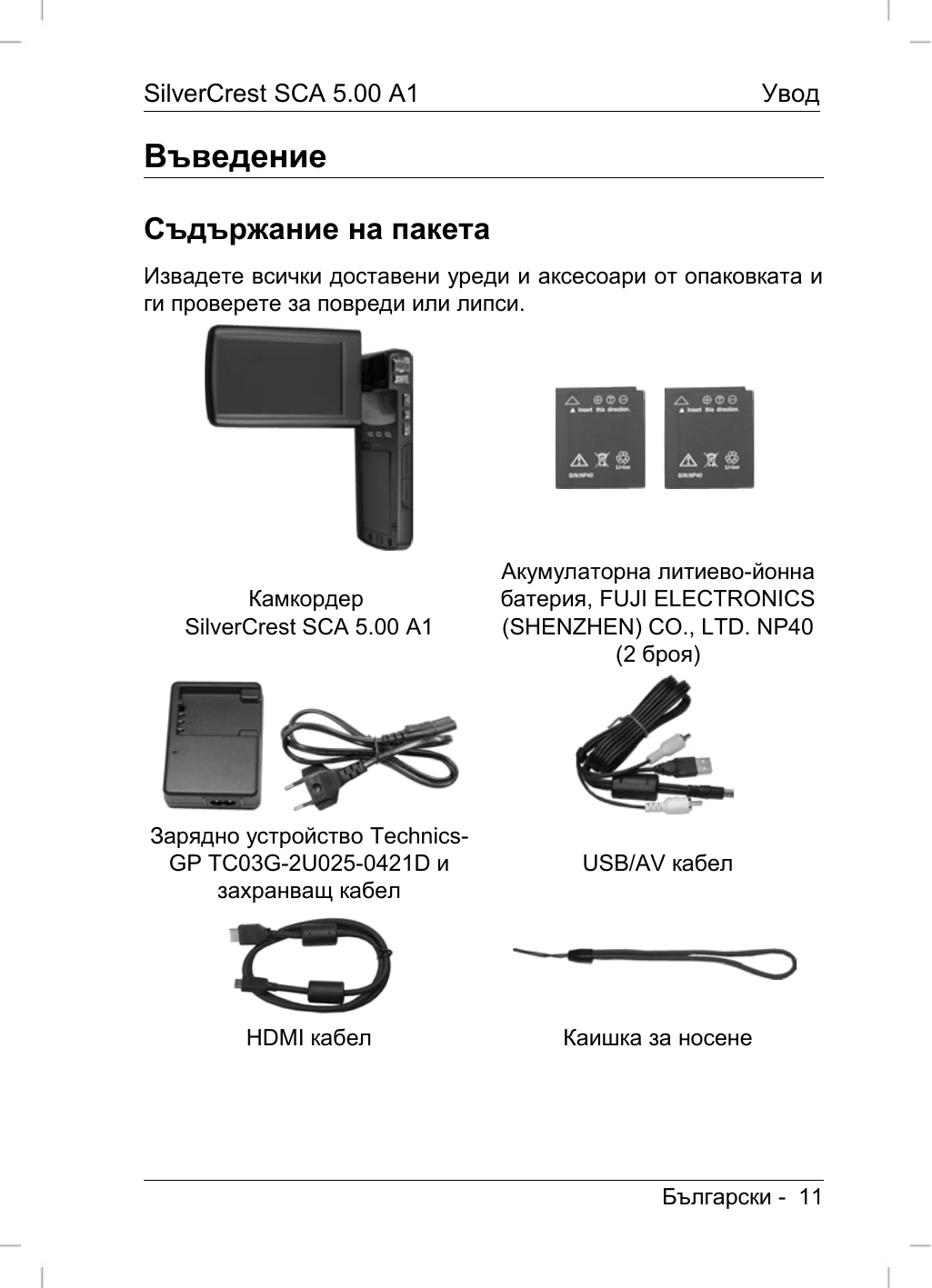
Insert the battery into the charger, ensuring correct polarity. Connect the charger to a power source. The status indicator will turn orange while charging and green when complete. Alternatively, charge the battery inside the camcorder by connecting it to a computer via USB/AV cable. Charging via computer takes approximately 3 hours.
Inserting the Battery:
Open the battery compartment by sliding the latch. Insert the battery, aligning the metal contacts. Press down until it clicks. Close the compartment by first inserting the bottom of the cover and then pressing down.
Inserting an SD Card:
Open the SD card slot cover. Insert the SD card with the metal contacts facing forward until it clicks. Close the cover. To remove, open the cover and gently press the card, which will pop out slightly.
| Problem | Possible Cause | Solution |
|---|---|---|
| Device not turning on | Battery not inserted or not charged | Insert charged battery or charge it. |
| No recording possible | SD card full or not inserted correctly | Insert SD card or check if it's full. Erase content or replace card. |
| Cannot connect to computer | USB cable not connected properly | Ensure the USB cable is securely connected to both devices. |