Manual for SCA 5.00 A1

Manual for SCA 5.00 A1

Brand: SILVERCREST

Category: Electronics

Document Type: Manual

Language: EN
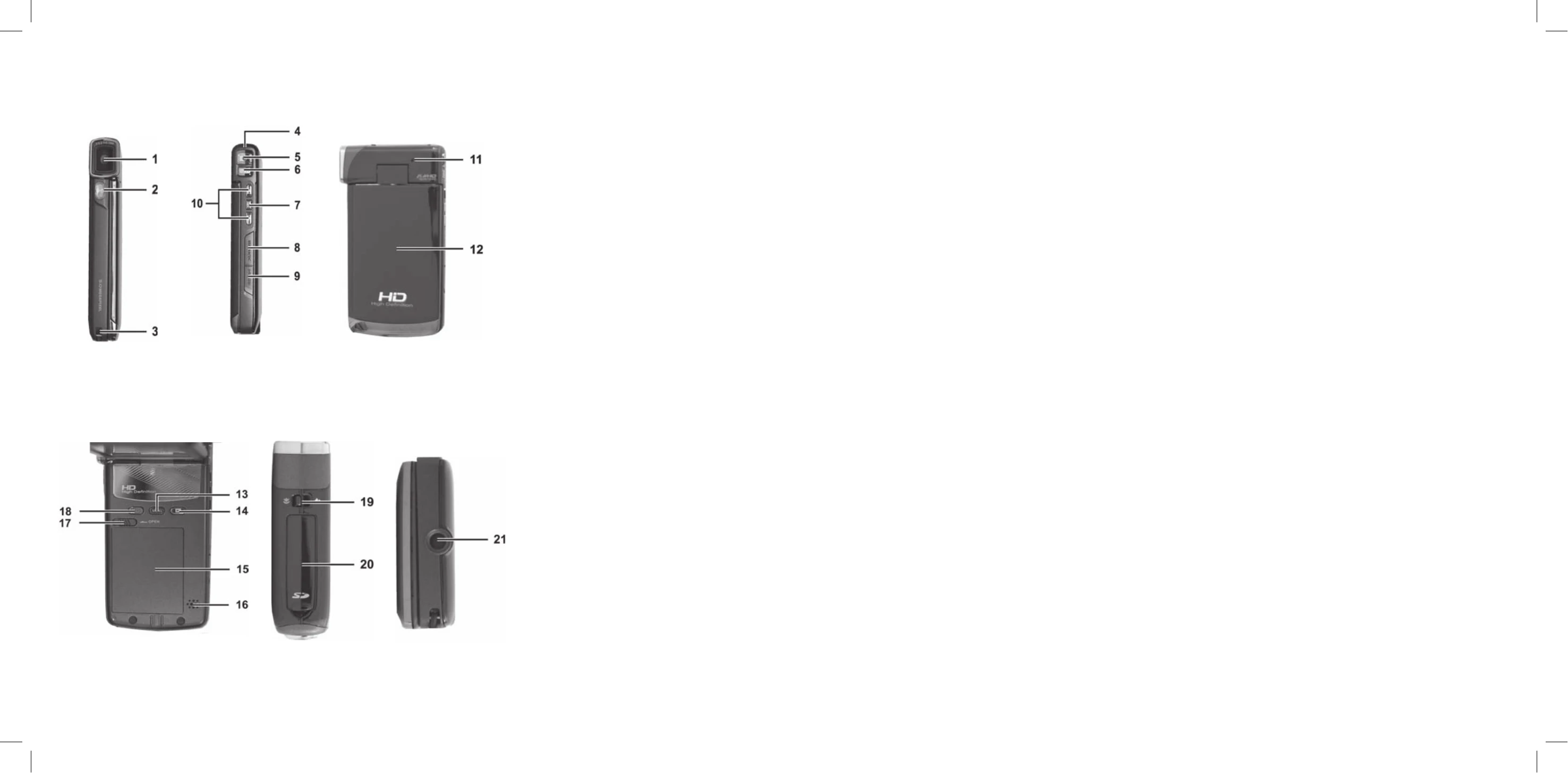
Uploaded: Nov. 21, 2025, 8:22 p.m.

Manual Publish Date: 2010-11-23

Warranty Information

36-month warranty from date of purchase, with a 12-month warranty for rechargeable batteries.

Inserting the Battery

  1. Open the battery compartment by sliding the lock to the left.
  2. Pull off the cover.
  3. Insert the battery, ensuring the contacts align and it clicks into place.
  4. Close the compartment.

Inserting an SD Card

  1. Open the memory card compartment.
  2. Insert the memory card with contacts facing forward, label facing right, until it clicks.
  3. Close the compartment.

Connecting to a TV

  1. Connect the camcorder to the TV using the HDMI or USB/AV cable.
  2. Select the appropriate AV channel on your TV.
  3. Press the On/Off button to power the camcorder on.
Privacy Policy