Brand: SilverCrest
Category: Audio
Document Type: Quick Start Guide
Language: EN
Brand: SilverCrest
Category: Audio
Document Type: Quick Start Guide
Language: EN
Uploaded: Nov. 21, 2025, 7:07 p.m.
Refer to the full operating instructions for warranty details.
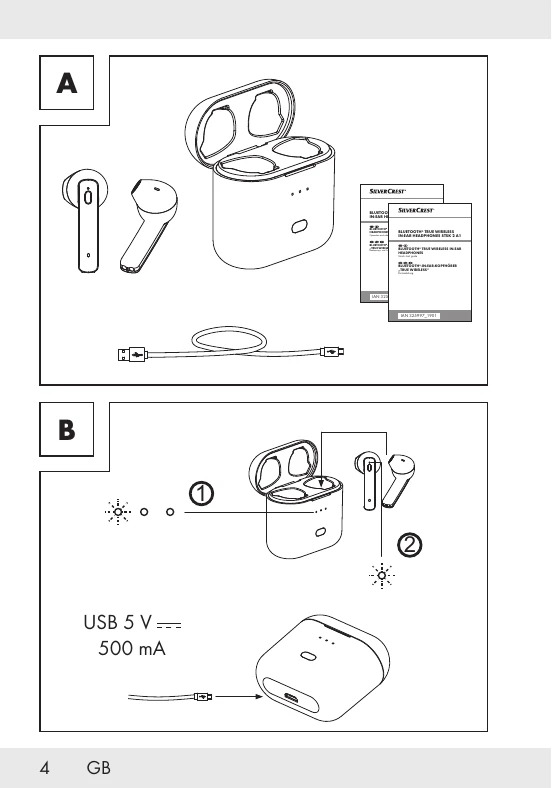
The SilverCrest STSK 2 A1 are true wireless Bluetooth in-ear headphones. This quick start guide provides instructions for initial setup and basic operation.
Place the earbuds in the charging case. The LED indicators show the charging status:
The case LED indicates charging status: Red (charging), White (fully charged for approx. 20s, then OFF).