Brand: SILVER CREST
Category: Electronics
Document Type: Manual
Language: EN
Brand: SILVER CREST
Category: Electronics
Document Type: Manual
Language: EN
Uploaded: Nov. 21, 2025, 6:57 p.m.
This device comes with a 3-year warranty from the date of purchase.
| Fault | Possible cause | Remedy |
|---|---|---|
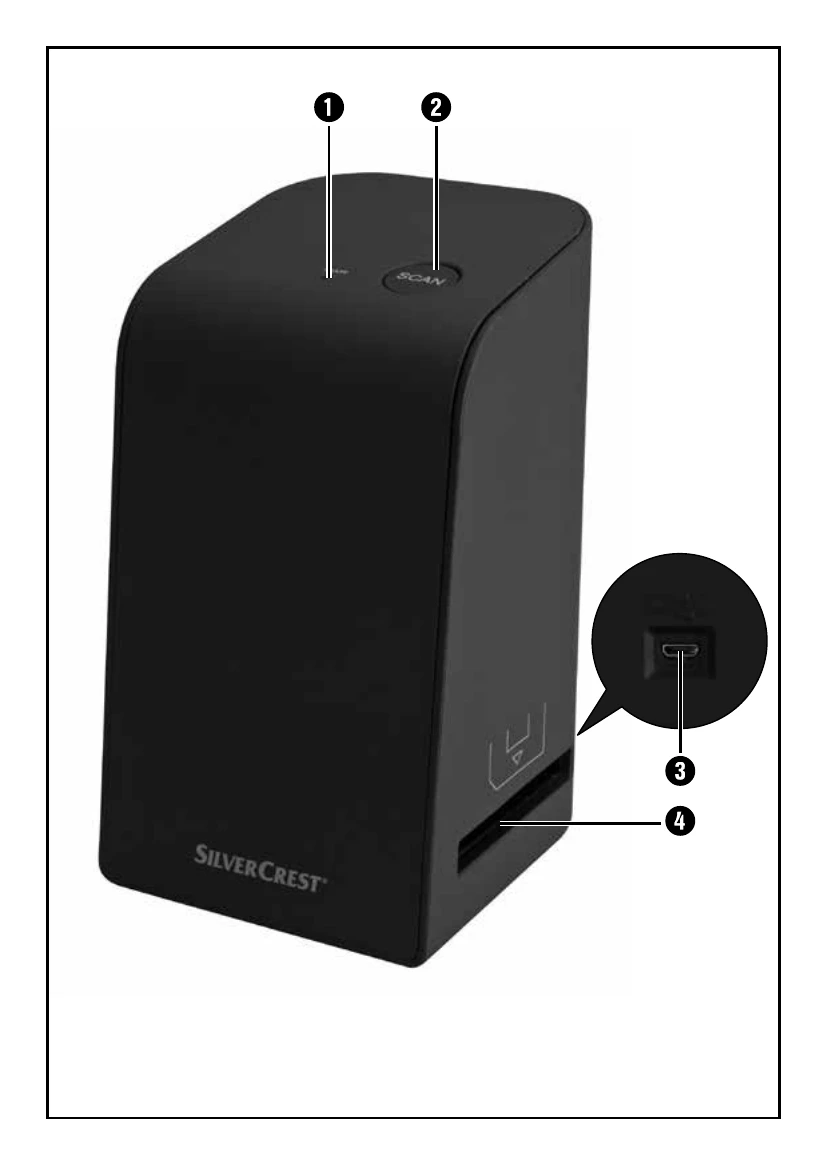
| PWR LED 1 does not light up. | The device is not correctly connected. | Connect the device. |
| Poor image quality. | Dust on the scanner's background lighting. | Clean the background lighting (see section "Cleaning"). |
| The scanned images are blurred. | Dust on the film/slide. | Clean the film/slide. |
| The lens of the scanner has fogged up due to temperature differences. | Wait until the device has acclimatised to room temperature. | |
| Scanner is not recognised by the computer after software installation. | The scanner is not connected to the USB port on the computer. | Connect the device to a USB port on your computer. |
| The USB port on the computer is defective. | Connect the device to a different USB port on your computer. | |
| The computer needs to be rebooted. | Restart your computer. | |
| The scanner cannot be operated via the software. | An anti-virus program is blocking the functionality of the scanner or the software. | Check the settings on your anti-virus program. |