Manual for SCAZ 5.00 A1

Manual for SCAZ 5.00 A1

Brand: SILVER CREST

Category: Electronics

Document Type: Manual

Language: EN
Uploaded: Nov. 21, 2025, 6:27 p.m.

Manual Publish Date: 2011-07-15

Warranty Information

36-month warranty from the date of purchase, with a 12-month warranty for rechargeable batteries.

  • Insert the rechargeable battery into the camcorder after charging.
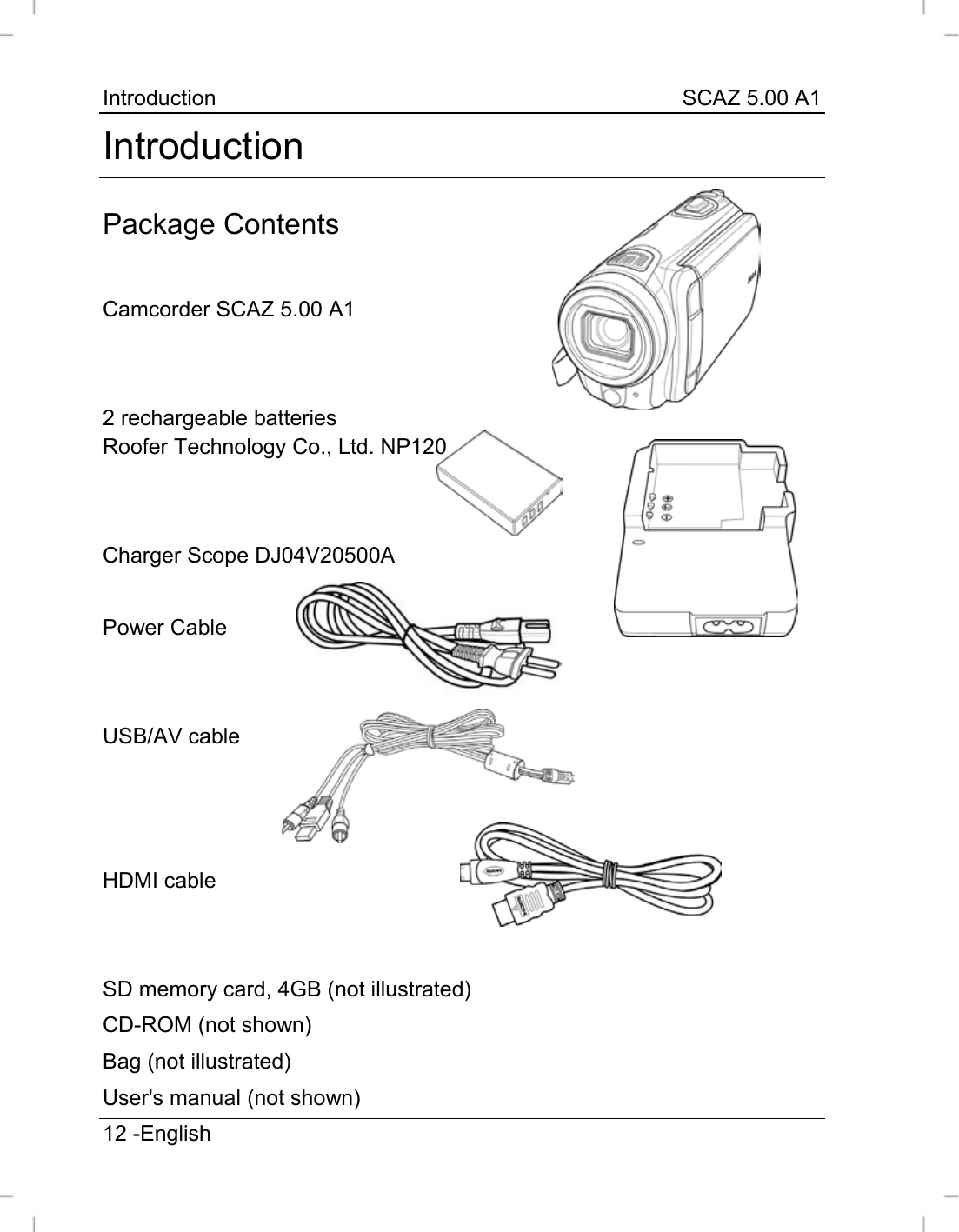
  • To charge the battery, either use the charger cradle or connect the camcorder to a computer via USB/AV cable.
  • Open the display and rotate it for desired viewing angle.
  • Press the On/Off button to power the camcorder on/off.
  • Use the RECORD button to start/stop recording videos.
  • Use the Picture (photo) shutter button to capture still images.
  • Access the Menu button to configure settings.
  • Use the Navigation button and SET to navigate menus and confirm selections.
  • The PLAY button is used for playback functions.
  • Connect to a TV using the HDMI cable for viewing recordings.
  • Transfer recordings to a computer using the USB/AV cable.
  • The camcorder software allows for editing, importing, and organizing recordings.

Troubleshooting and error codes

Device does not turn on. Battery is not charged. Charge the battery.
Battery does not charge. Battery is not inserted correctly. Reinsert the battery, checking the polarity.
Indicator light remains green after inserting battery. Battery is already charged or not inserted correctly. Check the polarity.
Power indicator does not light when charging via USB. Computer does not supply USB power while turned off. Ensure the computer is powered on.
Privacy Policy