Brand: SHARP
Category: Office Equipment
Document Type: Manual
Language: EN
Brand: SHARP
Category: Office Equipment
Document Type: Manual
Language: EN
Uploaded: Nov. 21, 2025, 7:23 p.m.
Manual Publish Date: 1986-12-01
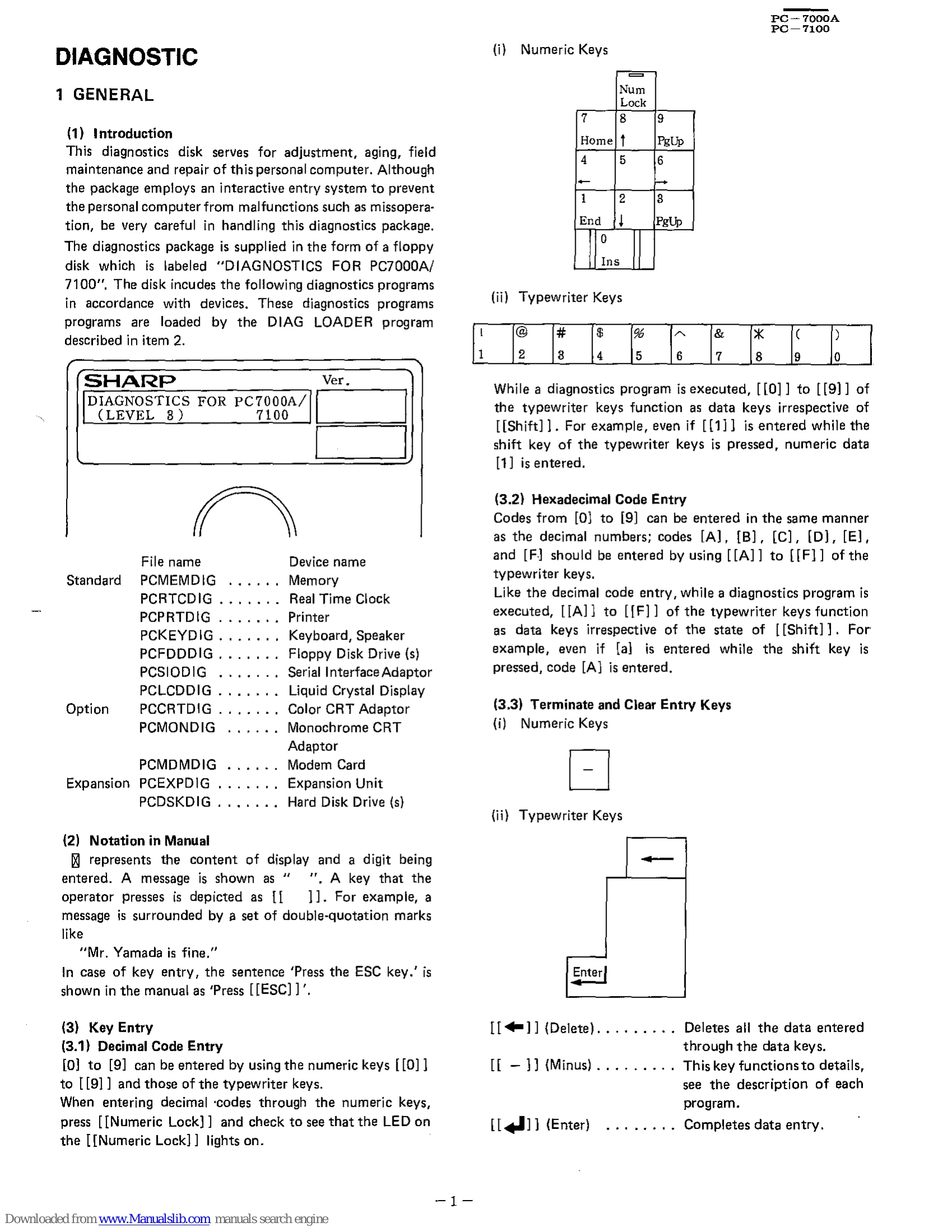
This diagnostics disk is for adjustment, aging, field maintenance, and repair of the personal computer. It uses an interactive entry system to prevent missoperation. The package is supplied on a floppy disk labeled "DIAGNOSTICS FOR PC7000A/7100".
Decimal codes can be entered using numeric keys or typewriter keys. Numeric lock should be engaged for numeric keys. Hexadecimal codes can be entered using keys A-F. Special keys include [[ESC]] (BREAK), [[F1]] (RUN), [[F2]] (STOP), and [[Enter]].
The computer must first boot MS-DOS. Then, insert the diagnostics disk and type "PCDIAG3" (for drive A) or "B:PCDIAG3" (for drive B) and press Enter.
Input/output displays use specific colors when a color CRT adapter is used. Input is shown as [0x] for hexadecimal and without [0x] for decimal. Output follows similar conventions. Errors are displayed in red on the lower left screen for unrecoverable errors.
After booting, the LOADER program displays the opening message. Pressing any key starts diagnostics. The system then displays the device configuration for verification.
The LOADER selects and executes individual diagnostic programs. It loads test data from the floppy disk into memory and transfers control to the selected program.
| Error Message | Description | |
|---|---|---|
| Timeout error [Not ready] | The drive specified was in the Not-ready state. | |
| Disk read error | Read error occurred while the floppy disk was accessed. | |
| This disk is not DIAGNOSTIC. | The disk did not include the DIAGNOSTICS package. | |
| Memory error!! | An error detected during memory testing. | |
| Test stopped by user. | The user manually interrupted the test. | |
| Address complement error !! or Marching error !! | Errors detected during memory RAM test. | |
| SD timeout | Response to send data not detected. | |
| RD timeout | Interrupt of receive data not detected. | |
| TSreg not empty | Transmitter shift register was not empty. | |
| Overrun error | SIO received 4 or more characters before CPU retrieved data. | |
| Framing error | Detected "0" in a stop bit. | |
| Parity error | Detected a parity error. | |
| Compare error | Transmit data did not accord with receive data. | |
| RTS-CTS error | Control line not properly connected. | |
| DTR-DSR error | Control line not properly connected. | |
| Port error | CD and Cl did not function properly. | |
| FDC communication error (FDC failed error) | Handshake error between 80C86 and FDC. | |
| FDC interrupt error (Time out error) | Interrupt response from FDC not received in time. | |
| FDC equipment check | Fault signal from device or track 00 signal not detected. | |
| Invalid command | Command written to FDC was invalid. | |
| Drive not ready | The specified device was in the Not ready state. | |
| CRC err. in ID field | CRC error in the ID field. | |
| CRC err. in DATA field | CRC error in the DATA field. | |
| Record not found | Sector specified in ID field could not be detected. | |
| Not Writable (Write protected error) | System detected write protection. | |
| End of Cylinder | Disk access exceeded maximum sector. | |
| Missing address mark (Address mark not found) | Address mark of ID field not detected. | |
| Overrun (DMA command error) | Device could not read/write data in specified time. | |
| Bad command error | Command not in BIOS specified. | |