Brand: SHARP
Category: Audio
Document Type: Manual
Language: EN
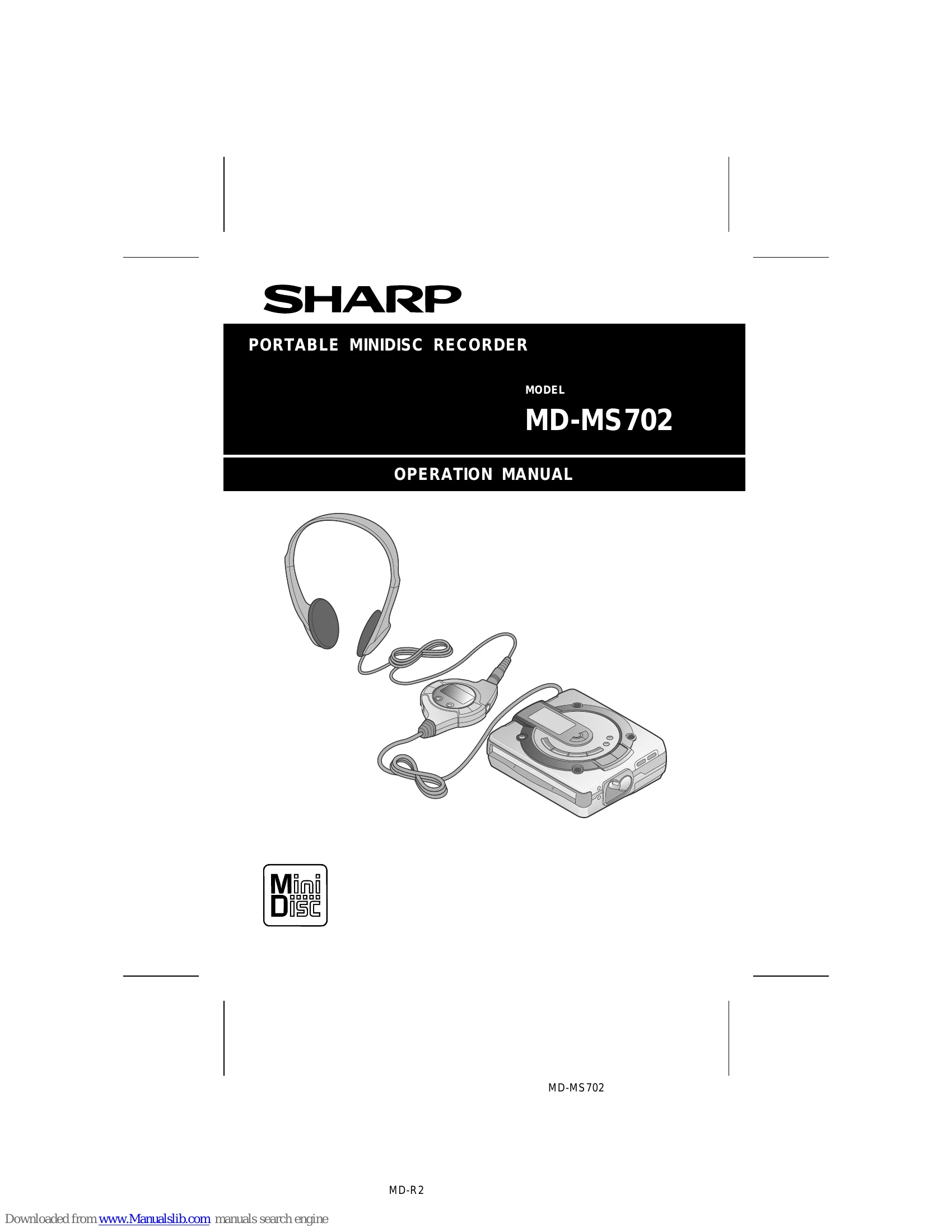
Brand: SHARP
Category: Audio
Document Type: Manual
Language: EN
Uploaded: Nov. 21, 2025, 8:52 p.m.
This Sharp brand product is warranted against defective workmanship and materials for 90 days parts and labor, and one year for parts only.
| PROBLEM | CAUSE |
|---|---|
| The unit does not turn on. | Is the AC adaptor disconnected? Is the battery exhausted? Is the unit in the safety mode? Has condensation formed inside the unit? Is the unit being influenced by mechanical shock or by static electricity? |
| No sound is heard from the headphones. | Is the volume set too low? Is the remote control unit or the headphones plugged in? Are you trying to play a MiniDisc with data on it instead of a MiniDisc containing music? |
| When the operation buttons are pressed, the unit does not respond. | Is the unit in the safety mode? Is the battery exhausted? Is the remote control unit plug or the headphone plug inserted firmly? |
| Some sounds are skipped. | Is the battery exhausted? Is the unit being subjected to excessive vibration? |
| The MiniDisc cannot be ejected. | Has the track number or character information been written on the disc yet? |
| Recording and editing are impossible. | Is the unit in the recording or editing mode? Is the MiniDisc protected against accidental erasure? Is the unit connected properly to the other equipment? Is the AC adaptor unplugged or did a power failure occur while recording or editing? Is the unit in the safety mode? |