Brand: SHARP
Category: Audio
Document Type: Manual
Language: EN
Brand: SHARP
Category: Audio
Document Type: Manual
Language: EN
Uploaded: Nov. 21, 2025, 8:06 p.m.
The product comes with a 1-year warranty against defects, excluding consumables.
| Problem | Possible Cause | Solution |
|---|---|---|
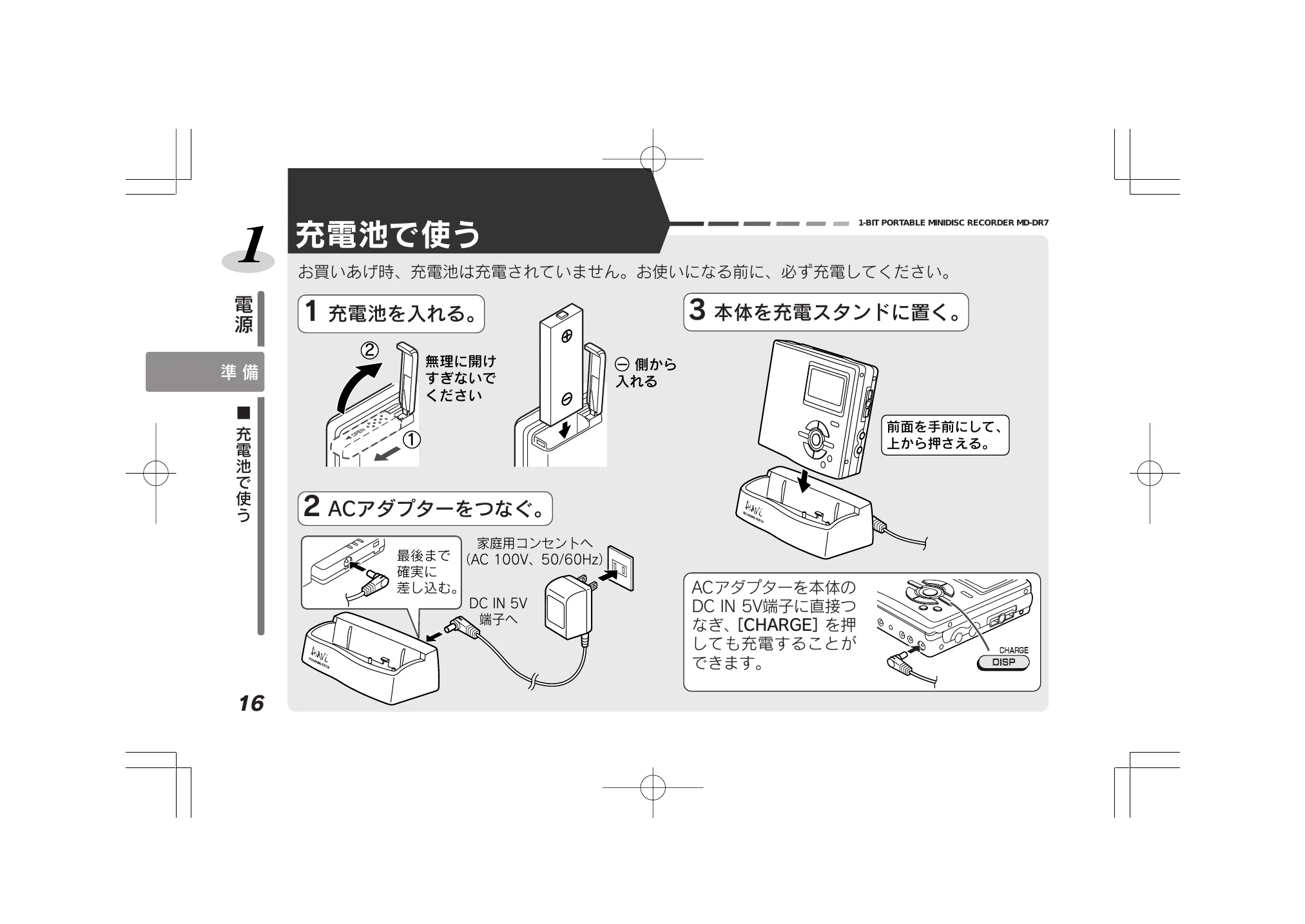
| Unit does not turn on | Battery is depleted or not inserted correctly. | Recharge the battery, insert a new dry cell battery, or check insertion. |
| MD cannot be inserted or removed | Unit is powered on or "TOC"/"TOC EDIT" is displayed. | Turn off the power, then insert or remove the MD. |
| Recording does not start | No recordable MD inserted. | Insert a recordable MiniDisc. |
| Sound is distorted or low | Recording level is too high or too low. | Adjust the recording level. |
| Playback does not start | No MD inserted or MD is protected. | Insert an MD or check protection setting. |