Manual for VCC-6574

Manual for VCC-6574

Brand: SANYO

Category: Video

Document Type: Manual

Language: EN
Uploaded: Nov. 21, 2025, 6:38 p.m.

Warranty Information

Sanyo Fisher Company warrants this product against defects in materials and workmanship for 3 years.

  • **Connecting Peripherals:** Connect the video output to a VCR or monitor. Connect the 24V AC power supply to a wall outlet.
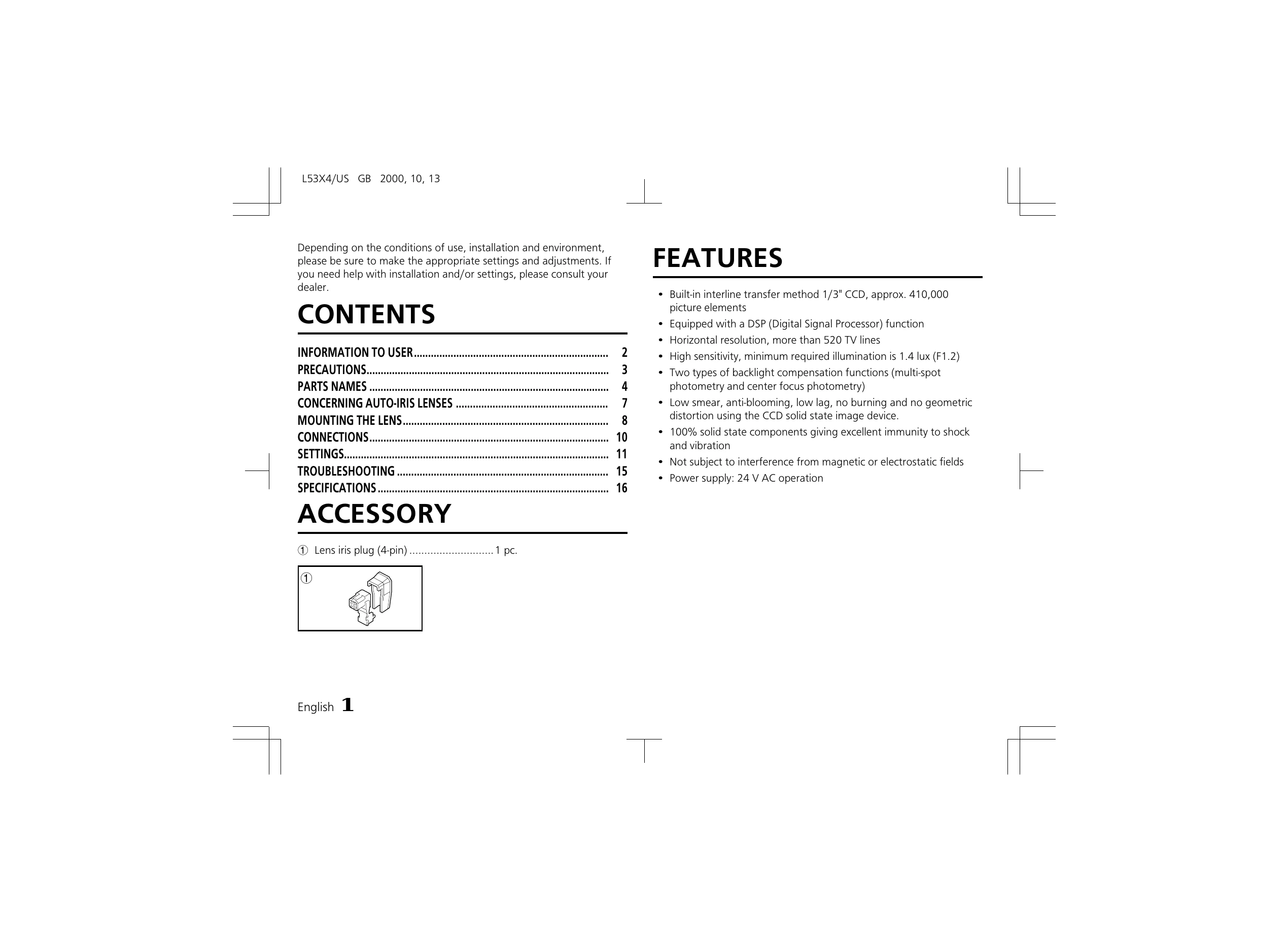
  • **Lens Mounting:** Remove the lens mount cap. Align and install the auto-iris lens, ensuring correct type (DC or VIDEO) is selected. Connect the lens iris plug.
  • **Basic Setup:** Insert the power plug into an outlet. The power indicator will light. Adjust picture settings (Brightness, Contrast) on the monitor.
  • **Image Adjustment:** Utilize settings for electronic iris, aperture compensation, backlight compensation, and white balance to optimize image quality based on lighting conditions and desired effects.
  • **Troubleshooting:** Check power, connections, lighting, lens cap, and lens type. Ensure monitor, flange-back, and focus are correctly adjusted. Clean lens surfaces if necessary.

Troubleshooting and error codes

Issue Possible Causes and Solutions
No picture on the monitor screen
  • Is the power turned on to all connected devices? Is the voltage correct?
  • Are all the signal connecting cables correctly connected?
  • Is the lighting sufficient?
  • Has the lens cap been removed?
  • Is the lens type (DC or VIDEO) correctly selected? Depending on the type of lens, the A. I. LENS switch must be set accordingly.
  • Is the iris control correctly set?
The picture is not clear
  • Is the monitor correctly adjusted?
  • Is the flange-back position correctly set?
  • Is the lens focus correctly adjusted?
  • Are the lens surfaces clean?
Privacy Policy