Brand: SANYO
Category: Video
Document Type: Parts/Service
Language: EN
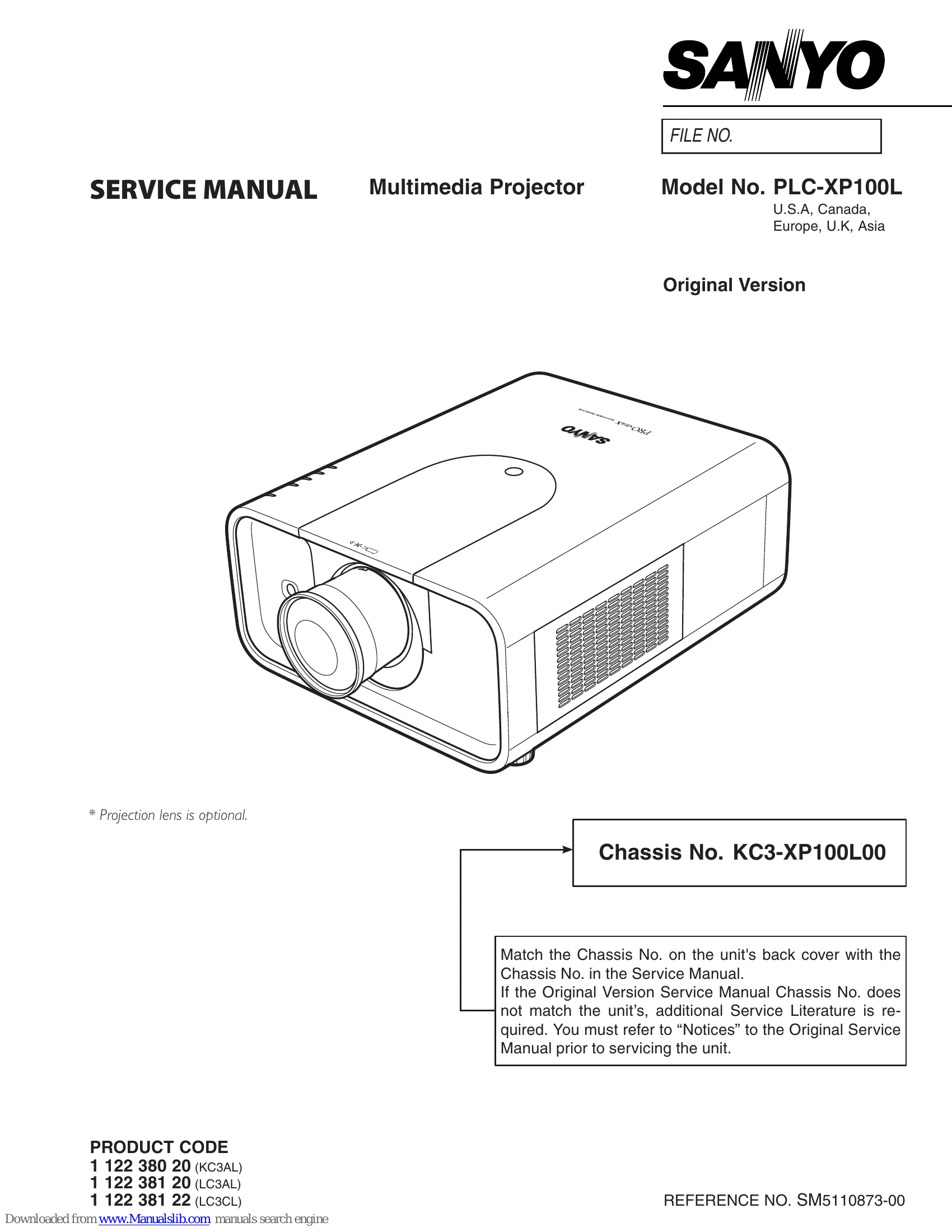
Brand: SANYO
Category: Video
Document Type: Parts/Service
Language: EN
Uploaded: Nov. 21, 2025, 7:02 p.m.
This manual does not contain explicit warranty information.
| SYMPTOM | Projector does not turn on. | AC power cord is not connected. | Connect AC power cord. |
|---|---|---|---|
| Filter is clogged. | Replace filter cartridge and reset filter counter. | ||
| Lamp cover is not closed securely. | Close lamp cover securely. | ||
| Internal temperature is too high. | Allow projector to cool down. | ||
| Fuse is blown. | Replace fuse. | ||
| Filter cartridge is not installed correctly. | Install filter cartridge correctly. | ||
| WARNING TEMP. indicator is blinking. | Internal temperature is too high. | Allow projector to cool down. | |
| LAMP indicator lights on and other four indicators blink. | Power failure or fan lock detected. | Unplug and reconnect AC power cord. If problem persists, contact service. |