Brand: SANYO
Category: Video
Document Type: Parts/Service
Language: EN
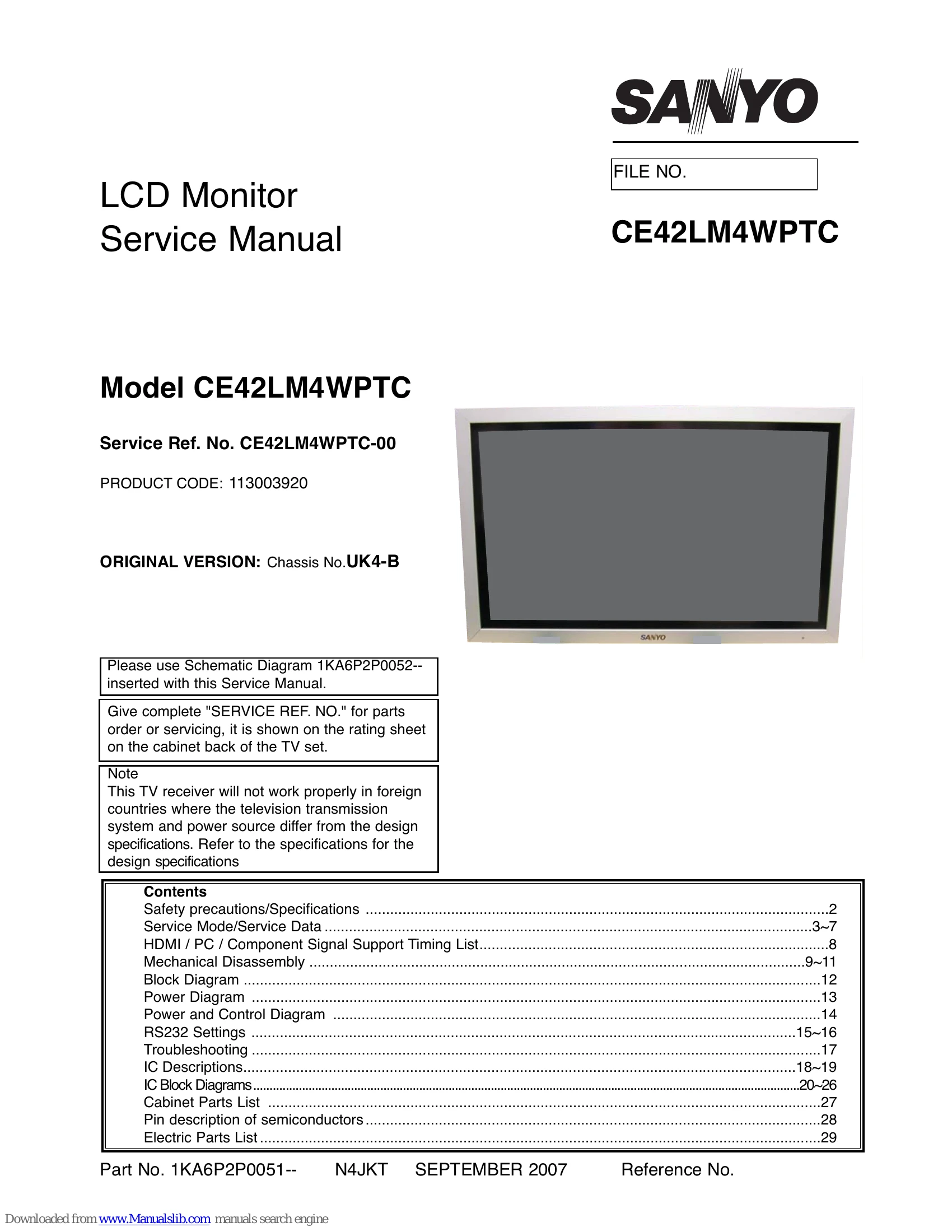
Brand: SANYO
Category: Video
Document Type: Parts/Service
Language: EN
Uploaded: Nov. 21, 2025, 8:19 p.m.
Manual Publish Date: 2007-09-01
| Item | Condition | Check point |
|---|---|---|
| 1 No power | NO LED | Check to voltage of KR-3 -- 5V >Change the power board |
| 2 No power | NO LED | Check the fuse on the FILTER board |
| 3 No power | LED brighter | Check the connection of the AC cord. (AC plug and junction part) |
| 4 No backlight | After power on, once panel lights then keep black out | Change the LCD panel |
| 5 Faulty picture | No colour, poor picture Darker / brighter picture etc. | Change the COMP board >If not, change the panel. |
| 6 Faulty picture | Visible line on the picture Part of the display is poor | Change the panel |
| 7 No RC | No working of RC handset | Change the RC or FRONT board |
| 8 No key SW | No working or the front key Switch | Change the FRONT board |
| 9 Fan faulty | After indication of the display, then 30 seconds later, come into standby | Change the FAN |