Manual for CE28WN3-B

Manual for CE28WN3-B

Brand: SANYO

Category: Video

Document Type: Manual

Language: EN
Uploaded: Nov. 21, 2025, 9:25 p.m.

Warranty Information

Sanyo warrants this equipment for 12 months from the date of sale against faulty material or workmanship.

Mains ON/OFF

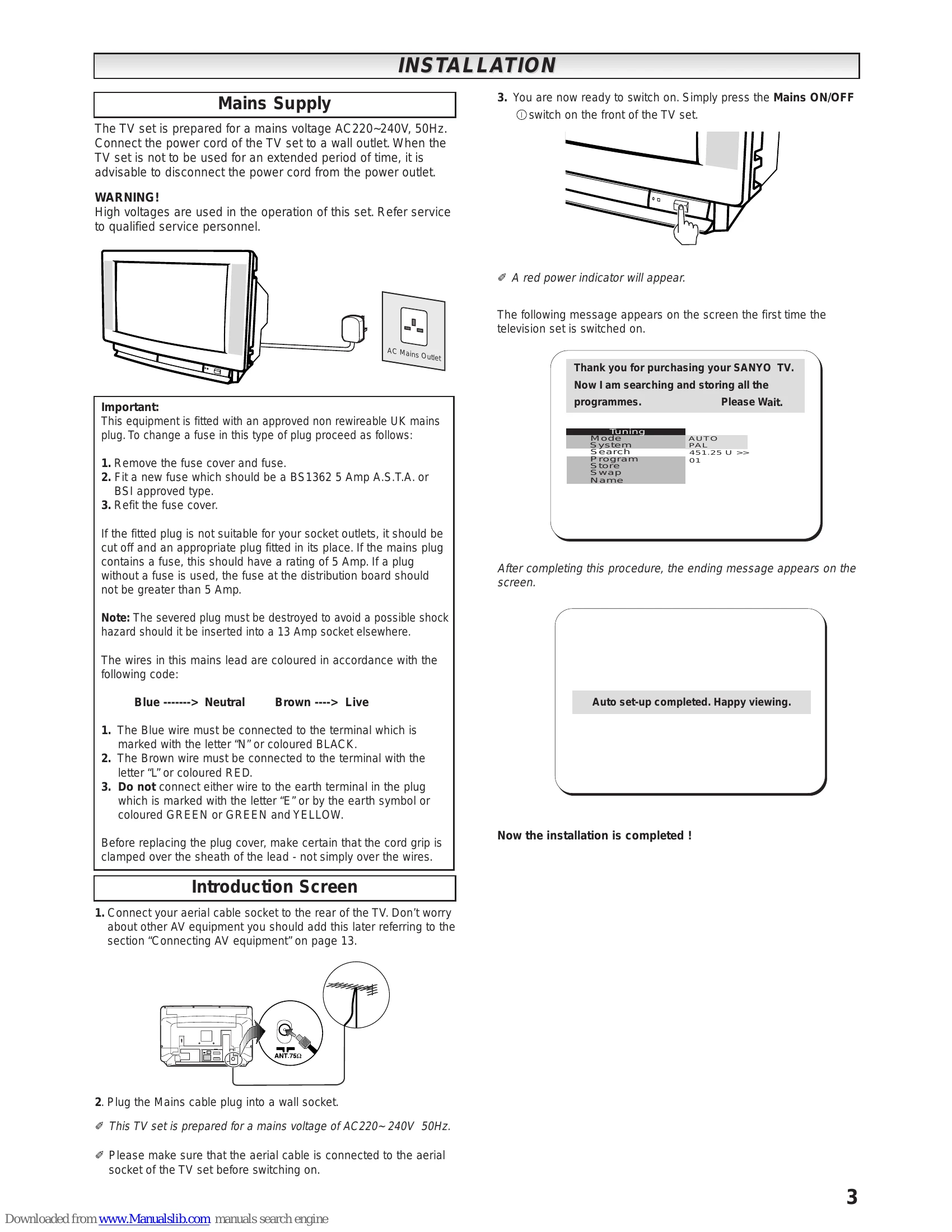
To turn the TV set ON, press the Mains ON/OFF switch. The power indicator illuminates red. To turn OFF, press again.

Standby

To turn the TV set into standby mode, press the standby button. The power indicator illuminates more brightly. Press the standby button, PA/PV, or 0-9 buttons to turn the TV ON from standby.

Auto Shut Off

This TV set will automatically switch into standby mode 10 minutes after a signal is no longer received.

Programme Selection

Direct Programme Selection: Press numeric buttons 0-9. For numbers 10 or more, use the -/- button followed by the digits. Up/Down Programme Selection: Press the PA button to increase program position and PV button to decrease.

Volume Adjustment

Press the + / - buttons to adjust the sound volume.

Picture Adjustment

Access the Main Menu, select Picture, then Brightness, Contrast, Colour, or Sharpness. Direct access is available by pressing the F/OK button repeatedly.

Picture Format

Select from Auto, Normal, Full, Zoom, 14:9, or 16:9 using the Wide button or through the menu.

Teletext

Press the TXT/TV button to switch to Teletext mode. Use numeric buttons for direct page access or PA/PV buttons for up/down page access. Use colored buttons to access FLOF services.

Troubleshooting and error codes

Problem Possible Cause Solution
NO PICTURE, NO SOUND TV not plugged in Check if TV is plugged in.
Different channel Try a different channel. If OK, probably station trouble.
POOR PICTURE, SOUND OK Brightness control Adjust BRIGHTNESS control.
Fine tuning Adjust FINE TUNING control.
Aerial connections Check aerial connections.
NO COLOUR, PICTURE OK Colour control Adjust COLOUR control.
Fine tuning Adjust FINE TUNING control.
Programme Is the programme in colour?
WEAK PICTURE Aerial connections Check aerial connections on back of set.
Aerial Check aerial for broken wires. Re-orient aerial.
Privacy Policy