Brand: SAMSUNG
Category: Other
Document Type: Manual
Language: EN
Brand: SAMSUNG
Category: Other
Document Type: Manual
Language: EN
Uploaded: Nov. 21, 2025, 7:10 p.m.
Manual Publish Date: 2018-08-29
Limited warranty for one year on parts and labor, and five years on glass cooktop and element parts.
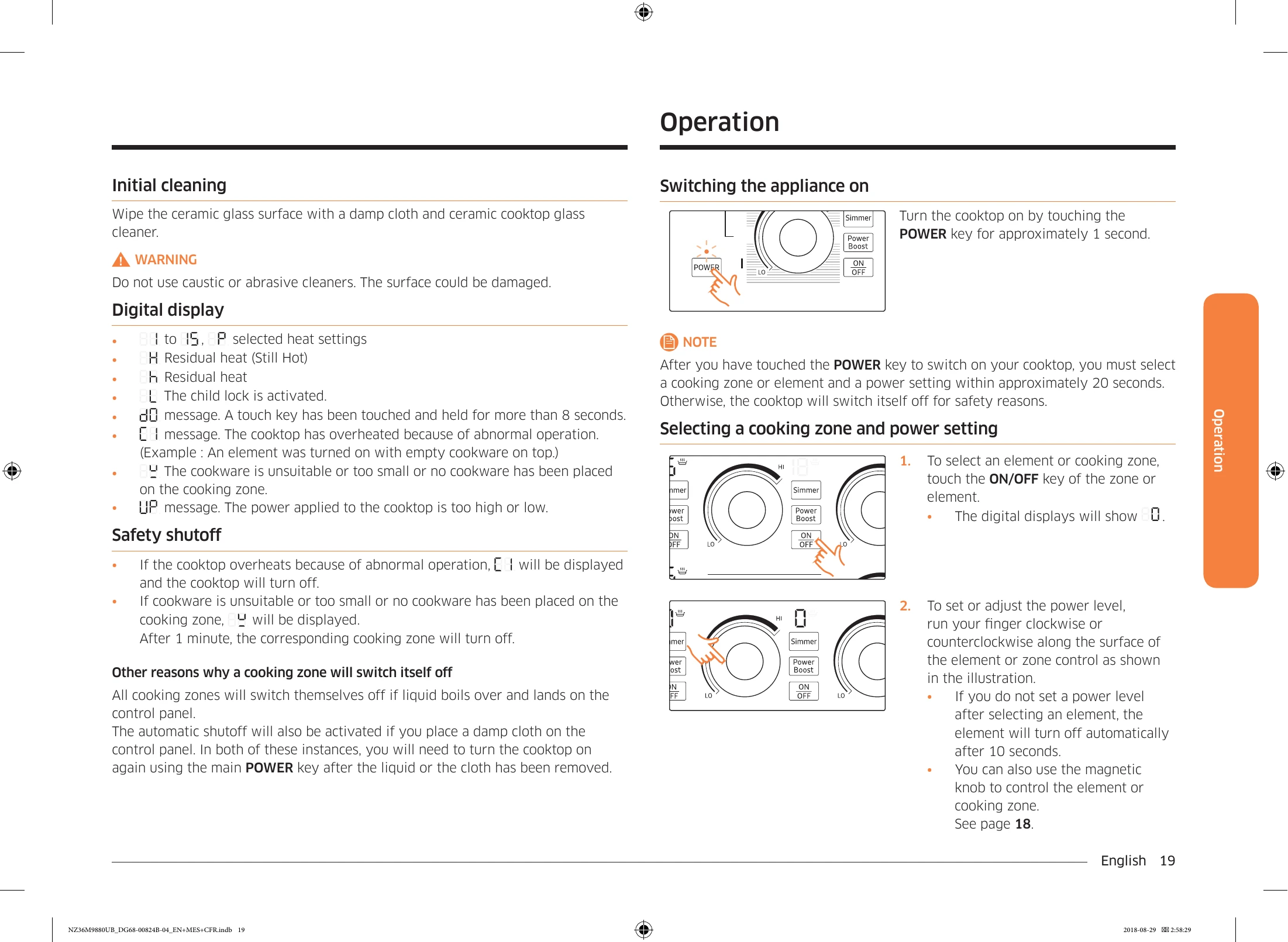
Turn the cooktop on by touching the POWER key for approximately 1 second.
NOTE: After you have touched the POWER key to switch on your cooktop, you must select a cooking zone or element and a power setting within approximately 20 seconds. Otherwise, the cooktop will switch itself off for safety reasons.
To completely switch off the appliance, touch the POWER key for 1 second.
NOTE: After you switch off a single cooking zone or the entire cooking surface, the presence of residual heat will be indicated in the digital displays of the corresponding cooking zones by an H or h (for "hot").
| Symptom | Possible Cause | Solution |
|---|---|---|
| The burners heat gently or do not maintain continuous heat. | The utensil may not be suitable for the cooktop. | Place the utensil in the center of the cooking zone. Use utensils with ferromagnetic bottoms with a diameter suitable for the cooking zone. Refer to the "Cookware" section on page 26. |
| The cooktop does not turn on. | A fuse has blown or the circuit breaker has tripped. | Replace the concerned fuse or reset the circuit breaker. |
| The burners do not turn on. | A fuse has blown or the circuit breaker has tripped. | Replace the concerned fuse or reset the circuit breaker. |
| The cooktop controls are not set correctly. | Ensure that the controls are set correctly for the respective surface unit. | |
| The cooktop has stains or streaks. | Food spills have not been cleaned. | Refer to the "Cleaning" section on page 30. |
| The cooktop is stained or discolored. | The cooktop is hot. | The cooktop may appear discolored when hot. This phenomenon is temporary and disappears when the cooktop cools down. |
| The cooktop has not been cleaned properly. | It is impossible to remove scratches, but small scratches will be less visible after cleaning. Use a special ceramic cooktop cleaner. Do not use chemical or corrosive agents as they can damage the cooktop. | |
| The cooktop has metallic discolorations. | Utensils with rough bottoms have been used. | To avoid scratches, follow the recommended cleaning procedures. Before use, ensure that the bottoms of the utensils are clean. Use only smooth, flat-bottomed utensils. |
| Mineral deposits from water and food remain on the cooktop. | To remove stains, use a special ceramic cooktop cleaner. For best results, clean the cooktop once a week. Use only clean, dry utensils. |