Brand: SAMSUNG
Category: Other
Document Type: Manual
Language: EN
Brand: SAMSUNG
Category: Other
Document Type: Manual
Language: EN
Uploaded: Nov. 21, 2025, 6:23 p.m.
Refer to the warranty card or contact SAMSUNG customer service for warranty information.
| Problem | Possible Cause | Solution |
|---|---|---|
| No power | Power cord not plugged in. | Plug in the power cord securely. |
| No picture or sound | Incorrect input selected on TV. | Press INPUT SELECT on TV remote. |
| No picture or sound | Cables not connected properly. | Check all cable connections. |
| Disc does not play | Disc is dirty or damaged. | Clean or replace the disc. |
| Disc does not play | Disc region code does not match. | Use a disc with the correct region code. |
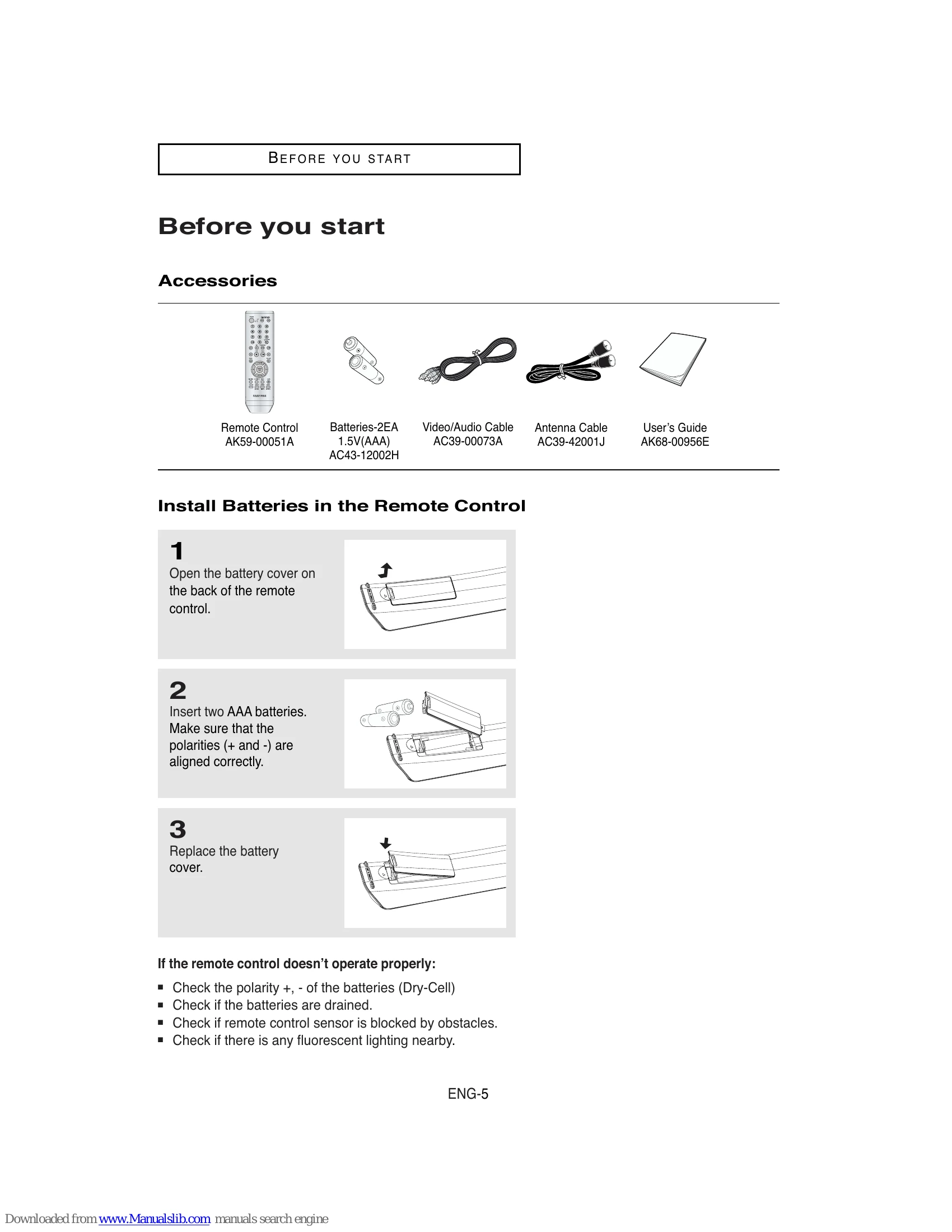
| Remote control not working | Batteries are dead or inserted incorrectly. | Replace batteries or check polarity. |
| Remote control not working | Obstruction between remote and sensor. | Remove obstruction. |
| VCR tape not playing correctly | Tracking issue. | Use the Tracking function. |