Brand: SAMSUNG
Category: MOBILE PHONE
Document Type:
Language: EN
Brand: SAMSUNG
Category: MOBILE PHONE
Document Type:
Language: EN
Uploaded: Aug. 10, 2025, 12:09 a.m.
Samsung phones and accessories are covered for 1 year, with some accessories covered for 90 days.
| Problem | Solution |
|---|---|
| Phone does not turn on | Make sure the battery is charged. Press and hold the Power On-Off/LOCK key. |
| Cannot make or receive calls | Check signal strength. Ensure the phone is not in Airplane Mode or Lock Mode. Contact your service provider if the issue persists. |
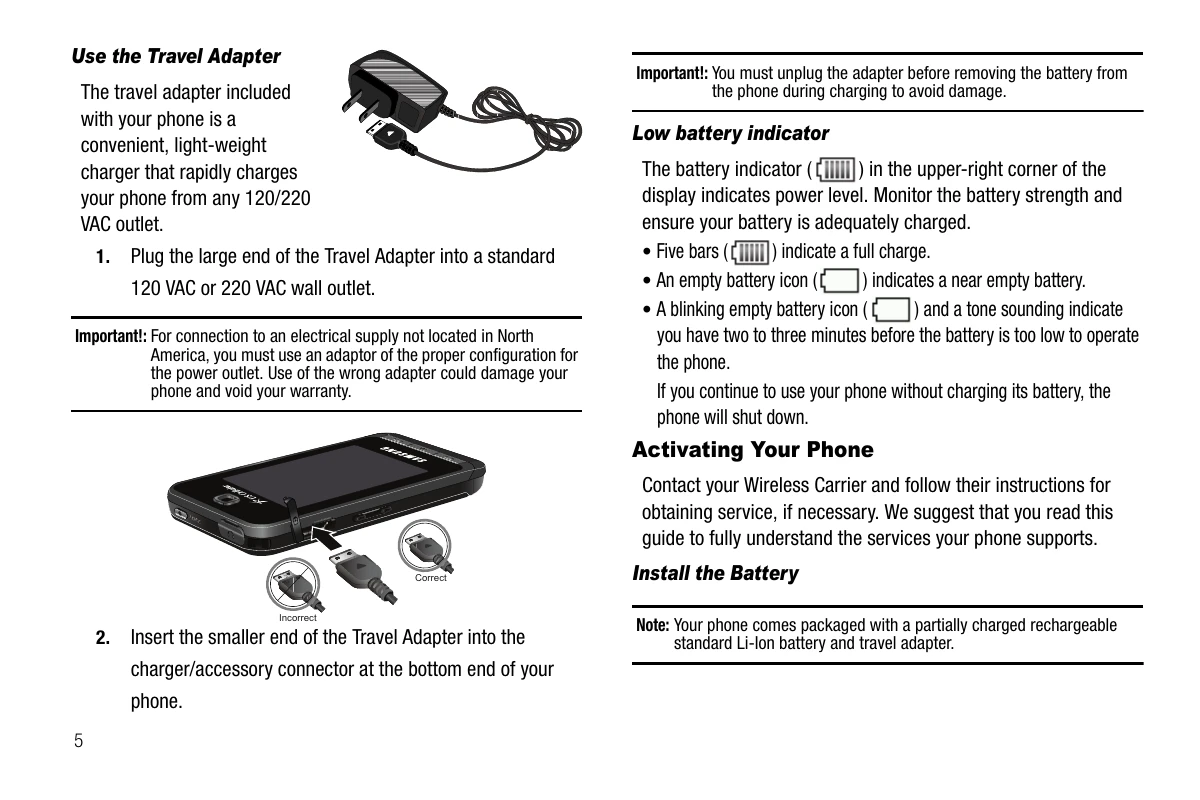
| Low battery indicator | Charge the battery using the provided Travel Adapter. |
| Screen is dim or off | Press any key to turn on the backlight. Check Backlight Time settings. |
| Cannot connect to network | Check coverage area. Restart the phone. |