Brand: RICOH
Category: Digital Camera
Document Type:
Language: EN
Brand: RICOH
Category: Digital Camera
Document Type:
Language: EN
Uploaded: Aug. 9, 2025, 11:56 p.m.
Manual Publish Date: 2021-07-01
Guaranteed against defects for twelve months from the date of purchase.
1. Setting the Battery and a Memory Card: Ensure the camera is off, slide the release lever to open the battery/card cover, insert the memory card correctly until it clicks, then insert the battery until it latches. Close the cover and lock it.
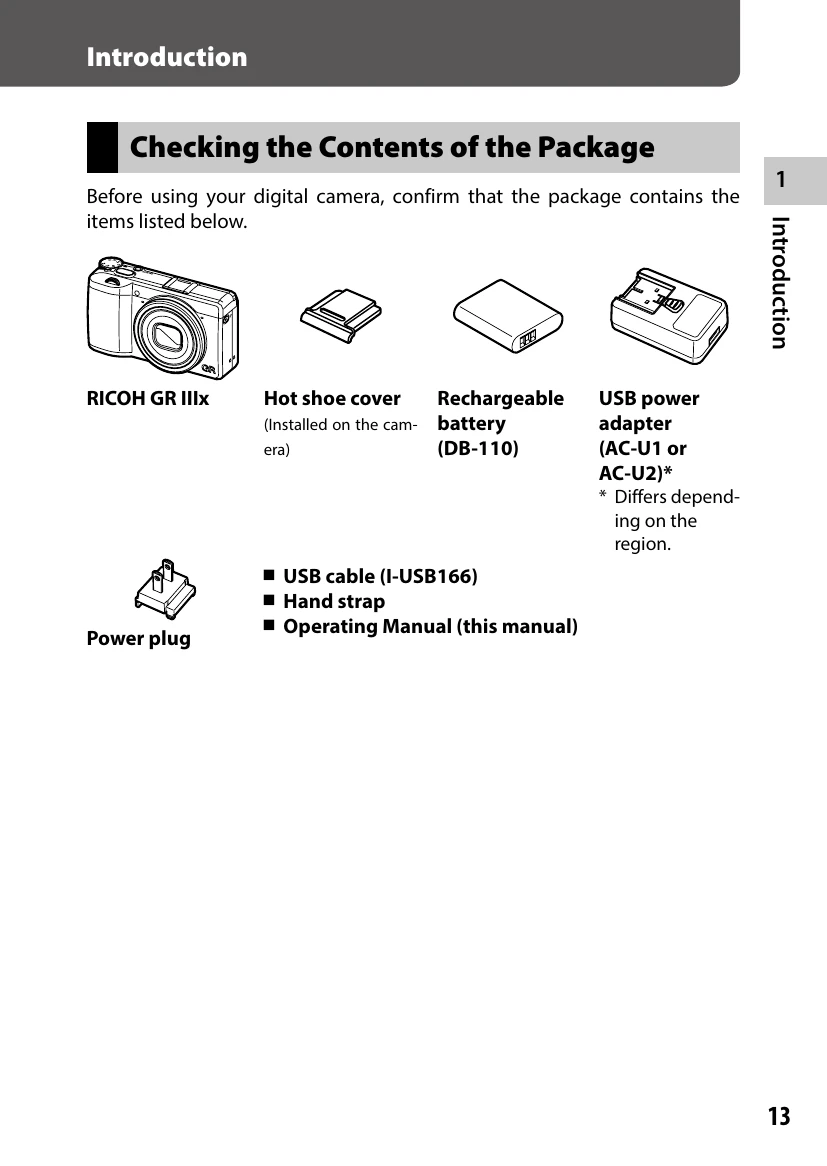
2. Charging the Battery: Connect the power plug to the USB power adapter, then connect the USB cable to the camera's USB terminal. Plug the adapter into a power outlet. The status lamp indicates charging.
3. Initial Settings: Press the power button. The camera turns on, and the language screen appears for the first time. Set the language, date, and time.
1. Set the mode dial to P (Program AE).
2. Press the shutter button halfway to adjust focus and set exposure.
3. Press the shutter button fully to take the picture.
| Problem | Cause | Solution | Page |
|---|---|---|---|
| The camera does not turn on. | The battery is not inserted. | Charge the battery and correctly insert it into the camera. | p.38 |
| The battery is exhausted. | |||
| The battery is not inserted in the correct orientation. | |||
| The battery is incompatible. | Use the battery DB-110 exclusively developed for this camera. | — | |
| The AC adapter is not correctly connected. | Connect the AC adapter correctly. | — | |
| The camera turns off during use. | The [Auto Power Off] function has been activated because the camera was not operated for a certain period of time. | Turn the camera back on. | p.40 |
| The battery is exhausted. | Charge the battery. | p.38 | |
| The camera does not turn off. | The camera is malfunctioning. | Take the battery out and insert it again. | p.37 |
| The low battery indicator is displayed or the camera turns off even when a fully charged battery is installed. | The battery is incompatible. | Use the battery DB-110 exclusively developed for this camera. | — |
| The battery cannot be charged. | The battery has failed. | Replace the battery with a new one. | — |
| The battery is hot. | Let the battery cool down to room temperature. | — | |
| The battery is quickly exhausted. | Ambient temperature is very high or very low. | — | — |