Brand: RICOH
Category: Camera
Document Type:
Language: EN
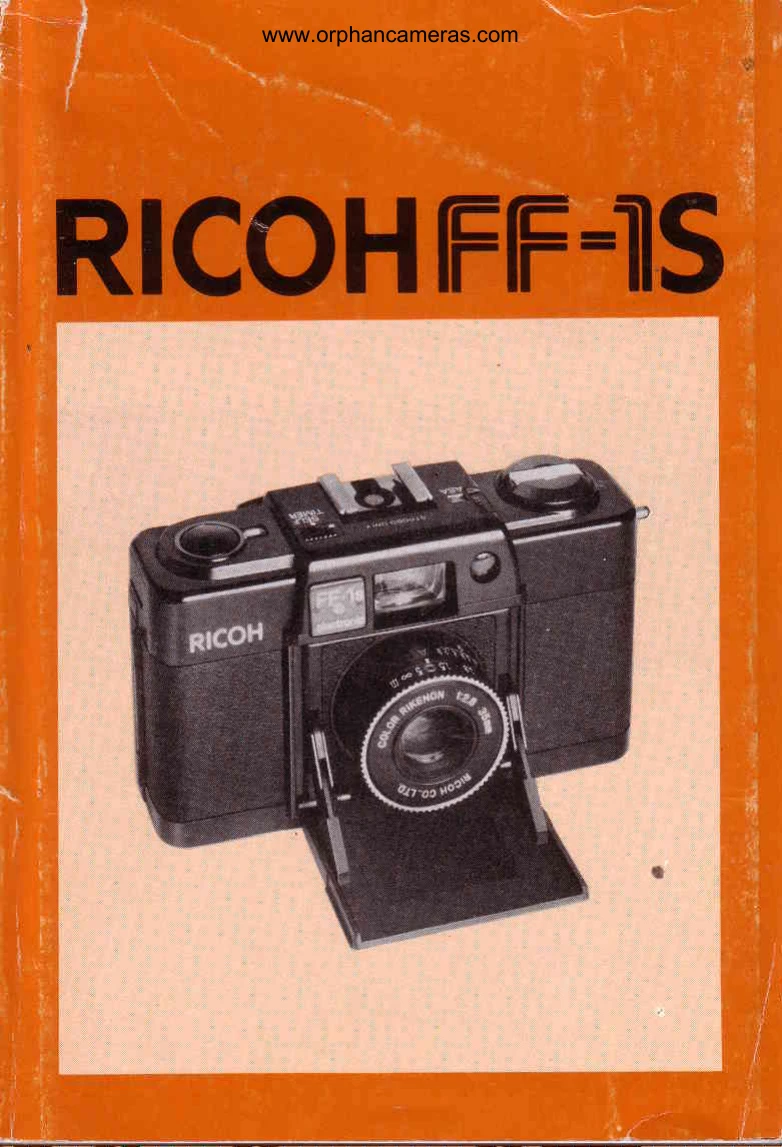
Brand: RICOH
Category: Camera
Document Type:
Language: EN
Uploaded: Aug. 9, 2025, 11:56 p.m.
How to Fix Strap: Secure the strap by pulling the hanging metal, turning the plastic tip 90 degrees, and inserting it into the strap eyelet.
Opening and Closing Front Cover: The front cover controls the shutter release and exposure meter. Open it fully for picture-taking (Fig. 2, 3) and close it to protect the lens and prevent accidental shutter release.
Battery Loading: Open the battery compartment (Fig. 5), insert two batteries according to the polarity diagram (Fig. 6), and close the lid. Ensure batteries are correctly inserted to avoid safety mechanism engagement.
Film Loading: Open the back cover (Fig. 7), pull out the rewind knob (Fig. 8), place the film cartridge in the chamber (Fig. 9), draw the leader across to the take-up spool (Fig. 10), take up slack with the advance lever (Fig. 11), and depress the shutter release until '1' appears on the exposure counter (Fig. 12).
Setting Film Speed: Rotate the film speed selector to match the ASA number of your film in the window (Fig. 13).
Automatic EE Exposure: Set the Auto/Manual Ring to 'A' for automatic aperture and shutter speed adjustment. A slow shutter speed warning LED in the viewfinder indicates speeds less than 1/60 sec.
Taking Flash Pictures: Mount flash on the hot shoe (Fig. 7). Override Auto/Manual Ring to f-stop determined by guide number and distance. Shutter speed defaults to 1/60 sec. with built-in hot shoe flash.
Setting the Distance: Measure camera-to-subject distance and rotate the distance scale ring accordingly.
Viewing: Look through the viewfinder eyepiece and compose your picture within the bright frame line (Fig. 19).
Unloading Film: Press the film rewind release button (Fig. 20), lift and turn the rewind crank clockwise until tension is released (Fig. 21), open the back cover (Fig. 7), and pull out the rewind knob to remove the cartridge.
Using the Self-Timer: Push the self-timer switch (Fig. 22). When the shutter button is pressed, the self-timer operates, and the shutter releases after approximately 9 seconds (Fig. 23).
Proper Care: Keep the lens clean, avoid harsh chemicals on the body, protect from extreme temperatures and elements, and remove batteries when not in use. Do not attempt self-repair.