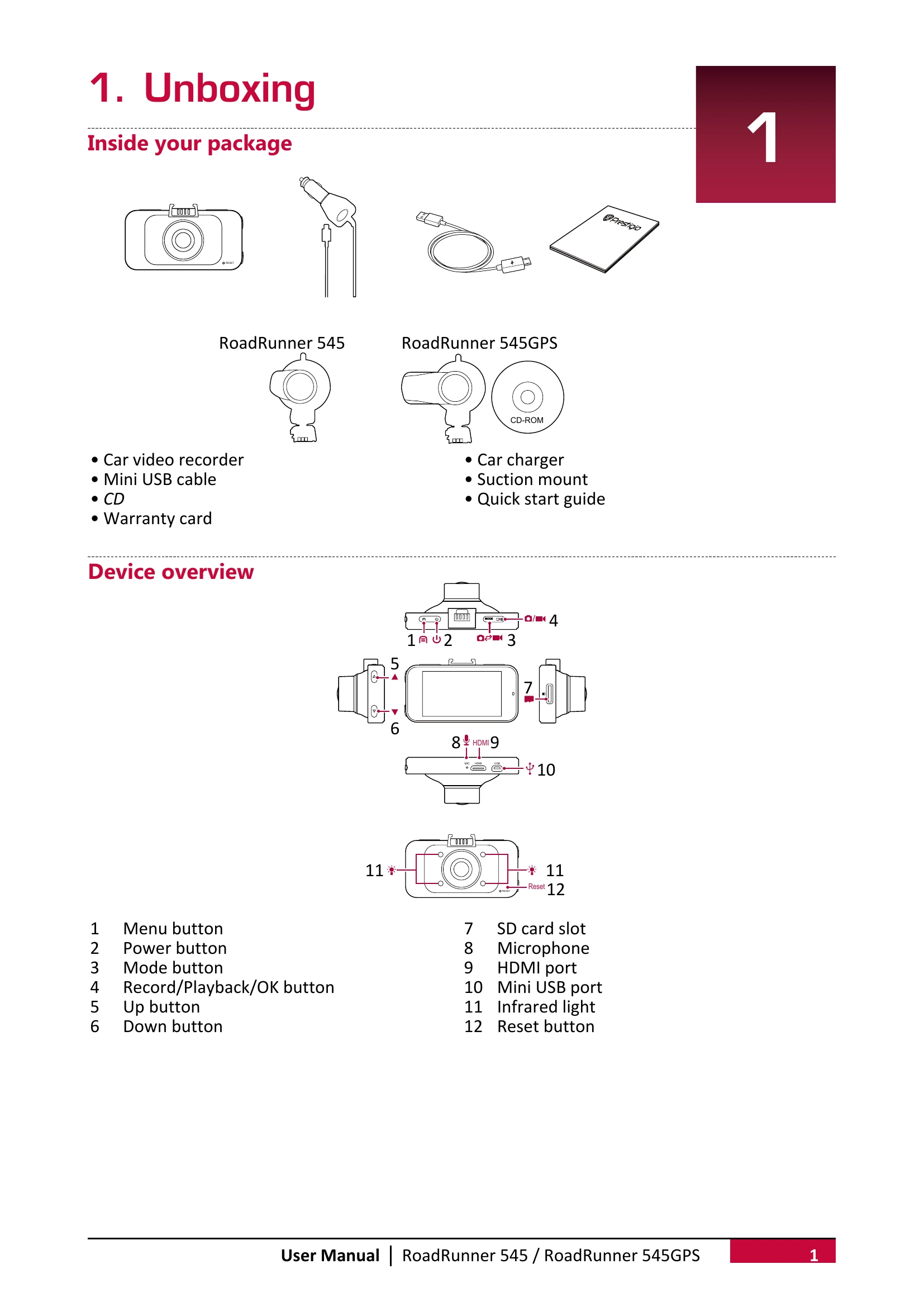
Getting Started: Insert a microSD card, install the suction mount, and charge the battery before initial use.
Main Screen: Access preview mode by pressing the power button to view recording status, resolution, time, and battery level.
Settings: Configure video and picture settings such as resolution, loop recording, motion detection, and capture mode. General settings include date/time, car number, language, and formatting options.
Recording: Start and stop video recording manually or allow auto recording when the car engine starts. Capture pictures during recording, record sound, use infrared light for dark conditions, and lock videos.
File Management: Browse, delete, lock, and unlock video and picture files in playback mode.
Playback: Play videos on the DVR, a TV/Monitor via HDMI, or on a PC using the provided software, which also displays GPS tracks.