Brand: PIONEER
Category: Stereo Receiver
Document Type: Manual
Language: EN
Brand: PIONEER
Category: Stereo Receiver
Document Type: Manual
Language: EN
Uploaded: Nov. 21, 2025, 6:23 p.m.
Manual Publish Date: 2003-04-01
Your audio system works when the ignition switch is in the "ACC" or "ON" position.
In order to prevent too much electric discharge, do not leave the car audio on longer than necessary when the engine is not running.
Press to turn the unit on or off.
When the Audio Control mode is OFF, raises / lowers volume (total volume step is 64).
When the Audio Control mode is ON, raises / lowers audio control levels.
Switches to the AM mode.
Switches between FM1/2 modes.
Press to manually select (one step at a time) the station with the next higher frequency. Press and hold until you hear a beep, and automatic station selection begins to select stations in order of increasing frequency.
Press to manually select (one step at a time) the station with the next lower frequency. Press and hold until you hear a beep, and automatic station selection begins to select stations in order of decreasing frequency.
Press to recall previously memorized stations (Preset Channels). Press and hold until you hear a beep, and the station you are currently tuned to is memorized as a Preset Channel.
If you press, SCAN is indicated in the display and SCAN begins searching for stations with good reception. If you press and hold until you hear a beep, SCAN is indicated in the display and SCAN of preset channels begins.
Switches to the CD mode. (Only effective if a disc is loaded)
Press to eject the disc currently playing.
Press to proceed to the next track.
Pressing once takes you back to the start of the track currently playing. Continuing to press takes you back one track at a time.
If you press this, is indicated in the display and starts to play tracks on the disc being played in random order. Press again to cancel. "RND" is always displayed regardless of this operation.
If you press this, is indicated in the display and starts to repeat the track being played. Press again to cancel. "RPT" is always displayed regardless of this operation.
While this is pressed, play of the track is reversed.
While this is pressed, play of the track is fast forwarded.
If you press this, is indicated in the display and starts to play the first 10 seconds of each track on the CD being played. Press again to cancel. "SCAN" is always displayed regardless of this operation.
Press, and display indications change as follows: ELAPSED TIME → DISC TITLE → TR TITLE (track title). If you press and hold until hear a beep, the page of a display can be changed.
If you select a MP3 disc, MP3 is indicated in the display.
Press to proceed to the next file.
Pressing once takes you back to the start of the file currently playing. Continuing to press takes you one file back at a time.
Press to proceed to the next folder.
Press to return to the previous folder.
Press to jump to HOME.
If you press this, is indicated in the display and starts to play files in the folder being played in random order. Press again to cancel. If you press and hold until you hear a beep, is indicated in the display and starts to play files in all folders on the disc being played in random order. Press again to cancel. "RND" is always displayed regardless of this operation.
If you press this, is indicated in the display and starts to repeat the file being played. Press again to cancel. If you press and hold until you hear a beep, is indicated in the display and starts to repeat the folder being played. Press again to cancel. "RPT" is always displayed regardless of this operation.
While this is pressed, play of the track is reversed. (There is no sound.)
While this is pressed, play of the track is fast forwarded. (There is no sound.)
If you press this, is indicated in the display and starts to play the first 10 seconds of each file in the folder being played. Press again to cancel. If you press and hold until you hear a beep, is indicated in the display and starts to play the first 10 seconds of the first file of each folder. Press again to cancel. "SCAN" is always displayed regardless of this operation.
Press and display indications change as follows: ELAPSED TIME → FLD NAME (Folder name) → FILE NAME → ALB TITLE (Album Title) → TR TITLE (Track Title) → ART NAME (Artist Name). If you press and hold until hear a beep, the page of a display can be changed.
Switches between the SAT 1/2/3 modes.
Pressing this lets you select the next higher channel. If you press and hold, you can rapidly scroll forward through the channels. While displaying Channel Category by TYPE UP/DOWN, pressing this lets you select upward the next channel within currently selected type (Channel Category).
Pressing this lets you select the previous channel. If you press and hold, you can rapidly scroll down through the channels. While displaying Channel Category by TYPE UP/DOWN, pressing this lets you select downward the next channel within currently selected type (Channel Category).
Press to see Channel Category of channel that is currently received. When Channel Category is displayed (TYPE is indicated), press again to switch to the next category.
Press to see Channel Category of channel that is currently received. When Channel Category is displayed (TYPE is indicated), press again to switch to the previous category.
Press to recall previously memorized channels (Preset Channels). Press and hold until you hear a beep, and the channel you are currently receiving will be memorized as a Preset Channel.
Press and SCAN of the currently selected type (Channel Category) starts. At this time, SCAN is indicated in the display. If you press and hold until you hear a beep, SCAN of preset channels starts.
Press and indication in the display changes as follows: CH NAME → TITLE (SONG/PROGRAM TITLE) → NAME (ARTIST NAME/FEA- TURE) → CH NUMBER → CH NAME
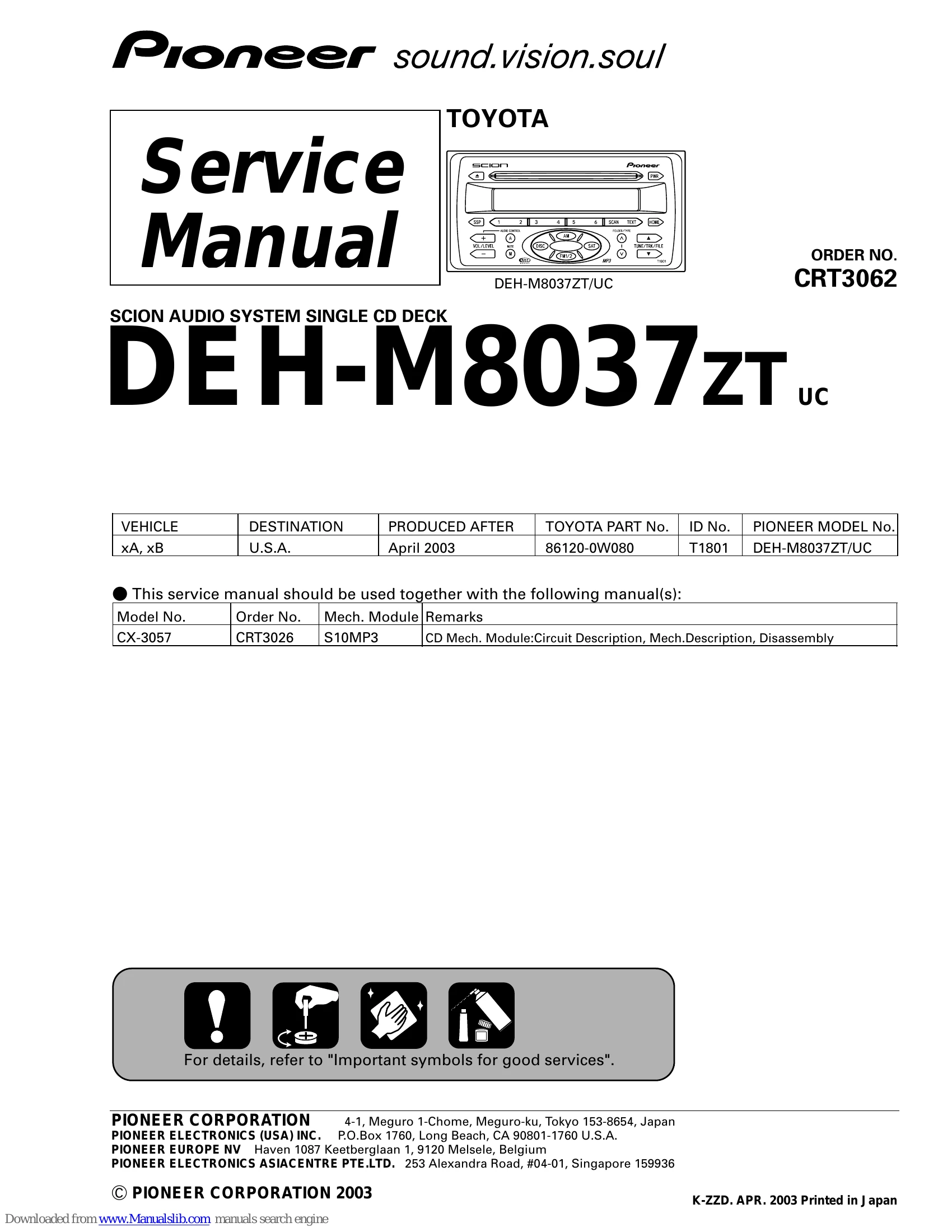
| Model No. | Order No. | Mech. Module | Remarks |
| CX-3057 | CRT3026 | S10MP3 | CD Mech. Module:Circuit Description, Mech. Description, Disassembly |