Brand: Pioneer
Category: Home Entertainment System
Document Type: Parts/Service
Language: EN
Brand: Pioneer
Category: Home Entertainment System
Document Type: Parts/Service
Language: EN
Uploaded: Nov. 21, 2025, 9:23 p.m.
To ensure proper functioning of your Pioneer CS-99A speaker system, follow these checks:
| Problem | Possible Cause | Solution |
|---|---|---|
| No sound from Super Tweeter | 12kHz signal not reaching INPUT terminals | Check amplifier output and connections. |
| No sound from Tweeter | 8kHz signal not reaching INPUT terminals | Check amplifier output and connections. |
| No sound from Higher Mid-range | 3kHz signal not reaching INPUT terminals | Check amplifier output and connections. |
| No sound from Mid-range | 1kHz signal not reaching INPUT terminals | Check amplifier output and connections. |
| No sound from Woofer | 400Hz signal not reaching INPUT terminals | Check amplifier output and connections. |
| Unbalanced sound | Level control setting incorrect | Adjust HIGHS and MID-RANGE controls as per checks 8 and 9. |
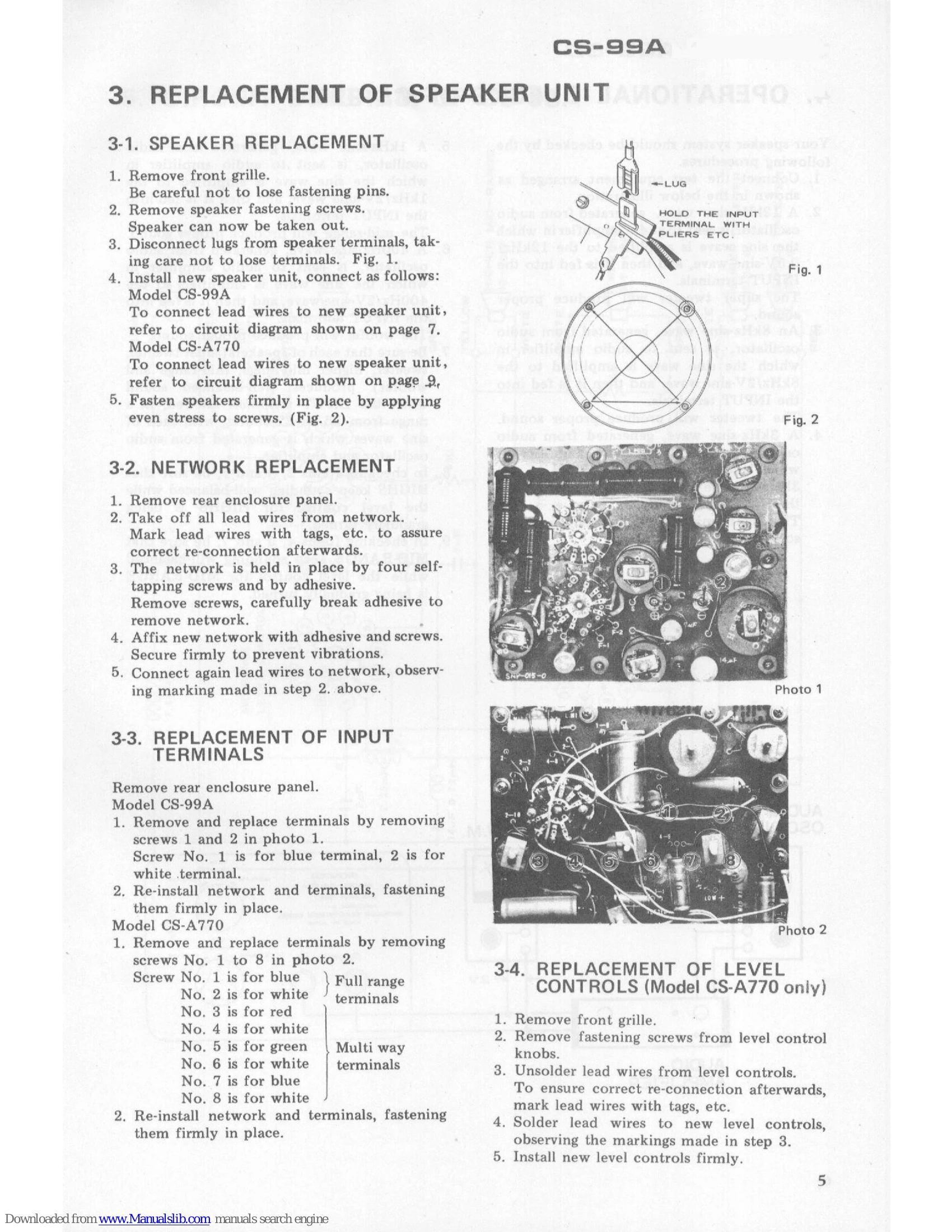
| Unbalanced sound | Speaker unit defect | Refer to 'REPLACEMENT OF SPEAKER UNIT' section. |
| Unbalanced sound | Network assembly defect | Refer to 'NETWORK REPLACEMENT' section. |