Brand: PHILIPS
Category: Electronics
Document Type: Manual
Language: EN
Brand: PHILIPS
Category: Electronics
Document Type: Manual
Language: EN
Uploaded: Nov. 21, 2025, 9:15 p.m.
None
The phone has a carousel of icons on the screen, each representing a feature. Pressing left or right alternates between options. Repeat this to browse and select features. A scroll bar indicates your position in lists. Use the navigation key to select or adjust functions.
Making a call: Enter the number and press the call key, or select 'Call' from the menu.
Answering a call: Open the phone or press the call key when it rings.
Ending a call: Close the phone or press the end call key.
Quickly accessing the Phonebook: In idle mode, press the dedicated key.
T9® text Input: Predictive text mode for SMS/email, uses a dictionary. Press keys once per letter; suggestions appear.
Basic text input: Select 'Abc' mode. Requires multiple key presses per character.
SIM card: Insert a valid SIM card to use the phone.
PIN code: Enter the PIN to switch on the phone. It protects your SIM card.
Phonebook: Copy SIM phonebook to the phone or vice-versa.
Charging: Plug the charger into the phone's right-hand socket.
Idle screen: Displays phone status and symbols.
| PROBLEM | SOLUTION |
| The display doesn't respond (or responds slowly) to key pushes | The display responds more slowly at very low temperatures. This is normal and does not affect the operation of the phone. Take the phone to a warmer place and try again. In other cases please contact your phone supplier. |
|---|---|
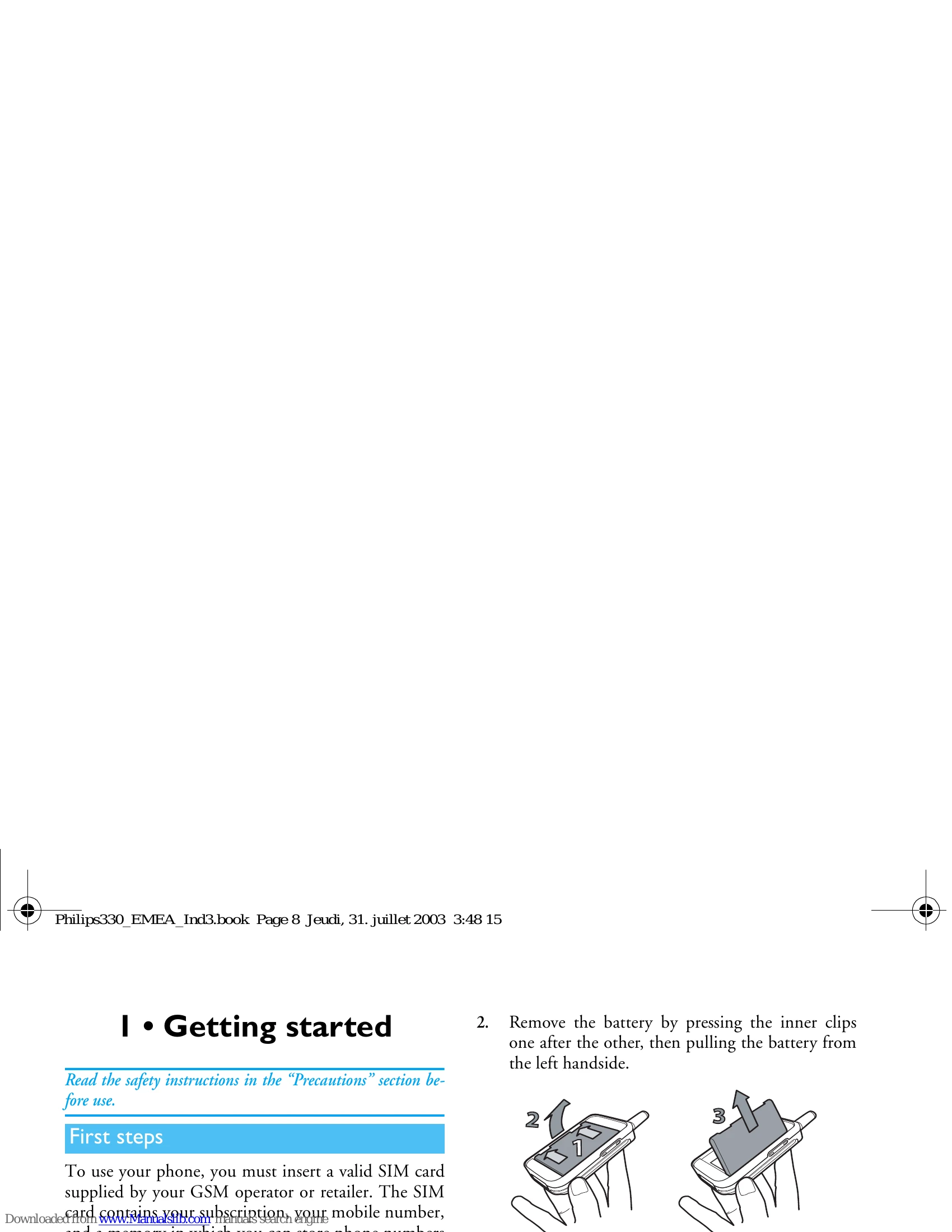
| The phone does not switch on | Remove and reinstall the battery (see page 8). Then charge the phone until the battery icon has stopped flashing. Finally, unplug from the charger and try to switch the mobile on. |
| Your phone doesn't go to idle screen | Press and hold <end call>, or switch off the phone, check that the |