Brand: PHILIPS
Category: Electronics
Document Type: Manual
Language: EN
Brand: PHILIPS
Category: Electronics
Document Type: Manual
Language: EN
Uploaded: Nov. 21, 2025, 6:13 p.m.
| Tips | |
| Care of the screen | Clean the TV with a slightly damp soft cloth. Do not use abrasive solvent as it can damage the TV screen. |
| Poor Picture | Have you selected the correct TV system? |
| Is your TV or house aerial located too close to loudspeakers, non-earthed audio equipment or neon lights, etc.? | |
| Mountains or high buildings can cause double pictures or ghost images. Sometimes you can improve the picture quality by changing the direction of the aerial. | |
| Is the picture or teletext unrecognisable? Check if you have entered the correct frequency. See Installation, p. 6. | |
| No picture | Are brightness, sharpness and contrast out of adjustment? Select Factory settings in the Setup, General menu, p. 8. |
| Sometimes poor picture quality is possible when having activated an S-VHS camera or camcorder connected to the right side of your TV and another peripheral is connected to EXT 1, 2 or 3 at the same time. In this case switch off one of the other peripherals. | |
| Is the aerial connected properly? Are the plugs tightly connected in the aerial socket? Is the aerial cable in good condition and does it have suitable plugs? Are the connection facilities to a possible second TV in good condition? If in doubt, consult your dealer. | |
| No sound | No sound on any channel? Check the volume isn't at minimum. |
| Is the sound interrupted with the mute key ? | |
| No solution found for your picture or sound problem ? | Switch your TV off and then on again once. Never attempt to repair a defective TV yourself. Check with your dealer or call a TV technician. |
| Remote control | If your TV no longer responds to the remote control, the batteries may be dead. |
| Check if the remote control is in the correct mode. | |
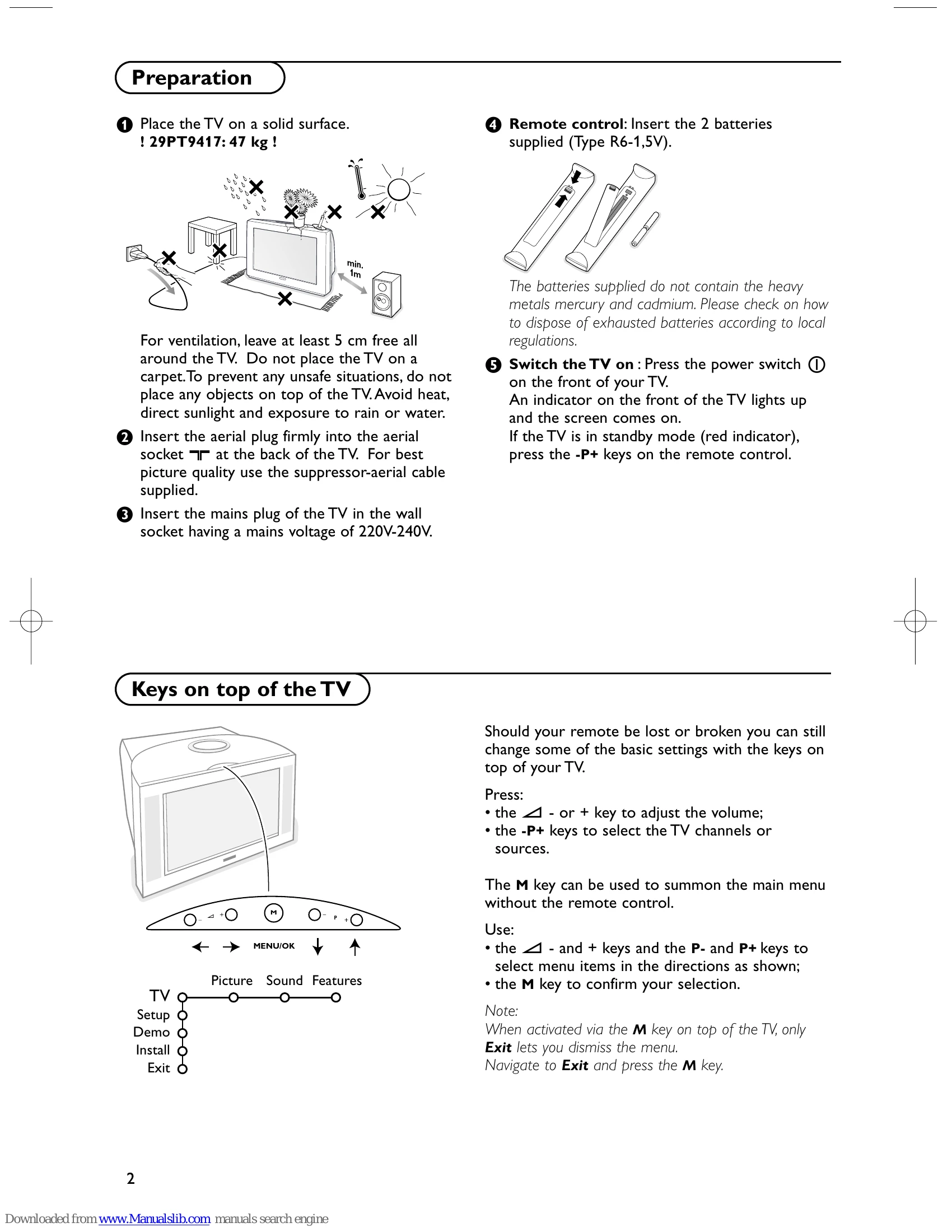
| You can still use the M key and the -/+ keys at the top of your TV. | |
| Menu | Have you selected the wrong menu? Press the MENU key again to exit from the menu. |
| NEXTVIEW | NO NEXTVIEW info: See Acquisition and updating of NEXTVIEW information, p. 15. |
| Standby | Your TV consumes energy in the standby mode. Energy consumption contributes to air and water pollution. Power consumption: 1 W. |