Brand: PENTAX
Category: Camera
Document Type:
Language: EN
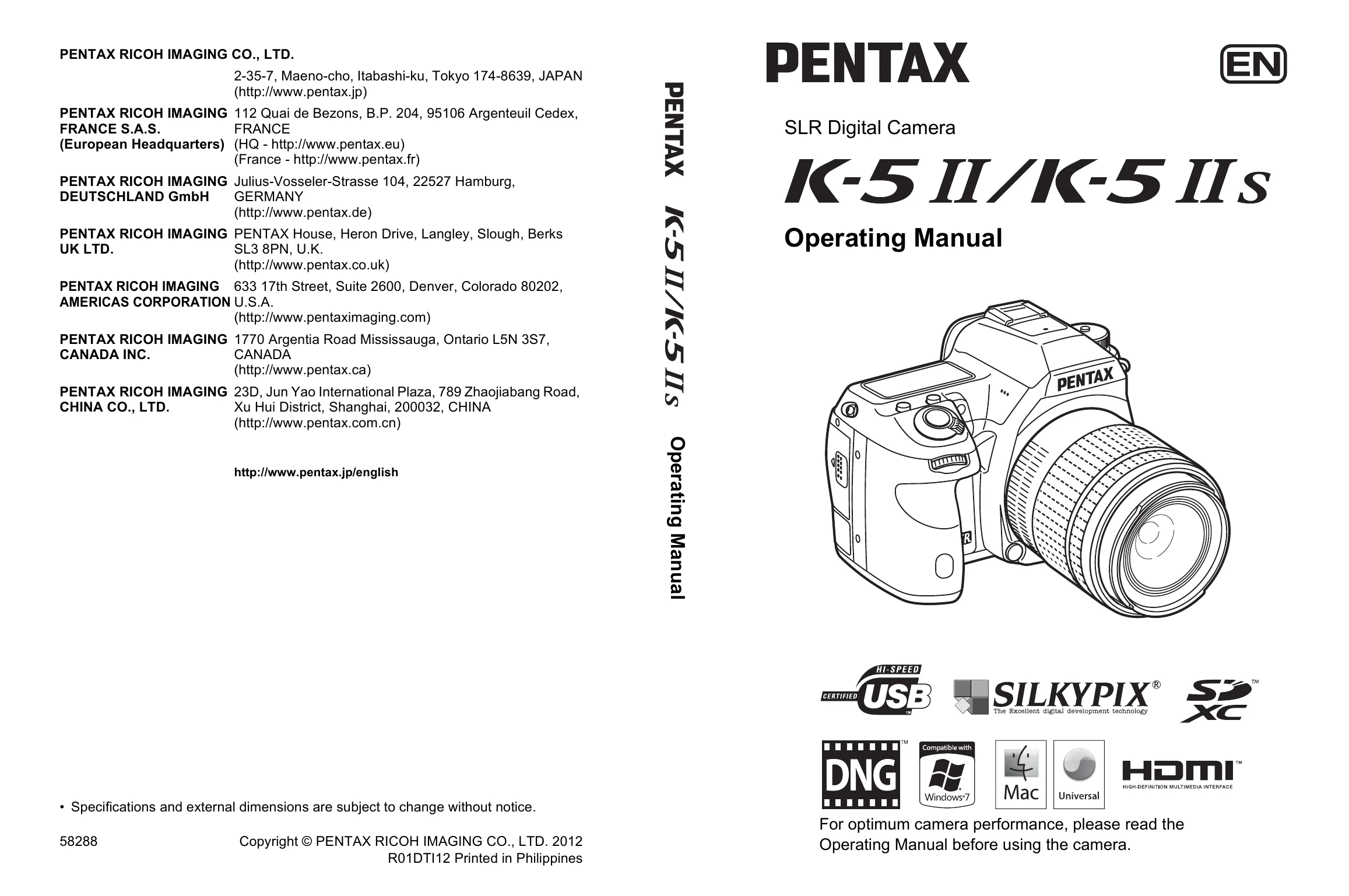
Brand: PENTAX
Category: Camera
Document Type:
Language: EN
Uploaded: Aug. 9, 2025, 11:57 p.m.
PENTAX cameras are guaranteed against defects for twelve months from date of purchase.
Basic Shooting Operation
1. Set the mode dial to B (Green mode).
2. Set the focus mode switch to l (Autofocus/Single).
3. Look through the viewfinder.
4. Position the subject inside the AF frame and press the shutter release button halfway.
5. Press the shutter release button fully to take the picture.
Using the Mode Dial: Switch exposure modes by aligning icons on the dial with the indicator.
Using the Built-in Flash: Press the E button to pop up the flash. Press the shutter release button fully to take the picture. Push down to retract.
| Problem | Cause | Remedy |
|---|---|---|
| The camera does not turn on | The battery is not installed | Check if a battery is installed. If not, install a fully charged battery. |
| The shutter cannot be released | The battery power is low | Replace with a fully charged battery or use the AC adapter kit (optional). (p.52) |
| The lens aperture ring is set to other than the s position | Set the lens aperture ring to the s position or select [Permitted] in [27. Using Aperture Ring] of the [C Custom Setting 4] menu. (p.89, p.299) | |
| Autofocus does not work | The subject is difficult to focus on | Autofocus cannot focus well on subjects that have low contrast, dark colors, intricate designs, rapidly moving objects or scenery shot through a window or a net-like pattern. Lock focus on another object located at the same distance as your subject, then aim at the target and press the shutter release button fully. Alternatively, use manual focus. (p.116) |