Manual for DMC-FZ72

Manual for DMC-FZ72

Brand: Panasonic

Category: Digital Camera

Document Type: Manual

Language: EN
Uploaded: Nov. 21, 2025, 6:20 p.m.

Preparations

Before use

Camera handling

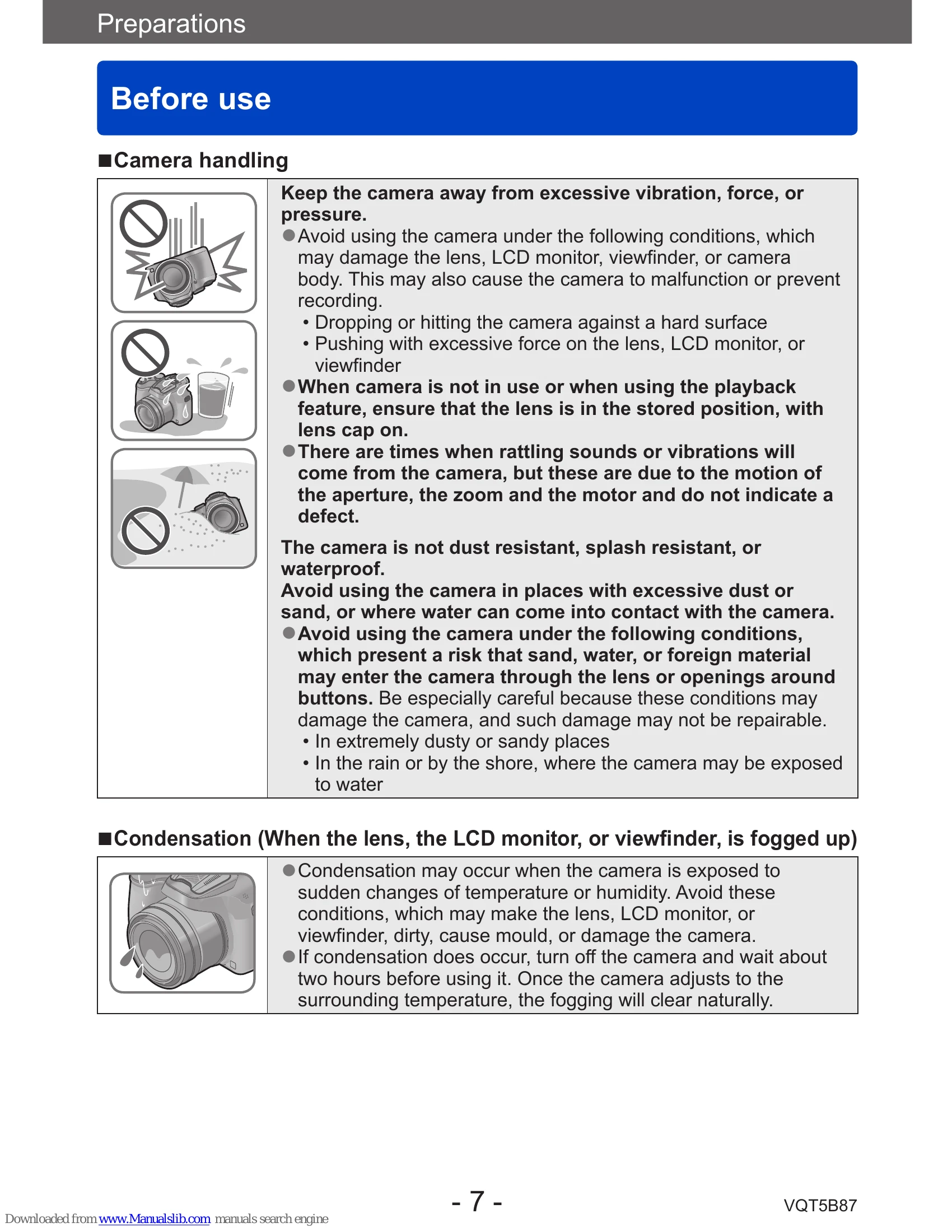
  • Keep the camera away from excessive vibration, force, or pressure.
  • Avoid using the camera under conditions that may damage the lens, LCD monitor, viewfinder, or camera body.
  • Ensure the lens is in the stored position with the lens cap on when the camera is not in use or is in playback mode.
  • The camera is not dust resistant, splash resistant, or waterproof.

Condensation

  • Condensation may occur due to sudden changes in temperature or humidity. Turn off the camera and wait about two hours for it to adjust.

Always take a test shot first

Before important events, take a test shot to ensure pictures and sound record correctly.

No compensation for missed shots

We cannot compensate for missed shots due to technical problems.

Carefully observe copyright laws

Unauthorized use of recordings with copyright is prohibited for purposes other than personal use.

Standard Accessories

Check all accessories are supplied. Lens hood is not supplied. SILKYPIX Developer Studio must be downloaded.

Names and Functions of Main Parts

Includes diagrams identifying parts like the viewfinder, flash, lens, tripod mount, card/battery door, shutter button, zoom lever, and various sockets.

Charging battery

  • Always charge before first use.
  • Use the dedicated charger and battery.
  • Position battery contacts, plug charger into AC power, and detach battery after charging.

Remaining battery

The remaining battery capacity is displayed on the screen. A flashing red battery mark indicates a need to recharge or replace the battery.

Guidelines for number of recordable pictures and operating time

Operating times and recordable pictures differ based on environment and conditions. Tables show estimates for still pictures and motion pictures.

Inserting and Removing the Card (optional)/the Battery

  • Turn off the unit and retract the lens barrel.
  • Slide the release lever, open the door, insert/remove battery or card.
  • Close the door and slide the release lever to lock.
Privacy Policy