Brand: Panasonic
Category: Air Conditioner
Document Type: Manual
Language: EN
Brand: Panasonic
Category: Air Conditioner
Document Type: Manual
Language: EN
Uploaded: Nov. 21, 2025, 9:26 p.m.
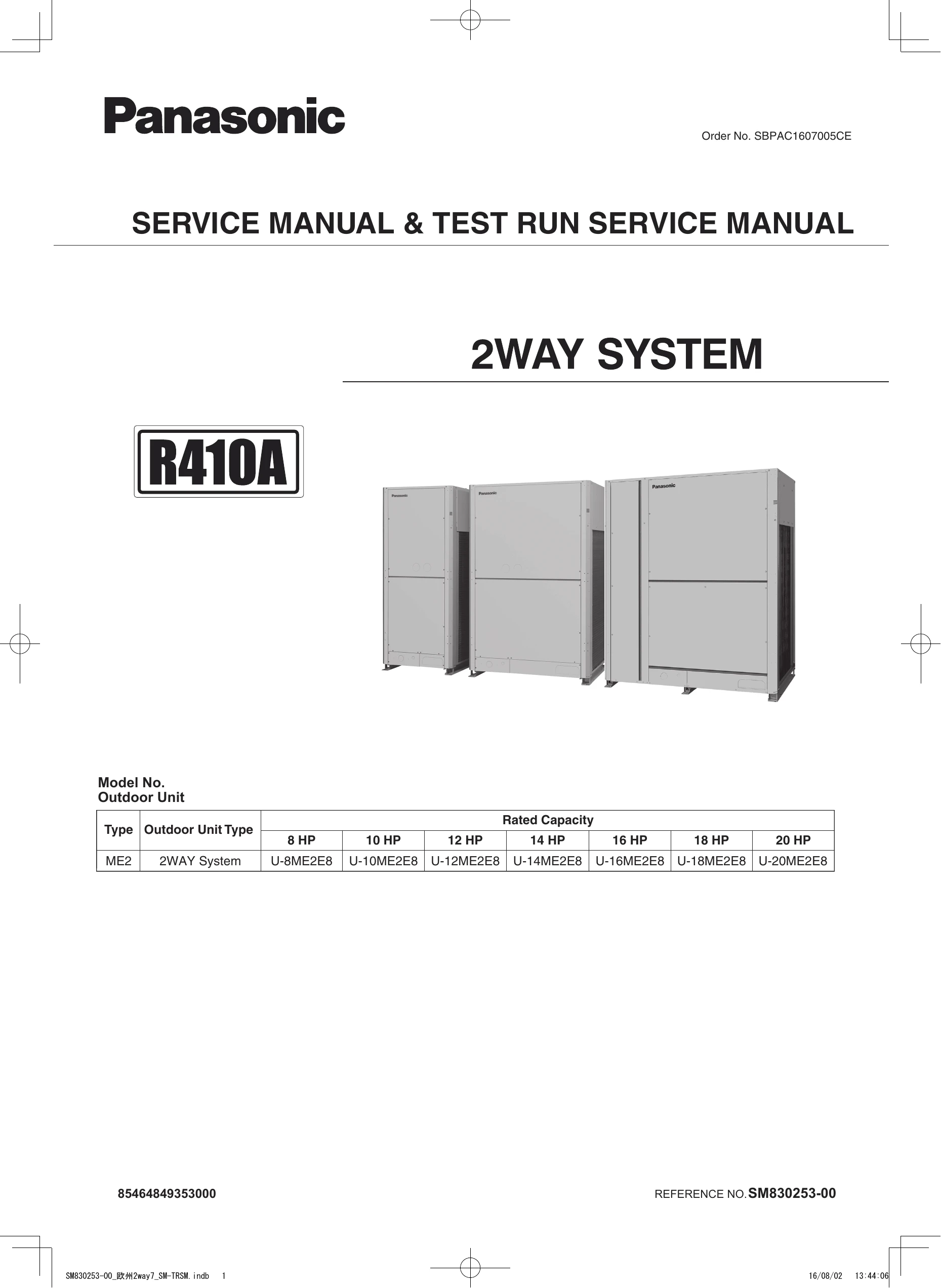
The ME2 series outdoor units allow multiple units to be connected. One unit is designated as the main unit (O/U.ADD set to "1") and activates CCU functions. Sub outdoor units have their number set to other than "1".
Delayed Start: To reduce power supply load, outdoor units start sequentially (1 second apart) based on their unit number. For systems linked by communication cable, delay start can be set in the EEPROM.
Stopping Rules: All units stop sequentially by unit number. For load reduction, outdoor units stop based on compressor priority. Cooling operation has two patterns: continuous operation until the last unit or simultaneous stop. Heating operation continues until the last unit remains operational.
Compressor Control: Uses inverter compressors with priority order based on trip counter, operating time, and address. Operation frequency is within a specified range, with restrictions based on pressure. Current protection limits compressor electric current based on outdoor temperature.
Special Controls: Includes 4-way valve control (ON for heating, OFF for cooling), SAVE valve operation, and high-pressure protection.
Auto Address Setting: Allows for automatic addressing of indoor and outdoor units via wired remote controllers or directly on the outdoor unit PCB. This process is crucial for system communication.
Test Run: A mode for checking operation and performing refrigerant charging. It can be initiated from the remote controller and has a limited duration.
| LED 1 & 2 Status During Auto Address Setting | ||
| LED 1 | LED 2 | Contents of Display |
|---|---|---|
| Blinks Alternately | Alternately | Auto address setting completed |
| Simultaneously | Simultaneously | Inconsistencies between the number of indoor units and the setting number of indoor units. |
| Alternating | Alternating | See Section "7. Self-Diagnosis Function Table and Contents of Alarm Display”. |
| Alarm Display (Remote Controller) | ||
| Remote control display | Cause | |
|---|---|---|
| E01 | Remote controller is not connected properly. (Power failure) | |
| E02 | When auto address setting was completed, the power of indoor unit was turned off. | |
| P09 | Connector of indoor unit ceiling panel is not connected properly. | |
| E15 | Auto address alarm (A small number of indoor units) | |
| E16 | Auto address alarm (A large number of indoor units) | |