Brand: OLYMPUS
Category: Digital Camera
Document Type:
Language: EN
Brand: OLYMPUS
Category: Digital Camera
Document Type:
Language: EN
Uploaded: Aug. 9, 2025, 11:44 p.m.
No specific warranty period is mentioned in the provided pages.
Using the camera:
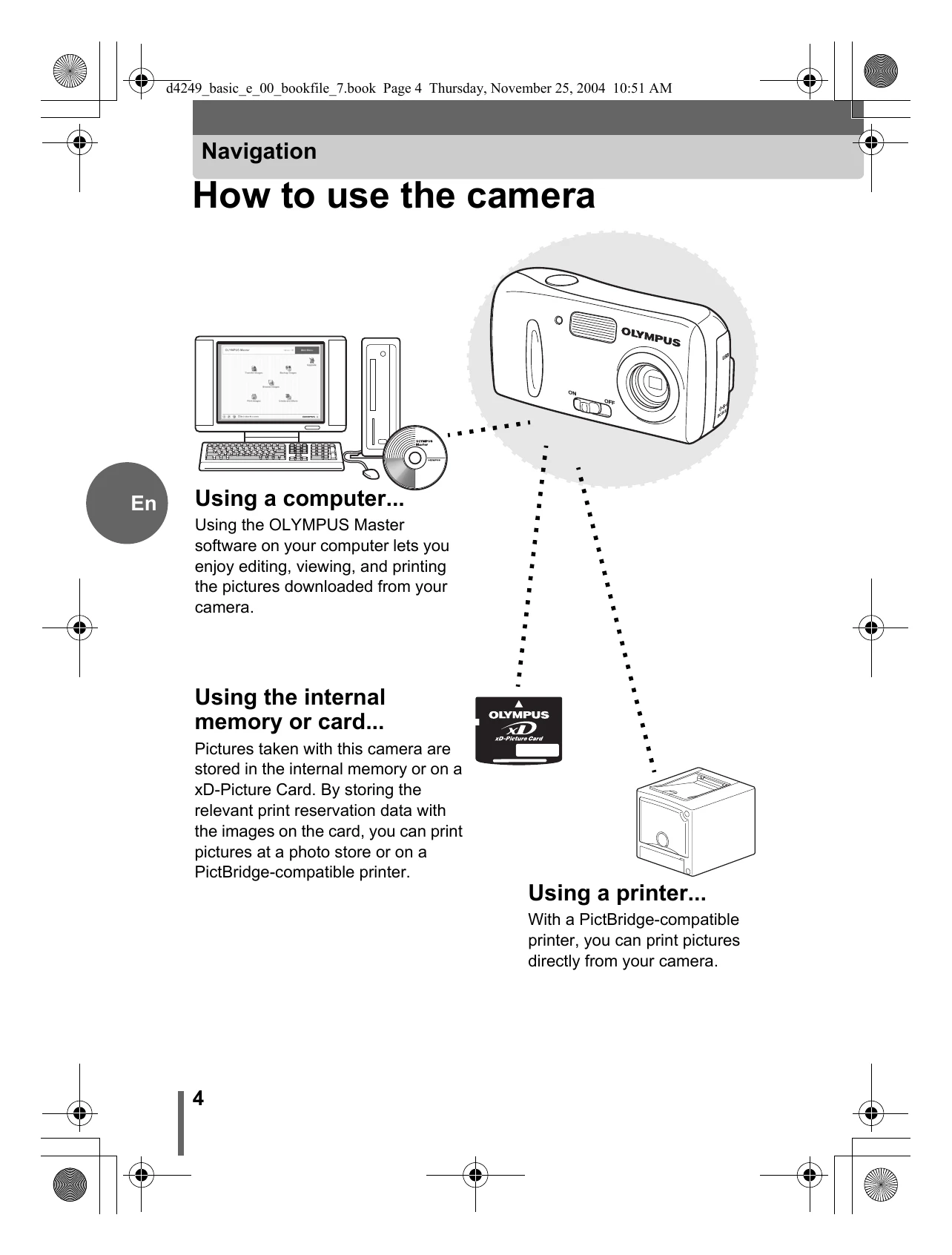
Connect to a computer using OLYMPUS Master software for editing, viewing, and printing. Store pictures on internal memory or an xD-Picture Card for printing at photo stores or PictBridge-compatible printers.
Controls:
Basic Shooting Steps:
Reviewing Pictures:
| Problem | Possible Cause | Solution |
|---|---|---|
| Camera does not turn on. | Batteries are exhausted. | Replace batteries or recharge them. |
| Pictures are blurry. | Shutter button pressed too forcefully. | Press the shutter button gently. |
| Error message or abnormal behavior. | Internal issue or incorrect settings. | Refer to the manual or contact customer support. |