Brand: Nikon
Category: Camera
Document Type: Manual
Language: EN
Brand: Nikon
Category: Camera
Document Type: Manual
Language: EN
Uploaded: Aug. 10, 2025, 12:14 a.m.
A one-year warranty is provided anywhere in the world, subject to certificate conditions.
| Symptom | Possible Cause | Remedy |
|---|---|---|
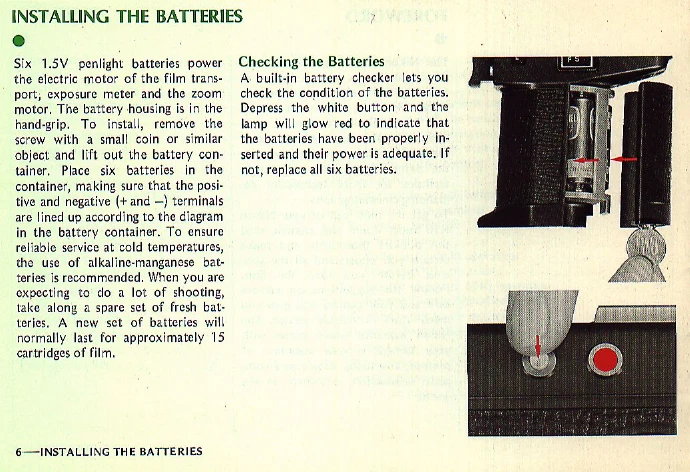
| No power, motor does not run | Batteries exhausted | Replace all six batteries |
| Motor falters, especially at slow speed | Low battery power | Replace batteries |
| Overexposure or underexposure | Incorrect aperture setting | Adjust exposure control or use manual override |
| Blurry images (especially at close range or telephoto) | Camera shake | Mount camera on a tripod or firm support |