Brand: Nikon
Category: Camera
Document Type: Quick Start Guide
Language: EN
Brand: Nikon
Category: Camera
Document Type: Quick Start Guide
Language: EN
Uploaded: Aug. 10, 2025, 12:14 a.m.
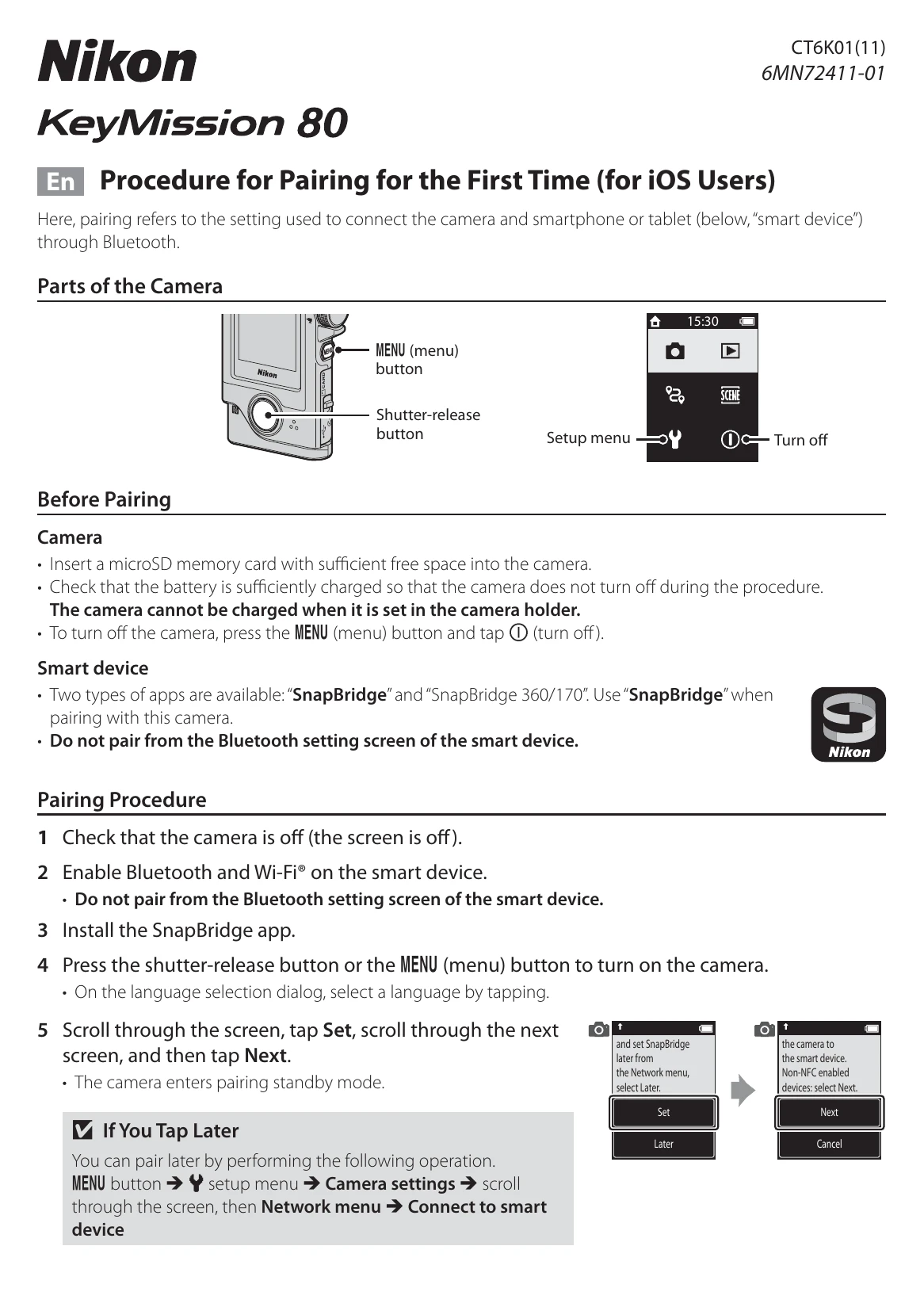
1. Insert a microSD memory card. 2. Ensure the camera battery is sufficiently charged. 3. Turn off the camera if it is on.
1. Use the "SnapBridge" app. 2. Do not pair from the smart device's Bluetooth settings.
1. Turn off the camera. 2. Close the SnapBridge app. 3. Remove the camera from the smart device's Bluetooth settings.
Default password: "NikonKeyMission". It is case-sensitive. Change it for privacy.
| When You Cannot Pair |
|---|
|