Brand: NEC
Category: Other
Document Type: Manual
Language: EN
Brand: NEC
Category: Other
Document Type: Manual
Language: EN
Uploaded: Nov. 21, 2025, 6:33 p.m.
Manual Publish Date: 1995-05-01
NEC Corporation warrants each product according to the terms of the accompanying Warranty Statement.
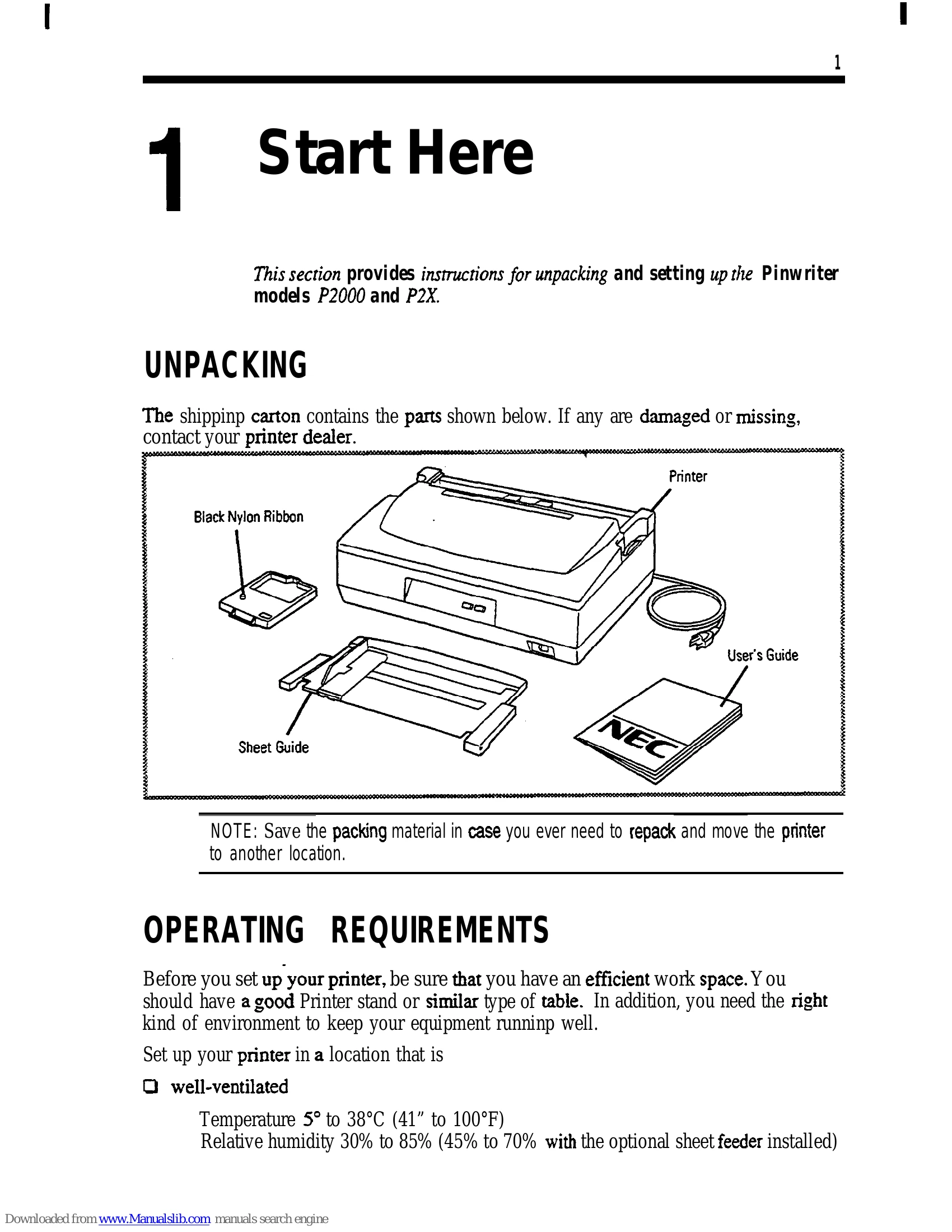
Unpack the printer, ensuring all parts are present. Set up in a well-ventilated area away from direct sunlight and sources of interference. Install the sheet guide by aligning it with the printer's tabs and tilting it backward. To install the ribbon, open the top cover, position the carrier, set the paper thickness lever, and gently press the ribbon cartridge into place. Connect the power cord to a grounded outlet after confirming the power switch is off.
To run a self-test, set the paper selection lever to the rear, open the top cover, set the paper thickness lever to position 3 or 4, and turn on the printer. Insert paper when prompted. To select fonts and pitches, press the MODE button, then use MODE and FEED/LOAD buttons to navigate and select. For advanced settings, access the memory switch menu mode.
| Problem | Page |
|---|---|
| Simple Printer Problems | 32 |
| Minor Printer Problems | 32 |
| Troubleshooting | 34 |
| Self-Test | 34 |
| Print Screen | 35 |
| Hex Dump | 35 |