Brand: NEC
Category: Mobile Phone
Document Type: Manual
Language: EN
Brand: NEC
Category: Mobile Phone
Document Type: Manual
Language: EN
Uploaded: Nov. 21, 2025, 9:02 p.m.
Manual Publish Date: 1999-02-01
This warranty covers defects in materials and workmanship for one year from the purchase date.
| Troubleshooting Steps |
|---|
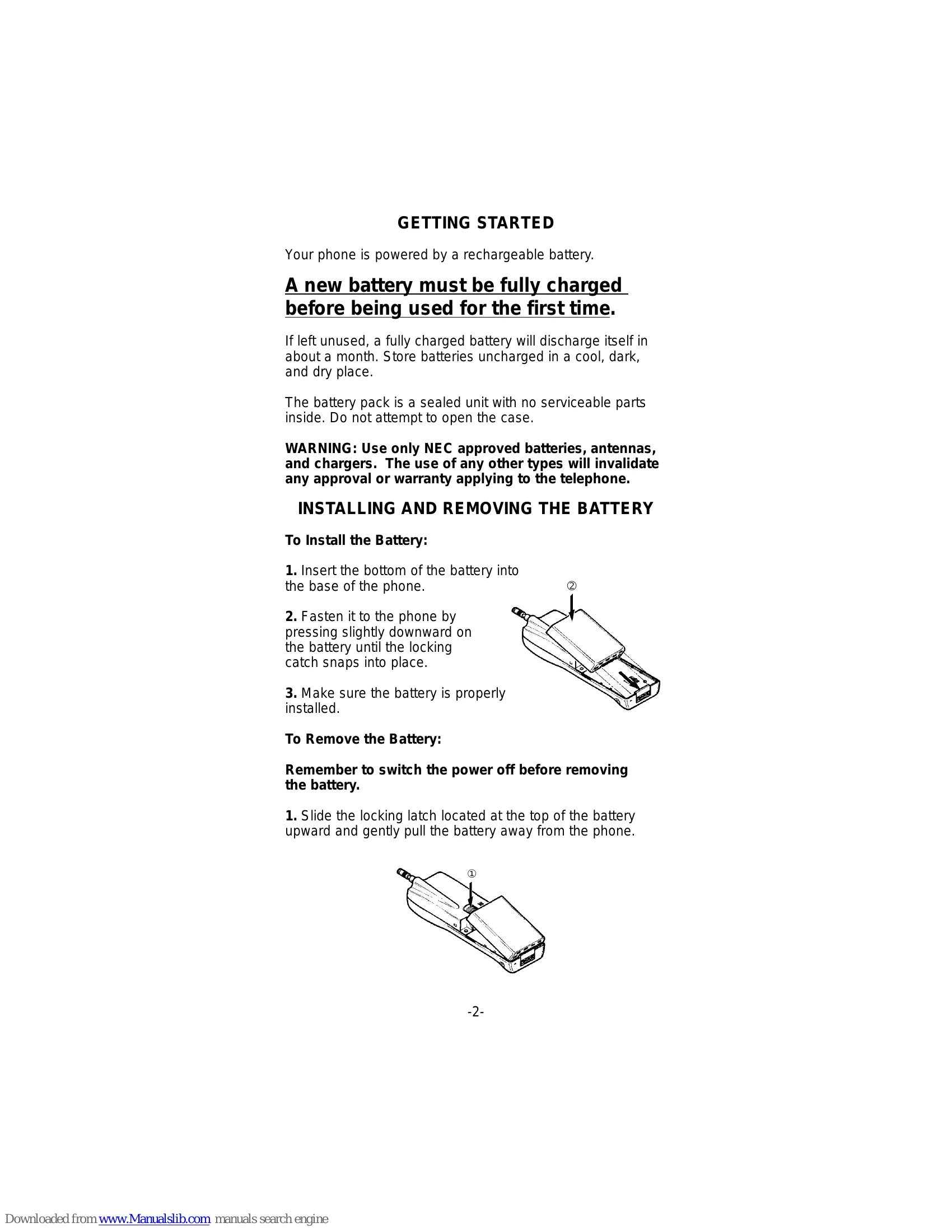
| Make sure the battery is installed in the phone properly. |
| Be sure the contacts are clean on the battery and the charger. |
| Battery charge may be too low for operation. Listen for the low battery alarm or check battery level by pressing FCN + 8. |
| Check the NO Service (NO SVC) message, you might be out of the cellular service area. |
| Make sure that the antenna is extended to its full length. |