Brand: NEC
Category: Mobile Phone
Document Type: Parts/Service
Language: EN
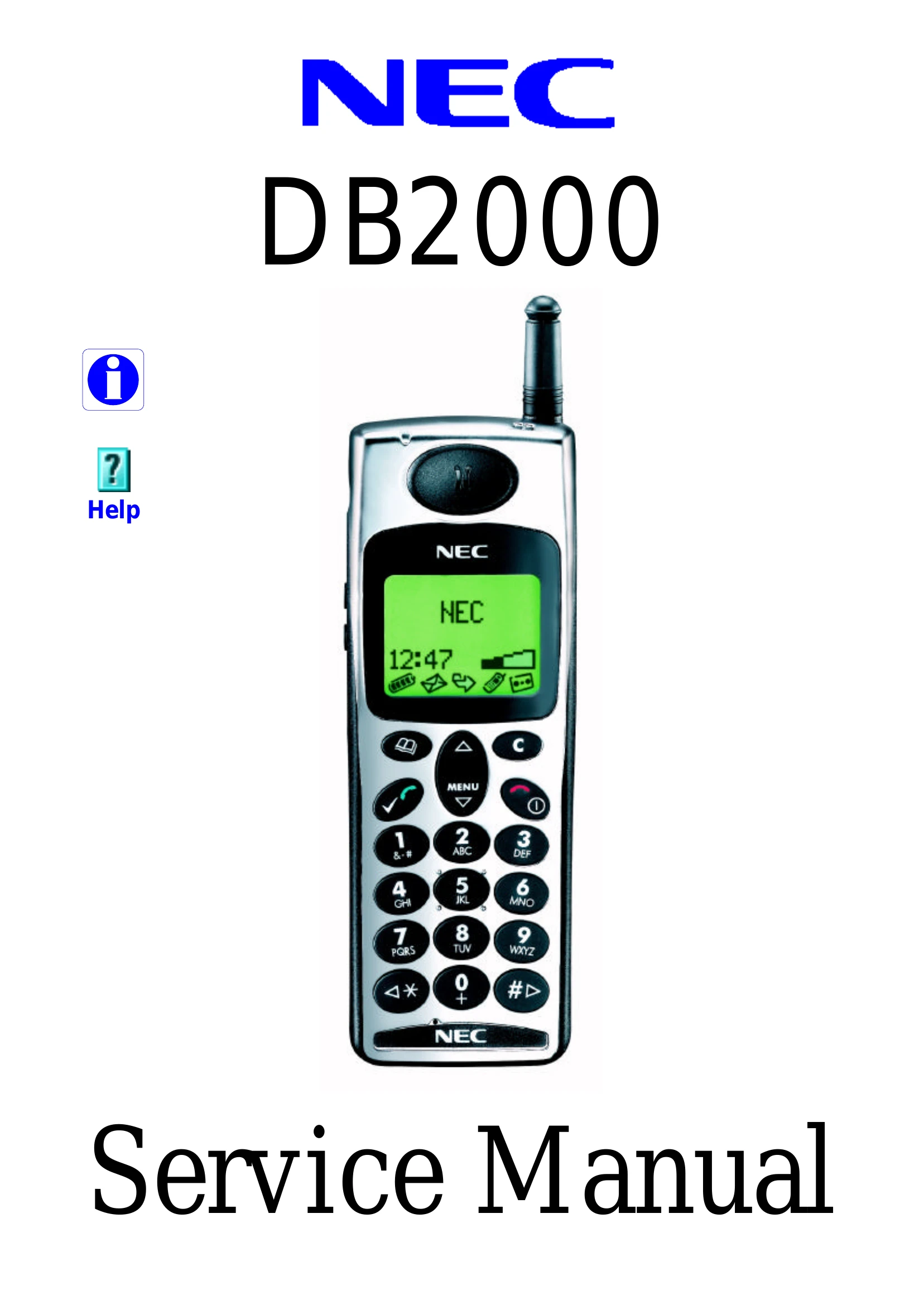
Brand: NEC
Category: Mobile Phone
Document Type: Parts/Service
Language: EN
Uploaded: Nov. 21, 2025, 6:19 p.m.
Manual Publish Date: 1999-01-27
| Problem | Possible Cause | Solution |
| No power | Battery not charged. | Charge battery. |
| Battery connection loose. | Check battery connection. | |
| No display | LCD contrast setting incorrect. | Adjust LCD contrast. |
| LCD backlight failure. | Replace LCD. | |
| No sound | Speaker faulty. | Replace speaker. |
| Audio circuitry fault. | Refer to circuit description. | |
| Cannot make calls | SIM card not inserted or faulty. | Reinsert or replace SIM card. |
| Network issue. | Check network coverage. | |
| Cannot receive calls | Call barring active. | Disable call barring. |
| Network issue. | Check network coverage. |