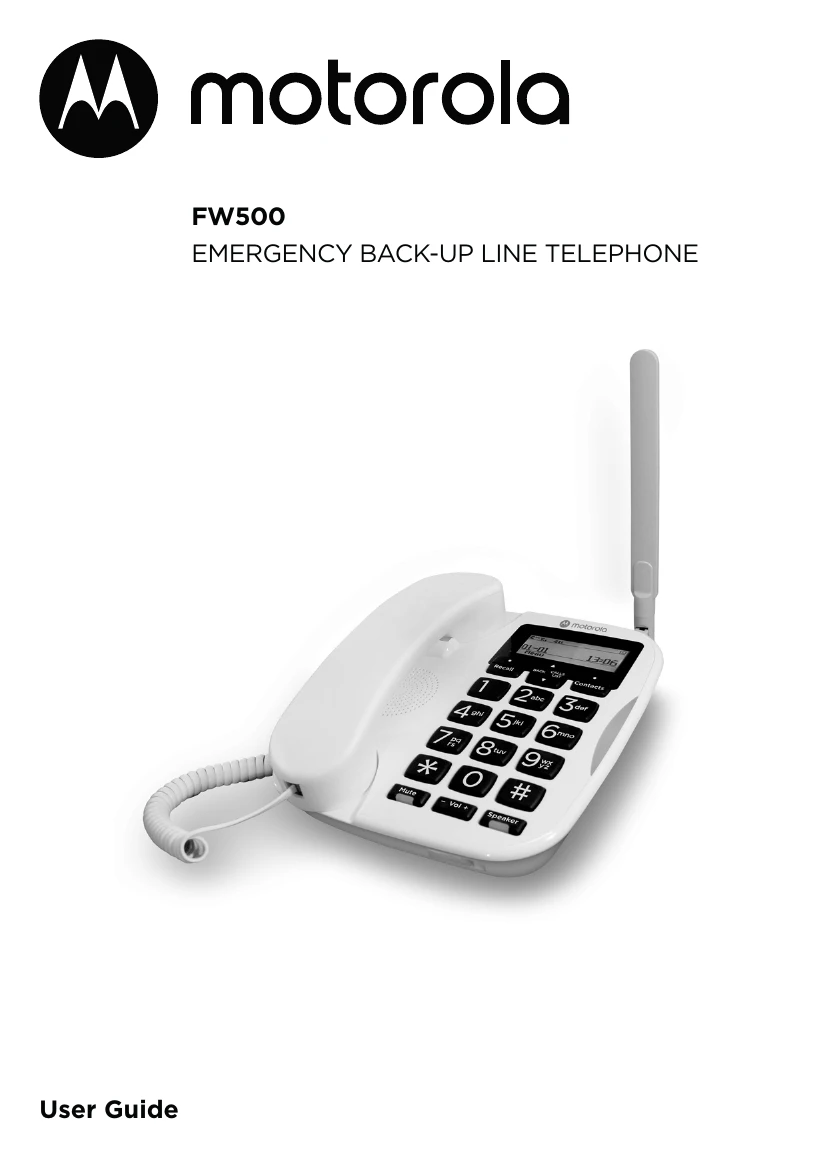
Checking for the dial tone
Lift the handset and check if there is a dial tone. The phone will switch to battery power automatically during an outage.
Date and Time Setup
If you have Caller ID, date and time are set automatically with the first call. Otherwise, manually set it: Press left key, select Clock/Alarm, scroll to Set time & date, enter time (HH:MM) and date (DD-MM-YYYY), and confirm.
Key Phone Operations
Make calls by lifting the handset and dialing or using speed dial. Receive calls by lifting the handset. Adjust volume during calls. Use Mute to temporarily silence your microphone. Utilize speakerphone for hands-free conversations. Manage contacts, set alarms, and configure settings like ring tones and keypad tones. View call history and manage speed dial entries.