Brand: Motorola
Category: Smartphone
Document Type: Manual
Language: EN
Brand: Motorola
Category: Smartphone
Document Type: Manual
Language: EN
Uploaded: Nov. 21, 2025, 8:07 p.m.
The warranty period is 24 months.
Phone feels warm: Normal for 4K video and high-resolution photos due to processing power. Camera stops if temperatures become unsafe.
Screen turns off during recording: Screen dims for battery saving, recording continues. Touch screen to brighten.
3D Audio issues: Use headphones. Pan video on playback to hear directional sound.
Blurred areas/halo: Clean lenses with a soft cloth.
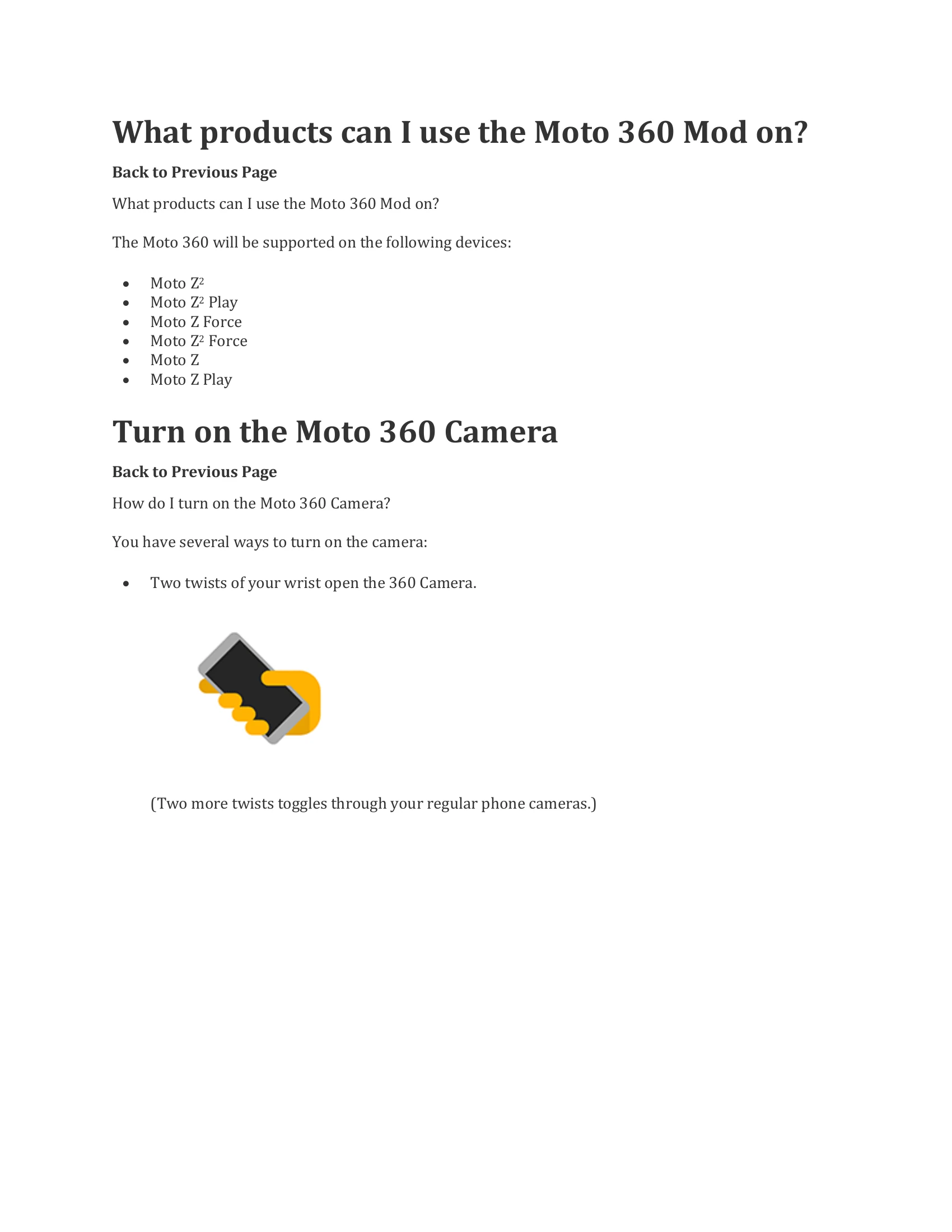
Two twists of your wrist or press and hold the button on the back.
Tap the capture button on screen or press the button on the back.
Swipe left after taking a photo/video. Options include View/Play, Share/Delete, Zoom, and Edit (Crop, Filters, Adjust for photos; Trim, Compile, Director's Cut, Capture for videos).
Use Google Photos to create links or share directly to Facebook and YouTube.
Align lens and sides, then snap together. Remove by lifting from the bottom. Ensure connectors are clean and dry.
| Issue | Solution |
|---|---|
| My phone feels warm when taking 360 photos or videos, is this normal? | Yes, 4K 360 videos and high resolution 360 photos use considerable processing power and the heat is normal. Camera will automatically stop if the phone reaches unsafe temperatures. |
| Why does the screen appear to turn off after one minute of video recording? | Moto Camera dims the screen after one minute of video recording be design. The screen is not off and video is still recording, you can brighten the screen again by touching anywhere in the middle of the screen. |
| How can I hear the 3D audio, or I can't hear the 3D audio? | Please use headphones connected to your phone, or to a PC where you've uploaded the video to YouTube or Facebook and pan the video around to hear sound recorded from different directions. |
| Do I need to keep the lens cover on the Moto 360 Camera when I'm not using it? | Yes, it is very important to use the lens cover protect your lenses from getting scratched |
| Why do I see blurred areas or a halo on my images and videos? | Please clean the lenses with a soft, clean cloth before use to ensure there are no smudges on the lenses |