Brand: Motorola
Category: Networking
Document Type: Quick Start Guide
Language: EN
Brand: Motorola
Category: Networking
Document Type: Quick Start Guide
Language: EN
Uploaded: Nov. 21, 2025, 8:41 p.m.
The product is covered by a limited warranty for two years for consumer products and ninety days for accessories.
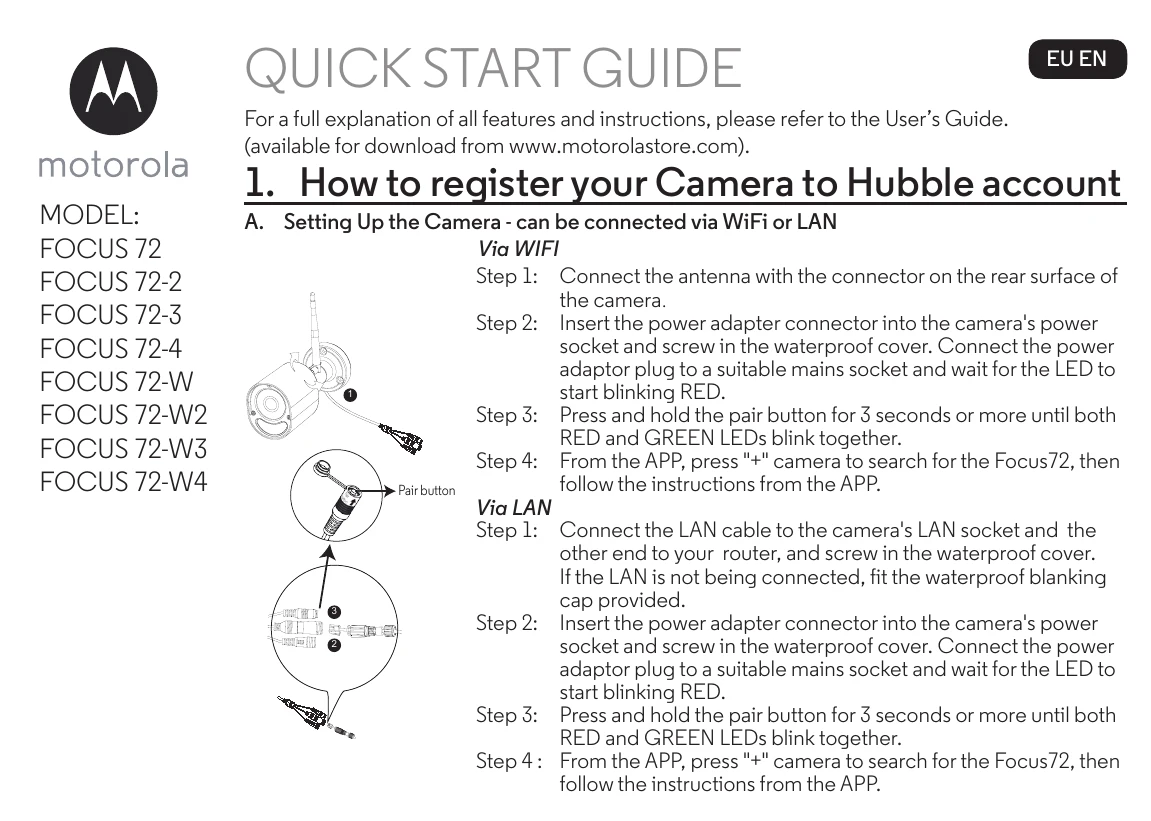
Setting Up the Camera (WiFi/LAN):
Assembling Waterproof Plug for LAN:
Mounting Camera:
| Status | LED Behaviour |
|---|---|
| 1. Power Up Initialising | GREEN and RED LED ON for around 5 sec Then GREEN LED ON for 10 sec |
| 2. Connecting to Wi-Fi router | RED LED Blink every 2 sec |
| 3. In pair mode after press & hold the Pair Button for 3sec | Both RED and GREEN LEDs blink together |
| 4. During Video Streaming | The LED blinks GREEN every second |
| 5. Connected to Server but without video streaming | The LED is on GREEN continuously |
| 6. Connected to router previously but ping to Server failed | The LED blinks RED every second |