Brand: Motorola
Category: Navigation Device
Document Type: Manual
Language: EN
Brand: Motorola
Category: Navigation Device
Document Type: Manual
Language: EN
Uploaded: Nov. 21, 2025, 6:14 p.m.
This is a 1-year limited warranty for accessories against defects in materials and workmanship.
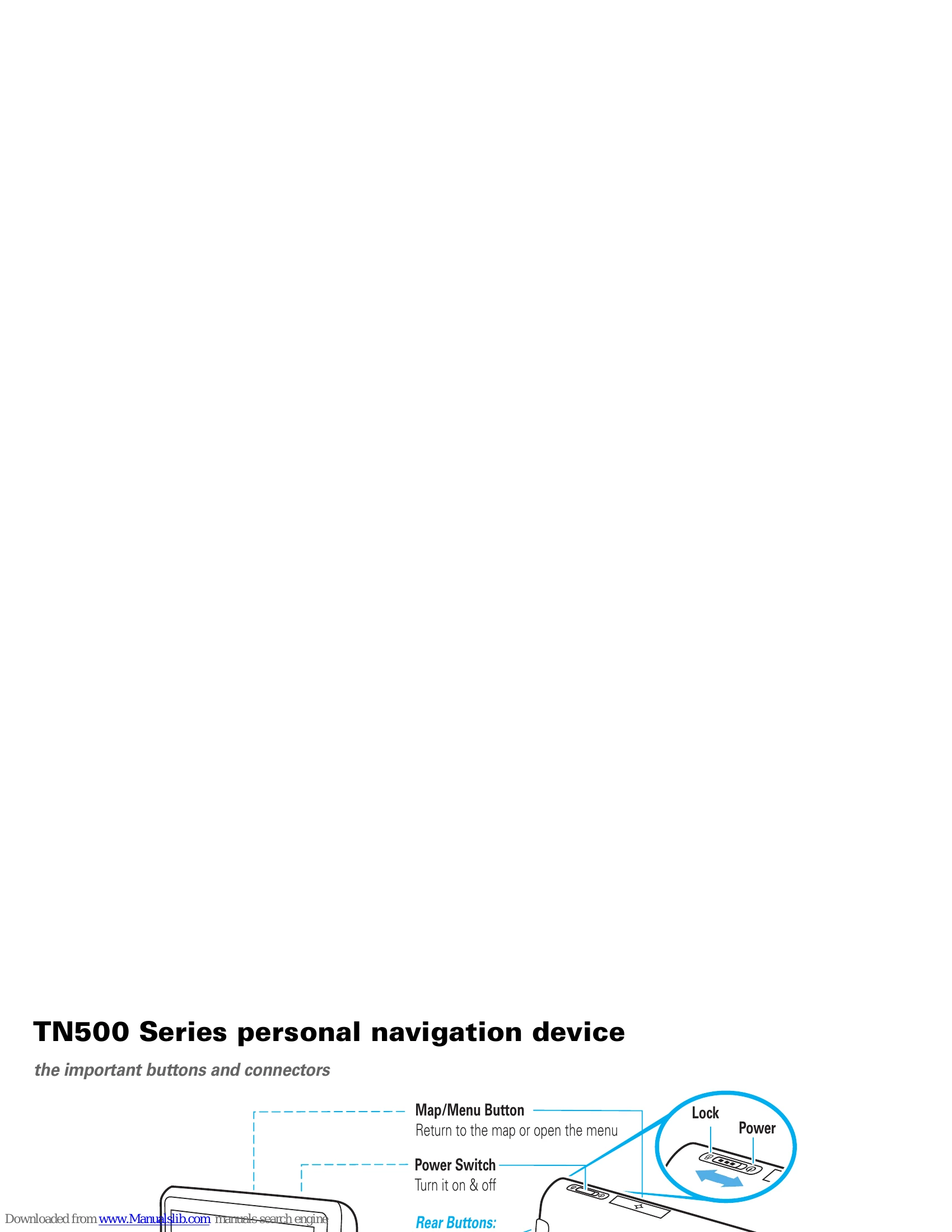
The MOTONAV™ TN500 or TN700 Series Personal Navigator helps you find the best route with GPS accuracy, providing clear directions, 3D landmarks, and spoken street names. It also allows for hands-free calls and text messaging via a Bluetooth-enabled phone.
Key operations include mounting the device in your vehicle or carrying it, charging it by plugging it in, and setting it up by following on-screen prompts for time, date, and language. You can customize buttons, adjust audio settings for voice prompts and volume, and change display settings like brightness and night mode. The device supports zooming in and out, using a full-screen keyboard, and exploring the map with MultiView features. Voice commands are available for hands-free operation.
| Issue | Solution |
| Support | 47 |
| Bluetooth® support | 47 |
| Memory cards | 47 |
| Check for new maps | 47 |
| New views, panels, & maps | 47 |
| Reset your MOTONAV | 47 |
| Keep the charging port clean | 47 |