Brand:
LG
Category: Notebook
Document Type: Manual
Language: EN
Brand:
LG
Category: Notebook
Document Type: Manual
Language: EN
Uploaded: Nov. 21, 2025, 9:19 p.m.
Manual Publish Date: 2019
The warranty does not cover any damage resulting from reckless use or use in undesirable environments.
LG Electronics Inc. provides LG Easy Guide (User's Guide) and LG TroubleShooting (TroubleShooting Guide) to users for their easy and convenient use of the product.
TIP: LG Easy Guide and LG TroubleShooting are provided with the UWP app and they can be downloaded again on the Microsoft Store if they are deleted. If you want to download the files again, connect to the Microsoft Store, search for the files and install them.
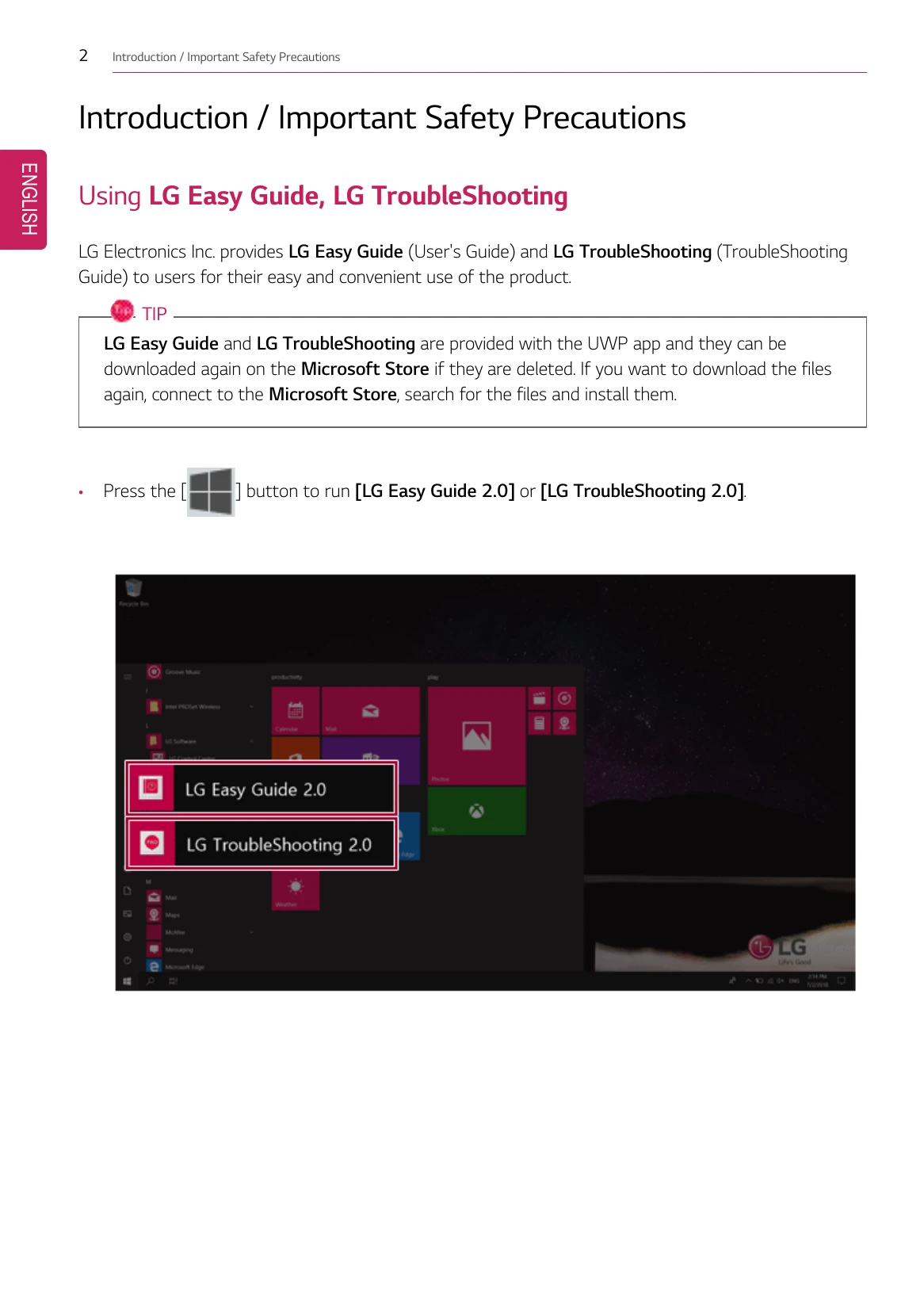
Press the [Start button] to run [LG Easy Guide 2.0] or [LG TroubleShooting 2.0].
Before reading LG Easy Guide, first check the following information:
The below symbols are to inform you of dangers and safety concerns that you must be aware of. Read the symbol-indicated instructions with caution to avoid any possible mishap.
WARNING: Appears in the case of noncompliance with the instruction that may cause serious physical damage or fatal injuries.
CAUTION: Appears in the case of noncompliance with the instruction that may cause minor damage to the body or the machine.
The symbols below are used to display information required to use the product. Familiarize yourself with the instructions marked by the symbols to ensure proper operation of the product.