Brand: Lenovo
Category: Smartphone
Document Type:
Language: EN
Brand: Lenovo
Category: Smartphone
Document Type:
Language: EN
Uploaded: Aug. 10, 2025, 12:07 a.m.
This section covers the basics of using your Lenovo VIBE X3. It includes information on technical specifications, the home screen, screen buttons, and screen lock.
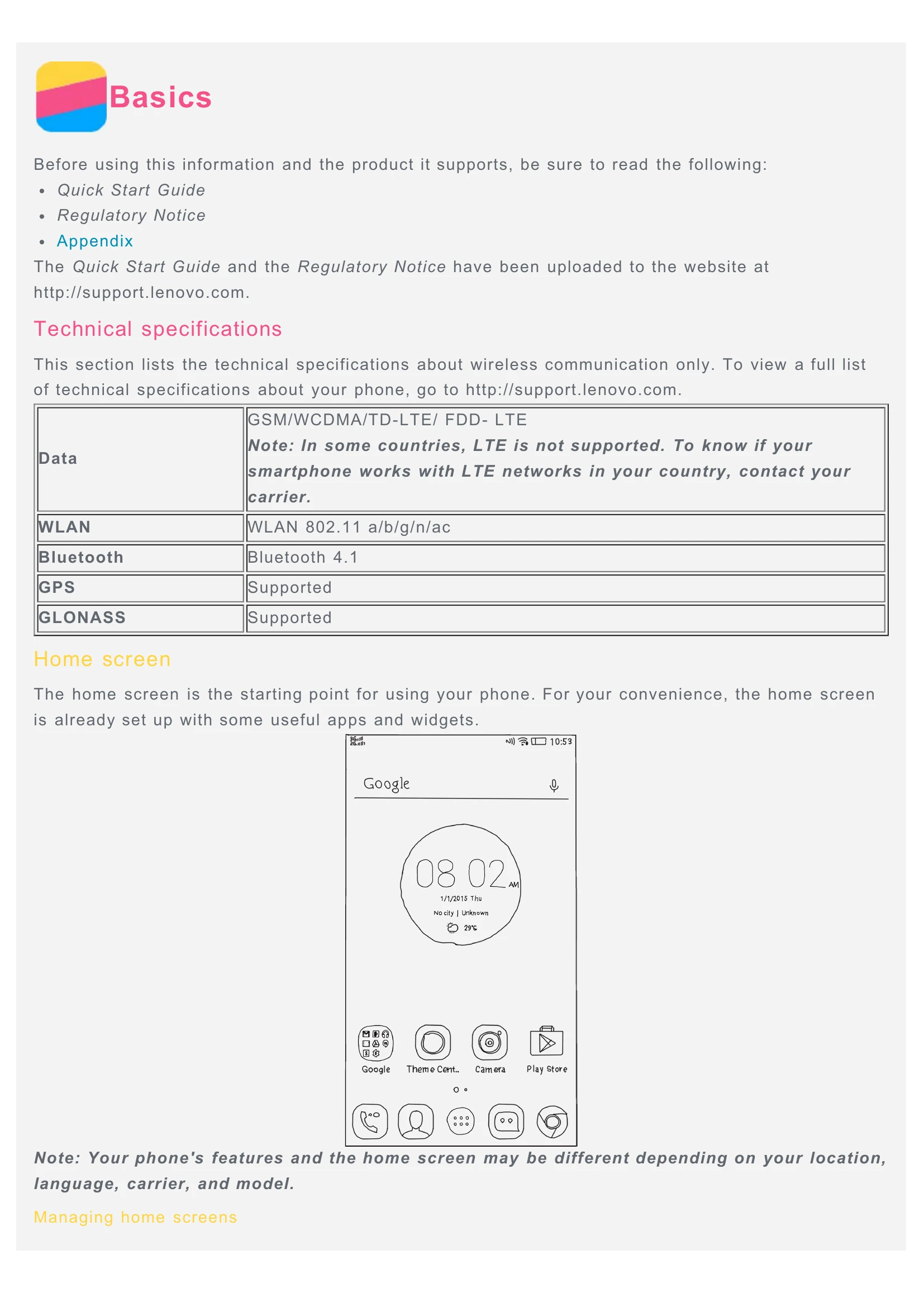
The home screen is your starting point. It's pre-configured with useful apps and widgets. You can customize it by adding, moving, or deleting screens using Screen Manager.
Your phone has three main buttons: Multitask, Home, and Back. These buttons allow you to switch between apps, return to the home screen, and go back to the previous screen or exit an app.
Secure your phone by setting a screen lock. The default method is swipe, but you can choose other options like pattern, PIN, or password in the Settings menu.