Brand: Lenovo
Category: Smartphone
Document Type:
Language: EN
Brand: Lenovo
Category: Smartphone
Document Type:
Language: EN
Uploaded: Aug. 10, 2025, 12:06 a.m.
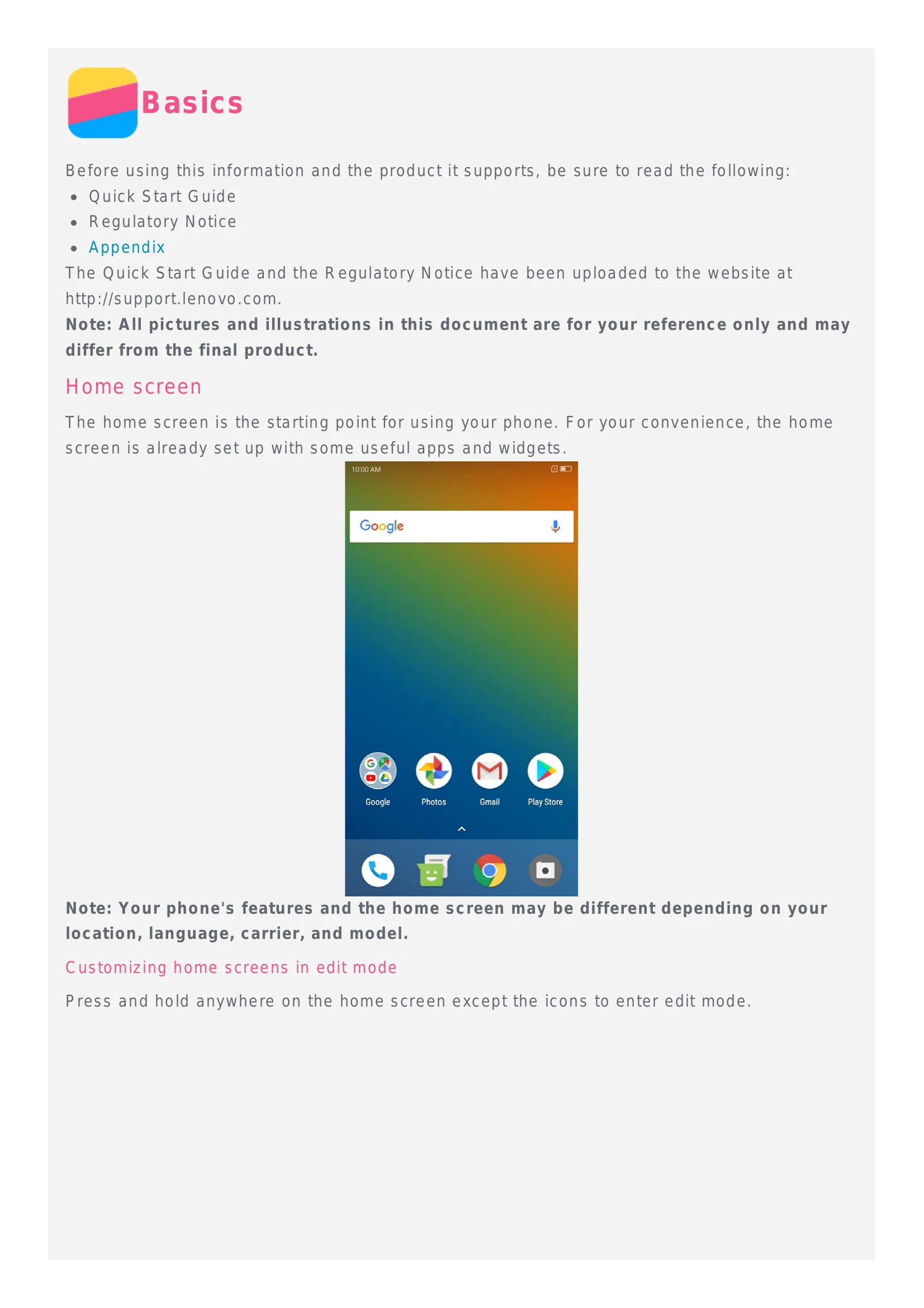
The home screen is the starting point for using your phone. It is set up with useful apps and widgets.
Customizing Home Screens: Press and hold on the home screen (except icons) to enter edit mode. From here you can move screens, add widgets, and change wallpapers.
Your phone has three buttons: Home (returns to default home screen), Back (returns to previous page or exits current app), and Recent (shows recent apps).
Press the Power button to lock the screen. Swipe up from the bottom to unlock.
Swipe down from the top to see notifications. Swipe up from the bottom to access Quick Settings.
Connect your phone to a computer via USB to transfer files, photos, or charge the device.