Manual for AK47

Manual for AK47

Brand: Lenovo

Category: Mobile Phone

Document Type: Manual

Language: EN
Uploaded: Nov. 21, 2025, 7:20 p.m.

Warranty Information

Refer to the manual for detailed warranty information, as it is not explicitly stated.

Basics

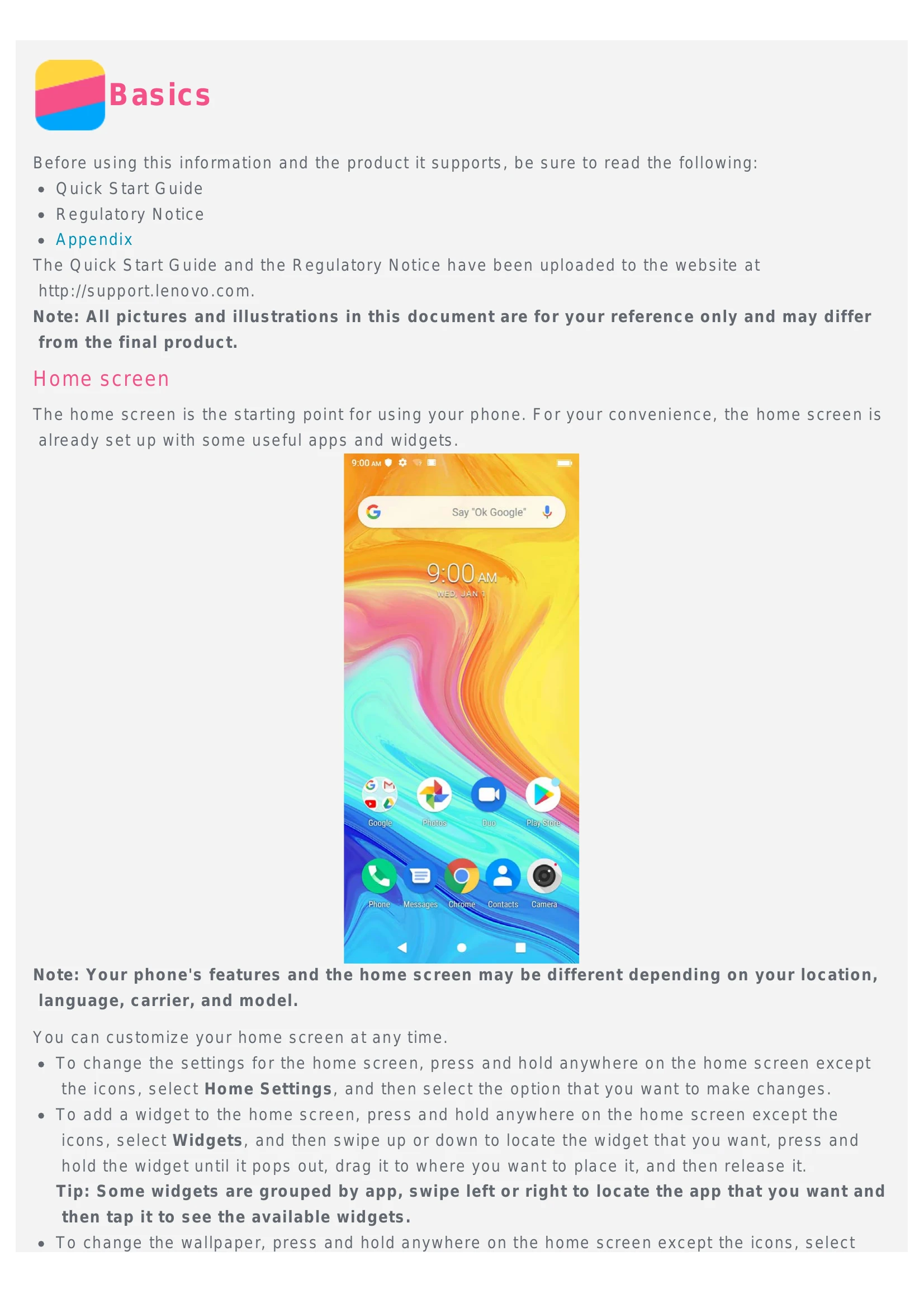
  • Home screen: Starting point for using your phone. Customize by pressing and holding the screen to access Home Settings, add widgets, or change wallpaper.
  • Screen buttons: Home, Back, and Recent buttons for navigation.
  • Screen lock: Use the Power button to lock, swipe up to unlock.
  • Notifications and Quick Settings: Swipe down from the top to access notifications and quick settings.

Calls

  • Making a call: Dial manually using the Phone app or call from the call log or contacts.
  • Receiving calls: Swipe up to answer, swipe down to reject.
  • Options during a call: Recording, keypad, mute, speaker, add call, video call, hold, and end call functions.

Contacts

  • Creating/Searching/Editing/Sharing/Deleting contacts: Manage your contacts through the Contacts app.
  • Importing/Exporting contacts: Import or export contacts using .vcf files.

Messages

  • Sending a message: Use the Messages app to send text and multimedia messages.
  • Searching for a message: Use the search function within the Messages app.
  • Deleting messages: Delete individual messages or entire threads.

Camera

  • Camera basics: Take photos, record videos, switch modes, use HDR, beauty mode, and front/rear cameras.
  • Taking a screenshot: Press Power and Volume Down buttons simultaneously.

Photos

  • Viewing photos and videos: Navigate through your media in the Photos app.
  • Sharing photos and videos: Share via Messages, Bluetooth, or other channels.
  • Deleting photos and videos: Delete individual items or multiple items by moving them to trash.

Network

  • Wi-Fi connection: Turn Wi-Fi on/off, connect to networks, and manually add hotspots.
  • Mobile Network: Turn mobile data on/off, select SIM card for data.
  • Setting up a hotspot: Share your internet connection.

Chrome

  • Visiting websites: Browse the internet using the Chrome app.
  • Adding a bookmark: Save frequently visited websites.
  • Clearing browser history: Manage your browsing data.

Fingerprints

  • Adding/Deleting a fingerprint: Set up fingerprint unlock for your phone.

Settings

  • Setting the date and time: Configure date, time, and time zone.
  • Setting the language: Change the display language.
  • Setting the input method: Choose your keyboard.
  • Setting a screen lock: Set up a pattern, PIN, or password.
  • Enabling app installation: Allow installation from unknown sources.
  • Setting the ringtone: Customize call and notification sounds.
  • Performing a factory reset: Reset your phone to its original settings.

Appendix

  • Important safety info: Handling, preventing water damage, repairing, charging guidelines, distraction, choking hazard, explosive atmospheres, radio frequency interference, medical devices.
  • Important handling info: Cleaning and operating temperature guidelines.
  • Protecting your data and software: Data security and software protection advice.
Privacy Policy