Brand: Lenovo
Category: Mobile Phone
Document Type:
Language: EN
Brand: Lenovo
Category: Mobile Phone
Document Type:
Language: EN
Uploaded: Aug. 10, 2025, 12:05 a.m.
None
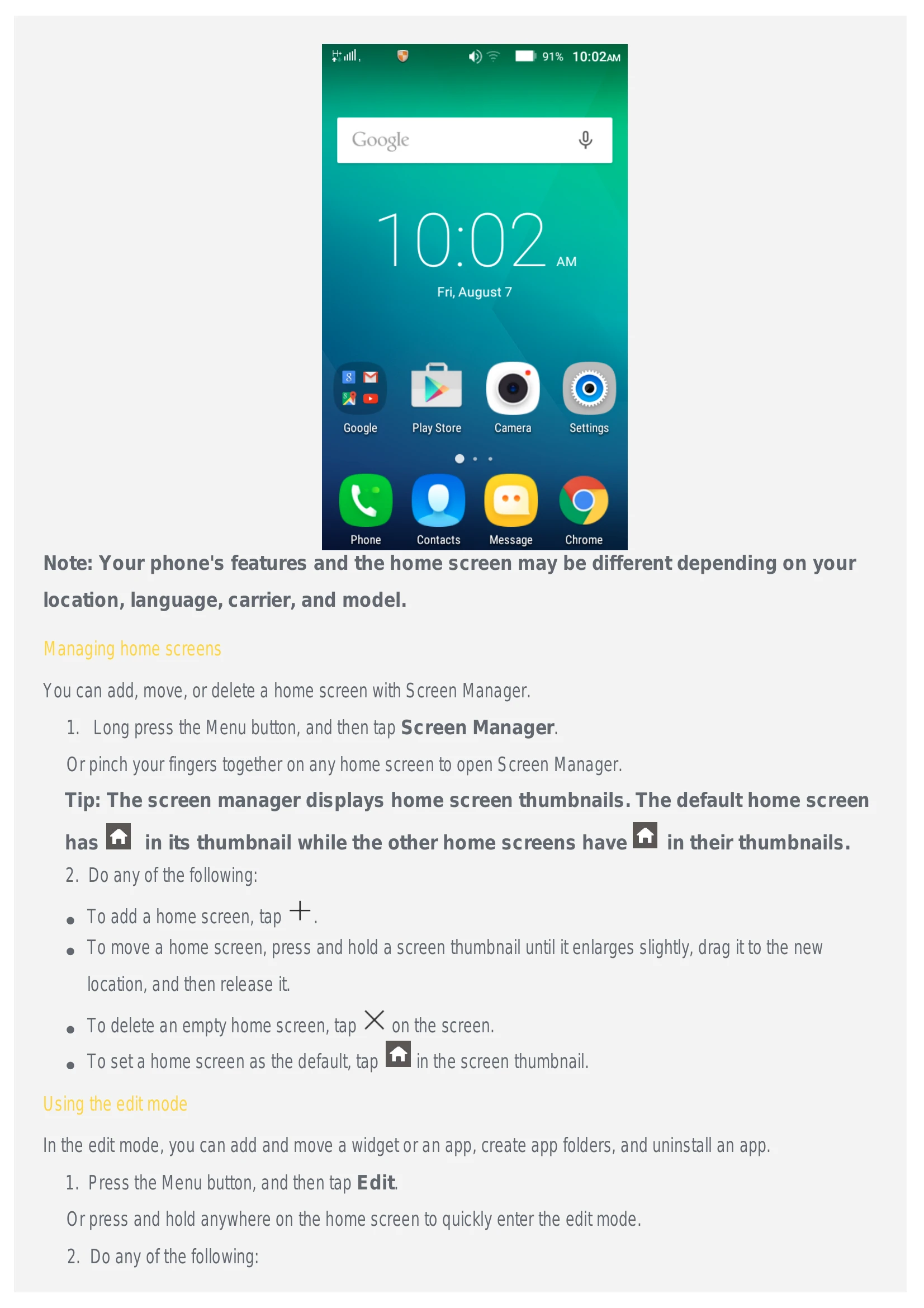
Home screen The home screen is the starting point for using your phone. For your convenience, the home screen is already set up with some useful apps and widgets.
Managing home screens You can add, move, or delete a home screen with Screen Manager. Long press the Menu button, and then tap Screen Manager. Or pinch your fingers together on any home screen to open Screen Manager.
Using the edit mode In the edit mode, you can add and move a widget or an app, create app folders, and uninstall an app. Press the Menu button, and then tap Edit.