Manual for KX2

Manual for KX2

Brand: KYOCERA

Category: Cell Phone

Document Type:

Language: EN
Uploaded: Aug. 10, 2025, 12:08 a.m.

Warranty Information

The manual is based on the production version of the Kyocera KX2 phone. Kyocera reserves the right to make changes.

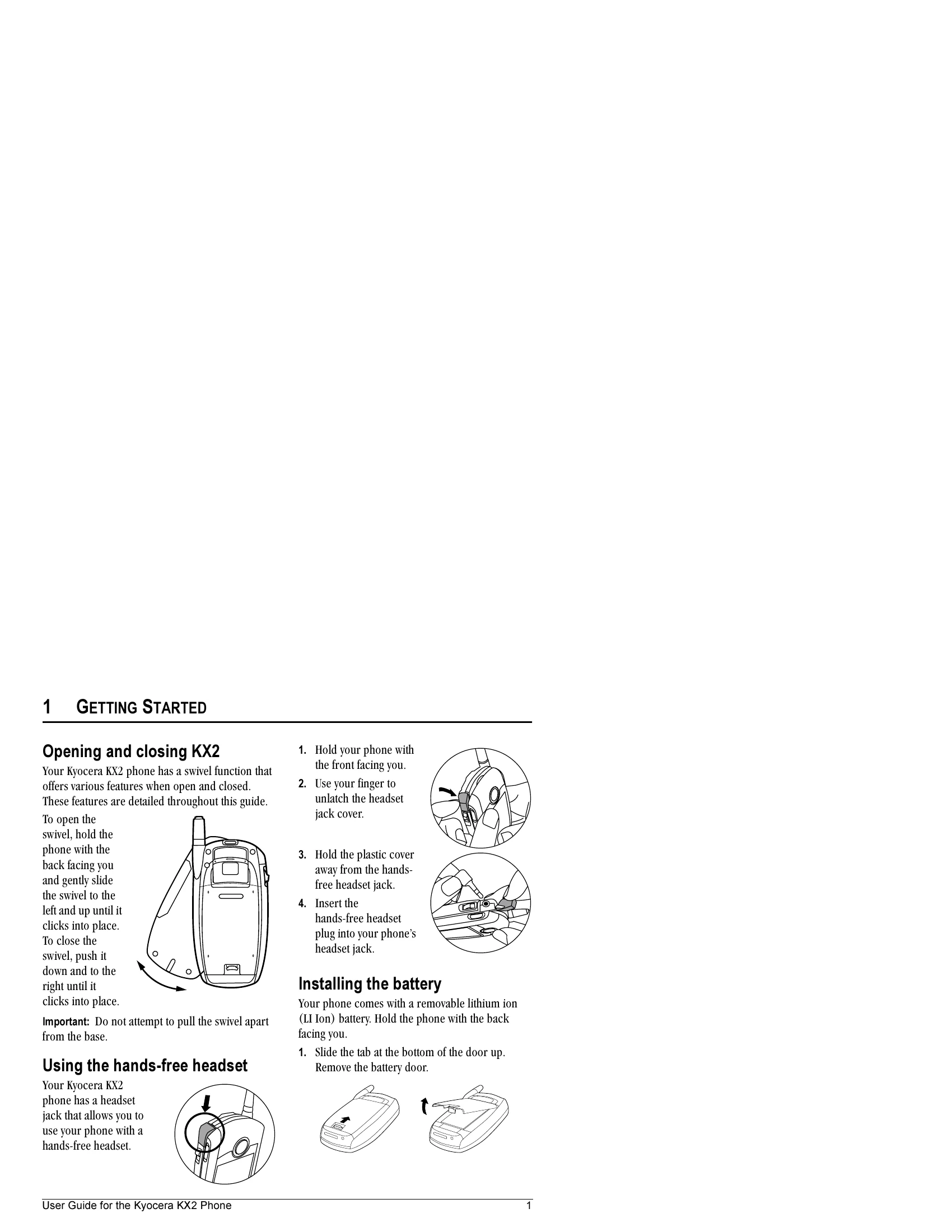
Opening and Closing the Phone: The phone has a swivel function. To open, hold with the back facing you and slide the swivel to the left and up until it clicks. To close, push the swivel down and to the right until it clicks. Using the Hands-Free Headset: Locate the headset jack, unlatch the cover, and insert the headset plug. Installing the Battery: Slide the tab at the bottom of the door up, remove the battery door. Place the battery with metal contacts facing the right side. Replace the door and secure it. Charging the Battery: Connect the AC adapter to the phone's bottom jack and plug into a wall outlet. The battery icon indicates charge level. Recharging: The battery can be recharged at any time. Caring for the Battery: Do not puncture or short-circuit the battery. Recharge after a month of non-use. Avoid extreme temperatures, direct sunlight, and high humidity. Never dispose of in fire. Common Causes of Battery Drain: Playing games, using the Web, keeping backlighting on, operating in analog mode, being far from a base station, using data cables, no service, high volume, and repeating alerts.

Troubleshooting and error codes

To... From the home screen...
Make a call Press and hold to initiate voice dialing. Contact must have voice tag assigned (see page 55).
End a call Press in.
Adjust volume during call Press up or down.
Acknowledge an alert Press in when you see OK.
Access menus Press in once.
Scroll menus Press up and down.
Select menus Highlight a menu or option and press in once.
Access Recent Calls List Press and hold down.
Set Silent Mode Press in twice.
Set Keyguard Press and hold up. To unlock, press and hold up again.
Take a picture Open the camera lens cover. Press and camera key .
Record a video Open camera lens cover. Press in. Scroll down using and select Video Mode. Press once. Recording continues until you press again.
Privacy Policy